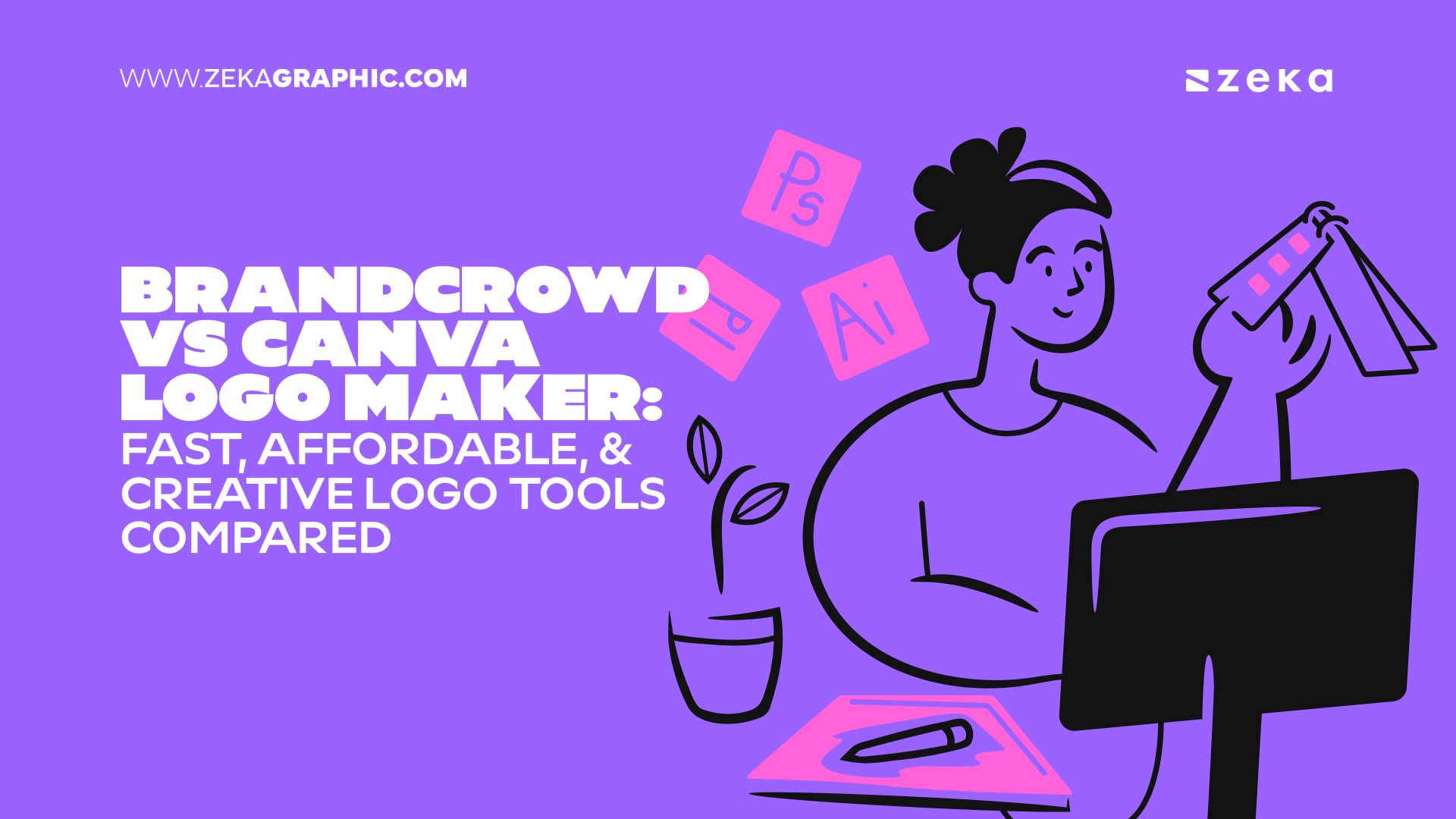
If you’ve ever launched a business and suddenly thought, “Great… now I need a logo. Immediately.” you already know the scramble. One minute you’re excited about your new idea, and the next you’re frantically typing things like “fast logo maker,” “affordable logo generator,” or “logo tool that won’t make my brand look like a toddler designed it.”
And almost every road leads to the same two platforms: BrandCrowd and Canva Logo Maker.
Both platforms are strong options, but they approach logo creation in very different ways. One offers a focused, streamlined experience, while the other provides extensive creative flexibility. The right choice depends on your preferred level of guidance and customization.
Let’s break down the key differences.
Advertisment
The moment you land on each platform, you’ll notice differences in layout, tools, and the overall approach to design. This brief overview highlights how BrandCrowd and Canva introduce themselves to new users before we look at each one separately.
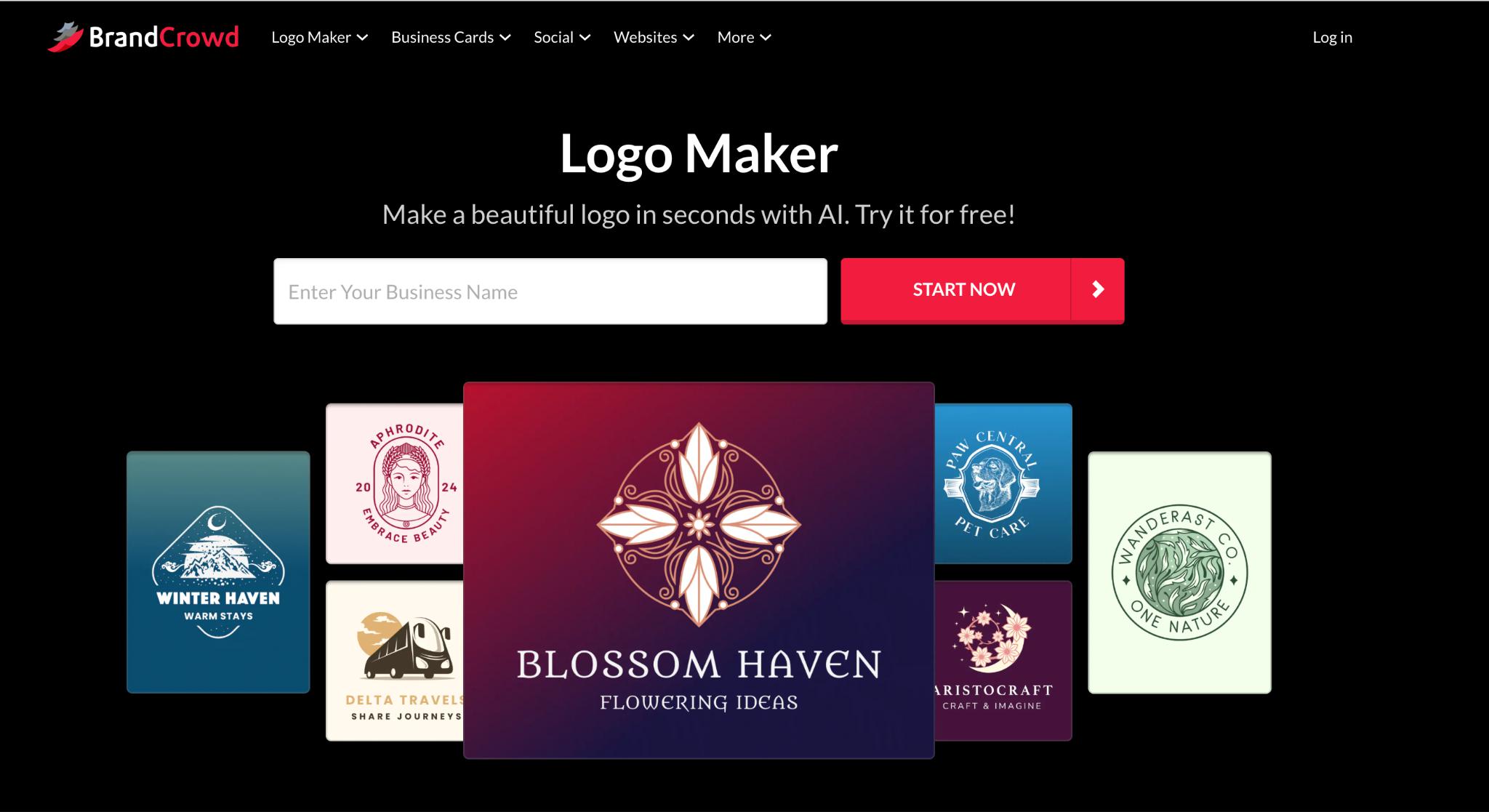
BrandCrowd feels like walking into a boutique full of ready-made outfits that already match your style. You enter your business name, choose your niche, and instantly get a library of polished logo concepts. It’s fast. It’s intuitive. It feels built specifically for people who want a logo ASAP.
You don’t have to sort through dozens of tools or effects. BrandCrowd gives you polished, well-structured logo designs that already look business-ready.
BrandCrowd’s templates lean toward:
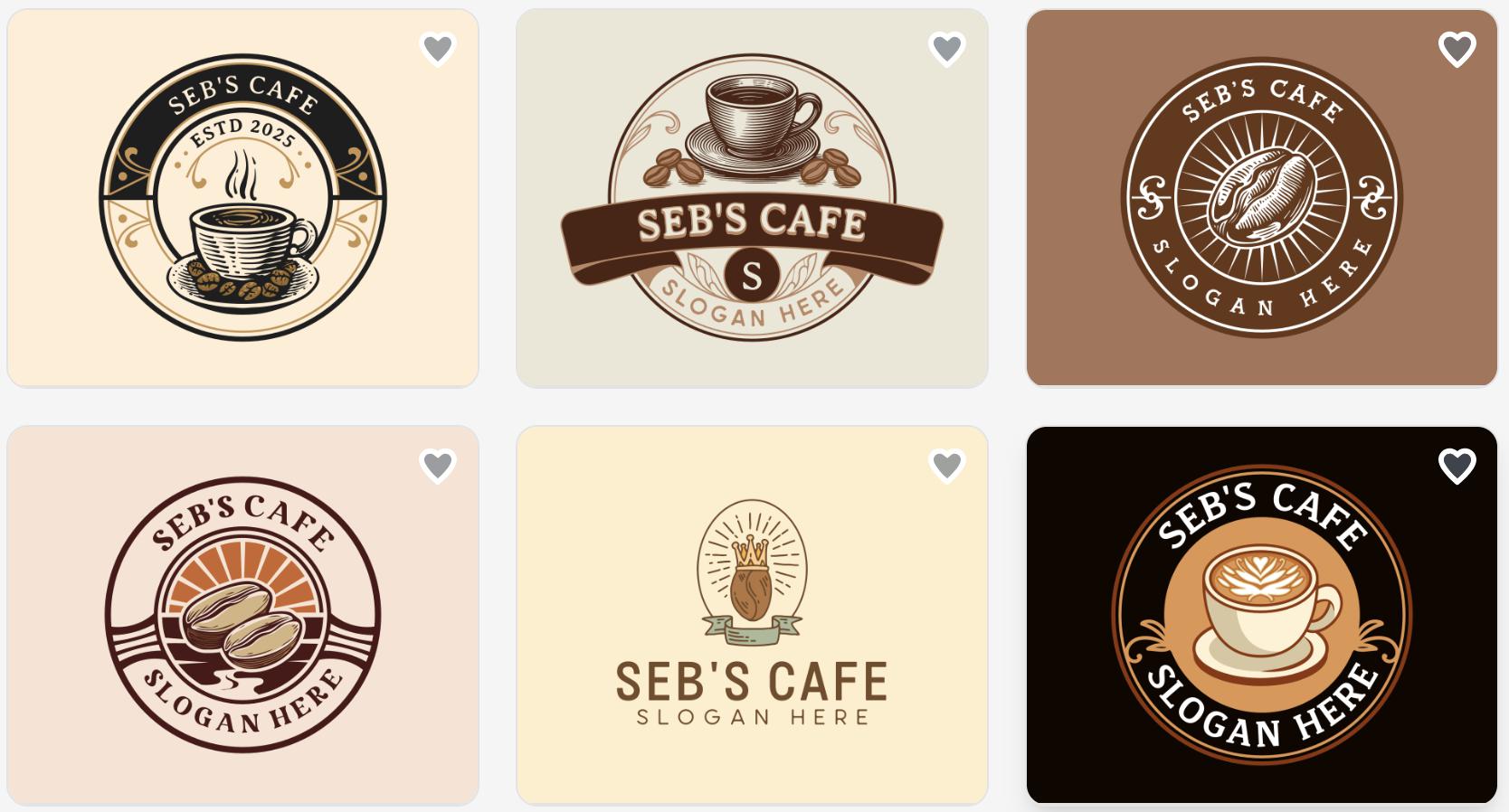
They are curated, professional, and feel like something you could confidently use for a website, storefront, or business card without much editing.
It’s ideal for people who want a done-for-you look.
Advertisment
BrandCrowd offers a guided editing experience. You can modify your colors, adjust your layout, and explore variations, but the platform ensures your design remains balanced and professional. It’s the kind of system that removes the possibility of accidental design mishaps. Everything stays clean and intentional.
BrandCrowd gives you:
Great for people who just need a logo or want matching branding templates. It turns designing into a relaxed, creative flow. You can build your brand’s look naturally, without rushing or feeling boxed in by strict templates.
BrandCrowd offers logos that feel business-ready and niche-focused, making them perfect for industries like real estate, consulting, tech, wellness, and e-commerce.
Made by BrandCrowd
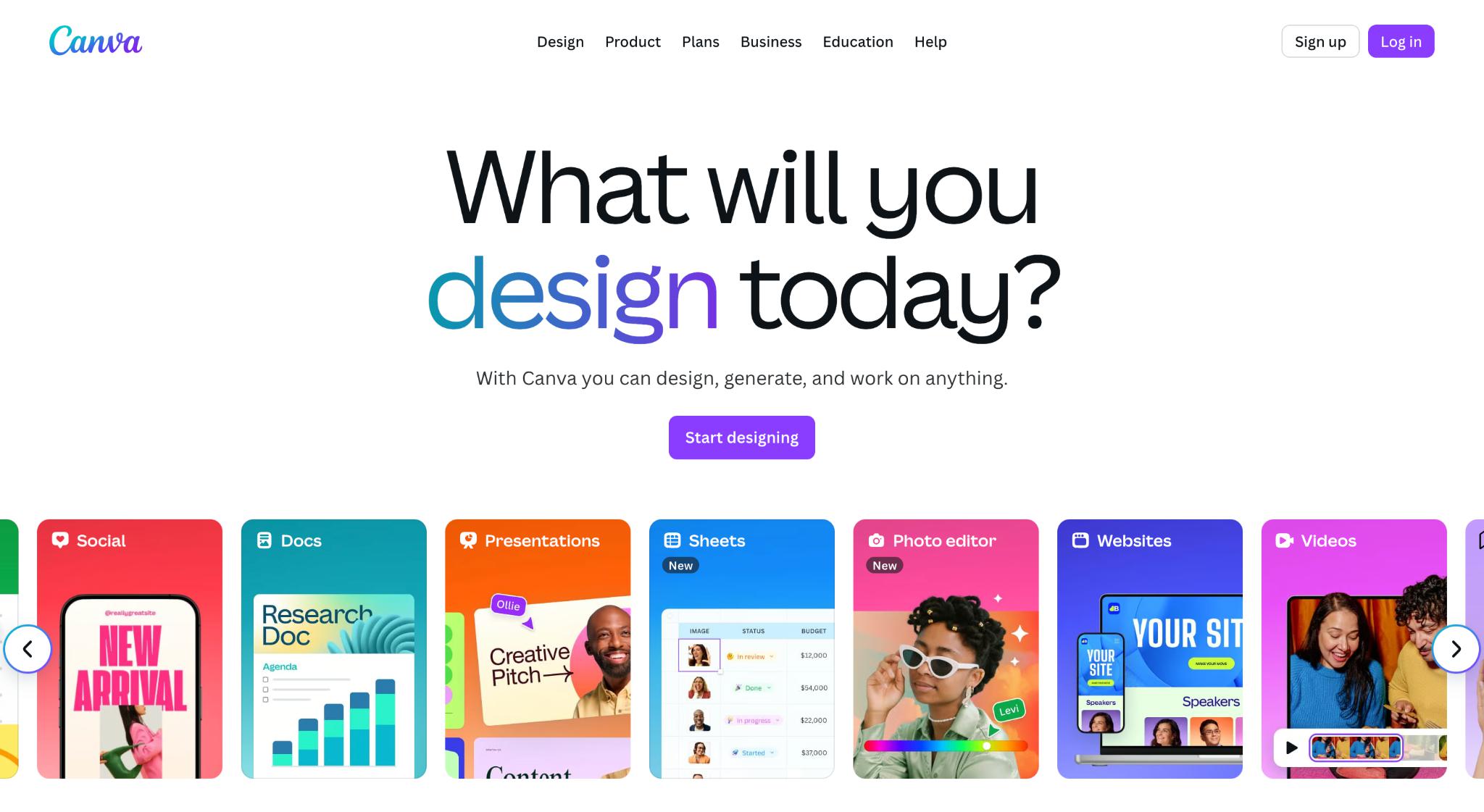
Just like BrandCrowd, Canva is a tool that allows you to make basic design changes — altering shapes, improving your layout, trying different colors, and adding some easy special effects. It is made for making small changes quickly and completing daily visual tasks with little to no professional graphic design knowledge.
Canva is most appealing for those who prefer to customize their own designs by adjusting shapes, layout, graphics, color, and any other element in creating a logo from the ground up. Canva allows for manual creation of all matching branding materials( social post images, thumbnail images, and presentation slides).
Canva will, however, not automatically apply your logo colors or your logo style to other templates that you are using.
Canva’s templates are:
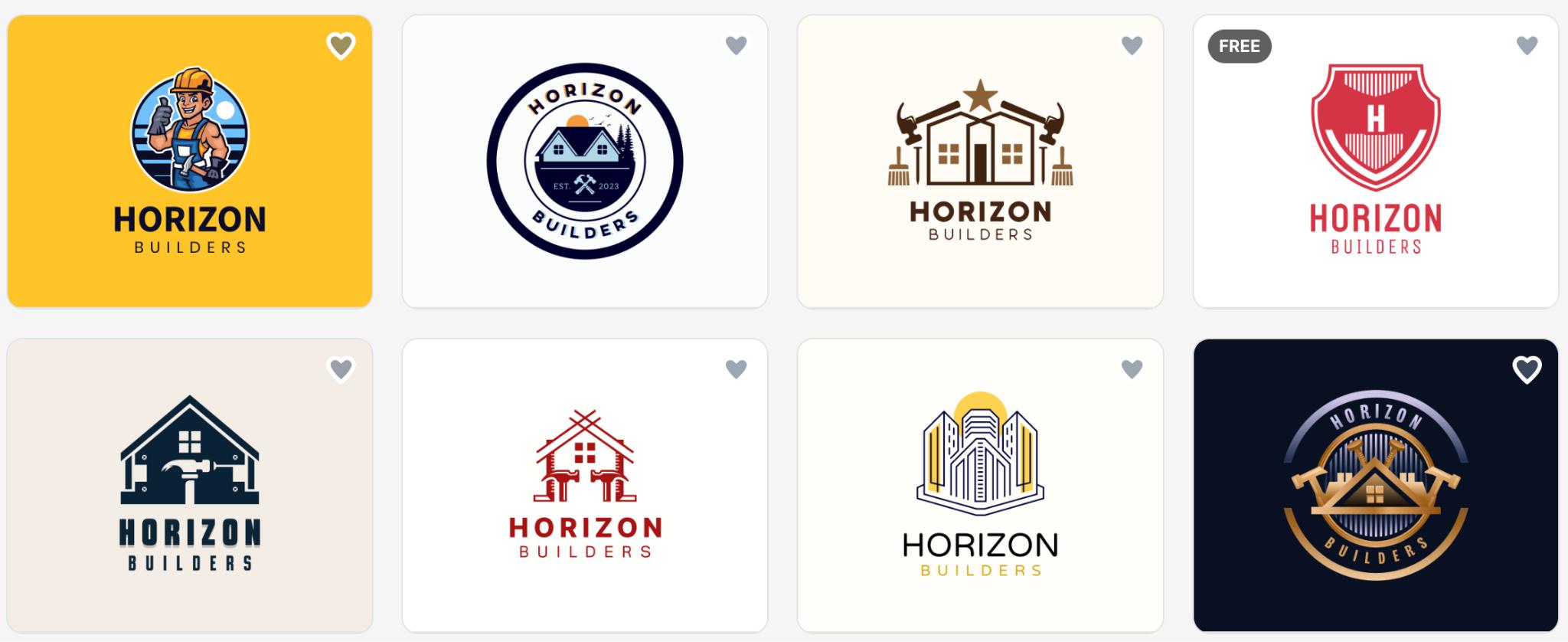
Overall, Canva offers a wide mix of styles, though the results depend on how you combine the elements.
Advertisment
Canva takes the opposite approach by giving you complete creative freedom. You can rebuild designs from scratch, alter layers, apply effects, replace icons, upload your own graphics, and experiment with layouts. You have control over every detail.
The only limit is your imagination (and maybe your free time).
With that level of control, designing becomes less about following a template and more about discovering what feels right for your brand. It gives you space to experiment until everything feels right.
Creating a logo in Canva can also be fast—but the platform’s endless creative tools mean many users end up experimenting with numerous fonts, colors, layouts, and graphic combinations. It’s fun, but it can slow down the decision-making process if you love exploring options.
If you’re using Canva for all your design content—not just logos—Pro makes sense. But for logo-only projects, you may not need the full toolkit.
Canva provides freedom to build something unique, especially if your brand has a strong personality or a creative identity.
Made by BrandCrowd
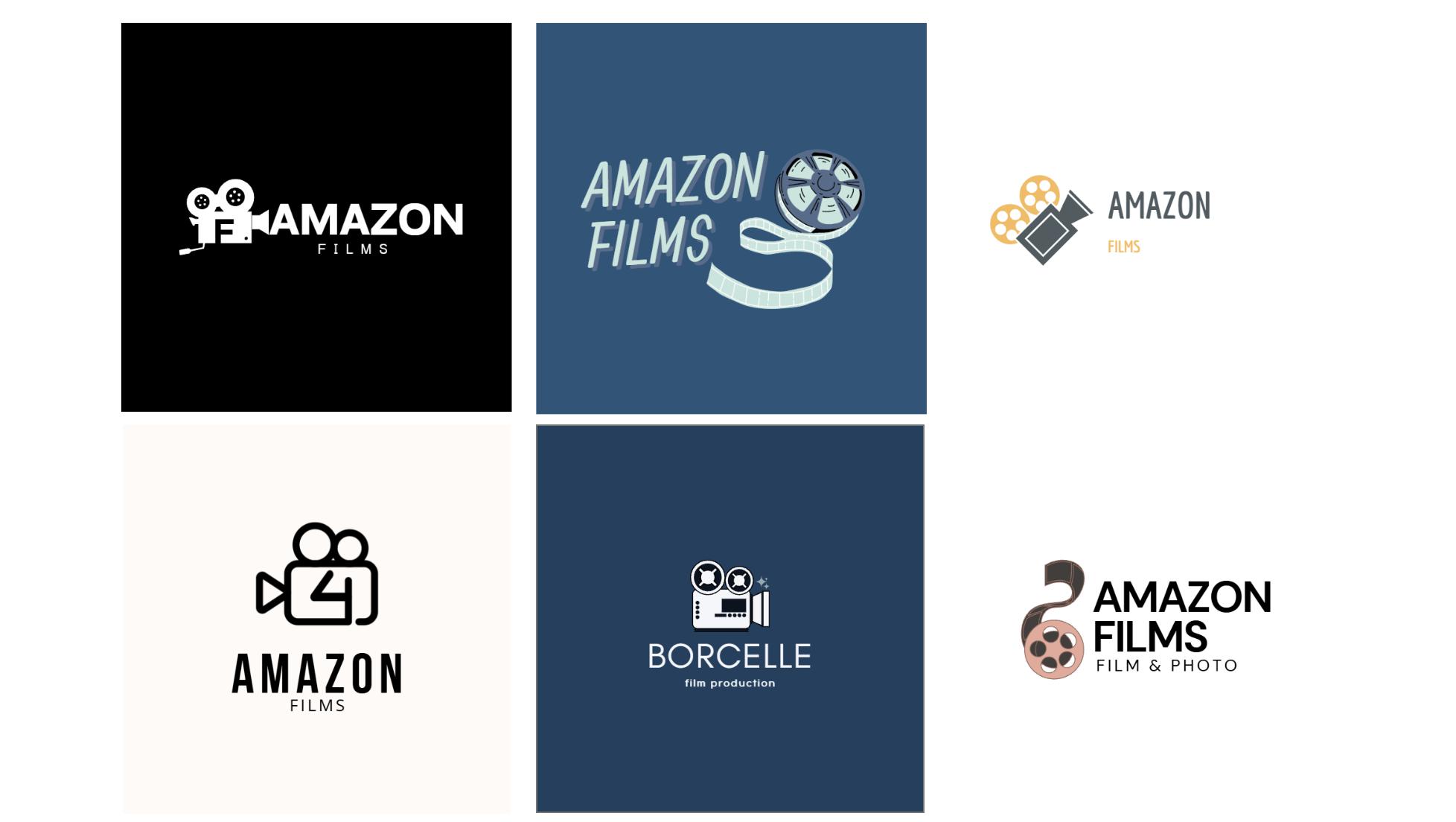
Made by Canva
Feature | BrandCrowd | Canva Logo Maker |
Overall focus | Dedicated logo maker + matching brand templates; 350K+ logo templates; over 1M total design templates. | All-purpose design platform with a built-in logo tool |
Design Style | Clean, professional, industry-focused | Creative, flexible, highly customizable |
Ease of Use | Super simple & fast | Easy but more steps + wide selection of tools |
Customization Level | Guided edits to keep logos balanced. | Full freedom to rebuild designs from scratch. |
Speed | Extremely fast to the final logo. | Quick, but offers more steps. |
File Options | Vector (SVG/EPS/PDF), Raster (PNG/JPG), Animated (GIF/MP4), icon-only, transparent background. | PNG for free, advanced exports with Pro |
Branding Extras | |Business cards, social posts, merch templates, websites, link in bio and digital business cards. | Brand Kit, content creation tools, and team collaboration |
Best For | Entrepreneurs who want clean designs quickly | Users who like having additional customization features. |
Advertisment
Here’s the simplest way to think about it:
If you want something fast, polished, and business-ready without doing much editing, BrandCrowd is a great fit. It keeps everything simple and streamlined, so choosing a logo feels quick and completely stress-free.
Both of the sites bring something great to the table; one keeps things fast and simple, the other lets your creativity run wild. Choose the style that feels right for you, enjoy the process, and have fun shaping a logo that brings your brand to life. Your next big idea deserves a look that stands out.
Advertisment
Pin it for later!
If you found this post useful you might like to read these post about Graphic Design Inspiration.
Advertisment
If you like this post share it on your social media!
Advertisment



Want to make your Business Grow with Creative design?
Advertisment

Advertisment