Motion design is usually described visually in terms of typefaces, colors, transitions, illustrations, and timing. But the audio file gets involved into the project much later even though an ill-prepared sound file may cause extra trouble while working on it. A logo animation, a social media post, the intro video for a presentation, a teaser, or just any other brand video might have only several seconds of sound but they still need to be prepared and inserted into the project without any extra effort. Preparing audio files in advance makes the whole process easier.
Convertio allows you to convert m4a to wav when your M4A audio needs to become a WAV sound file for editing or inclusion into a motion design project. This happens rather often because voice notes, the recording done by the client himself, mobile gadgets and messaging services may give you sound in a format which cannot be easily used in your editing environment. It is better to prepare the source in advance.
Advertisment
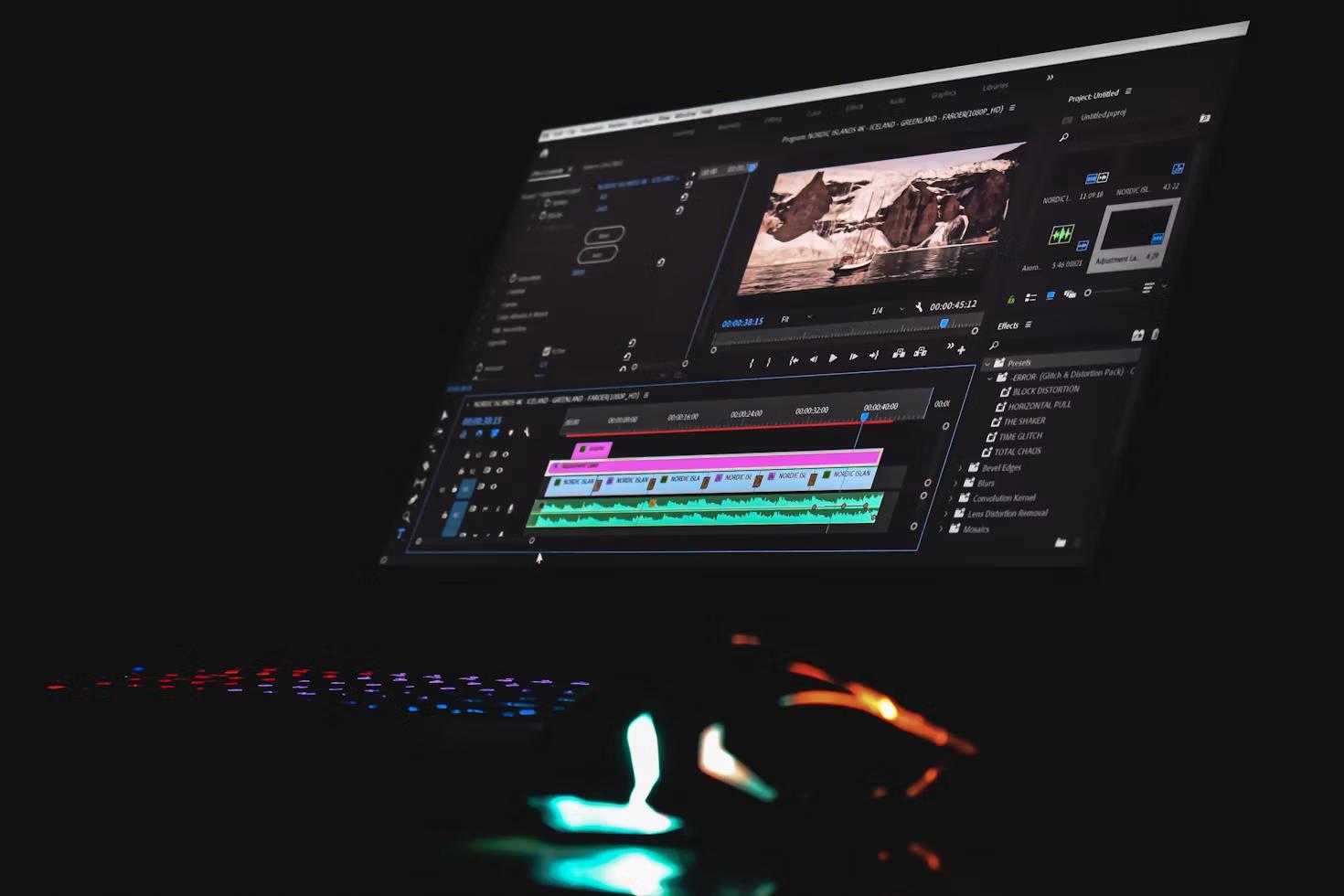
Selection of the workflow for the audio will depend on the environment in which the final product will be used. There is a difference between the use of an animated logo to introduce a video on YouTube, and a fifteen-second social media advert, or an audio-less motion graphic presented on a screen at an exhibition. It would be useful to have information about whether the audio plays a significant part or not before handling the audio file.
For example, in the case of a logo revealing animation, each small sound has a visual correlation. A click sound can occur when a symbol appears, a low hit sound can highlight the final logo, and a short texture can enhance movement in the background. In such a case, wrong timing will be easily noticed since people always associate what they see with what they hear.
Voice recordings are another source of practical problems. For instance, one can be given voice mail sent through the phone from a client who requires a short phrase to be included in an animation for Instagram. This voice message may be of good quality, but the format of the recording, volume, silent start, or even background noise will make the process complicated. By performing this preparation, one will save the motion design project from doing some simple audio edits while designing the visuals.
The following steps can be considered useful for:
These practices become important when revisions are done. An audio file that has been properly labeled and edited is much easier to open after three months.
Sounds can set up the structure even before the designer creates any keyframes. Rather than animate all elements and then lay the music on top of it, meaningful sounds can be used as a basis for the visual rhythm.
For example, let us assume there is a ten-second animation of a product. In the first second, a shape appears, in the third second, the product name becomes visible, in the sixth second, the feature description appears, and in the last second, the company logo is displayed. If there are four beats or accented moments in the soundtrack, then these moments can become the basis for the composition.
This does not suggest that every object has to be synchronized with every beat. Such an approach will eventually grow predictable. Motion graphics require some beats to emphasize their importance, while small movements take place in-between other accents in music.
Waveform comes handy at this point. Even in the absence of any audio skills, one can easily identify the moments when speaking begins, when there is a powerful beat and when a pause occurs. Adding markers at such locations converts the whole audio into a map for your animation.
Typography gains the most from this method. Instead of being created with evenly spaced mechanical intervals, a phrase can be typed word by word according to the pace of voice-over. For example, if a pause occurs before the key word is said, you can preserve it.
Advertisment
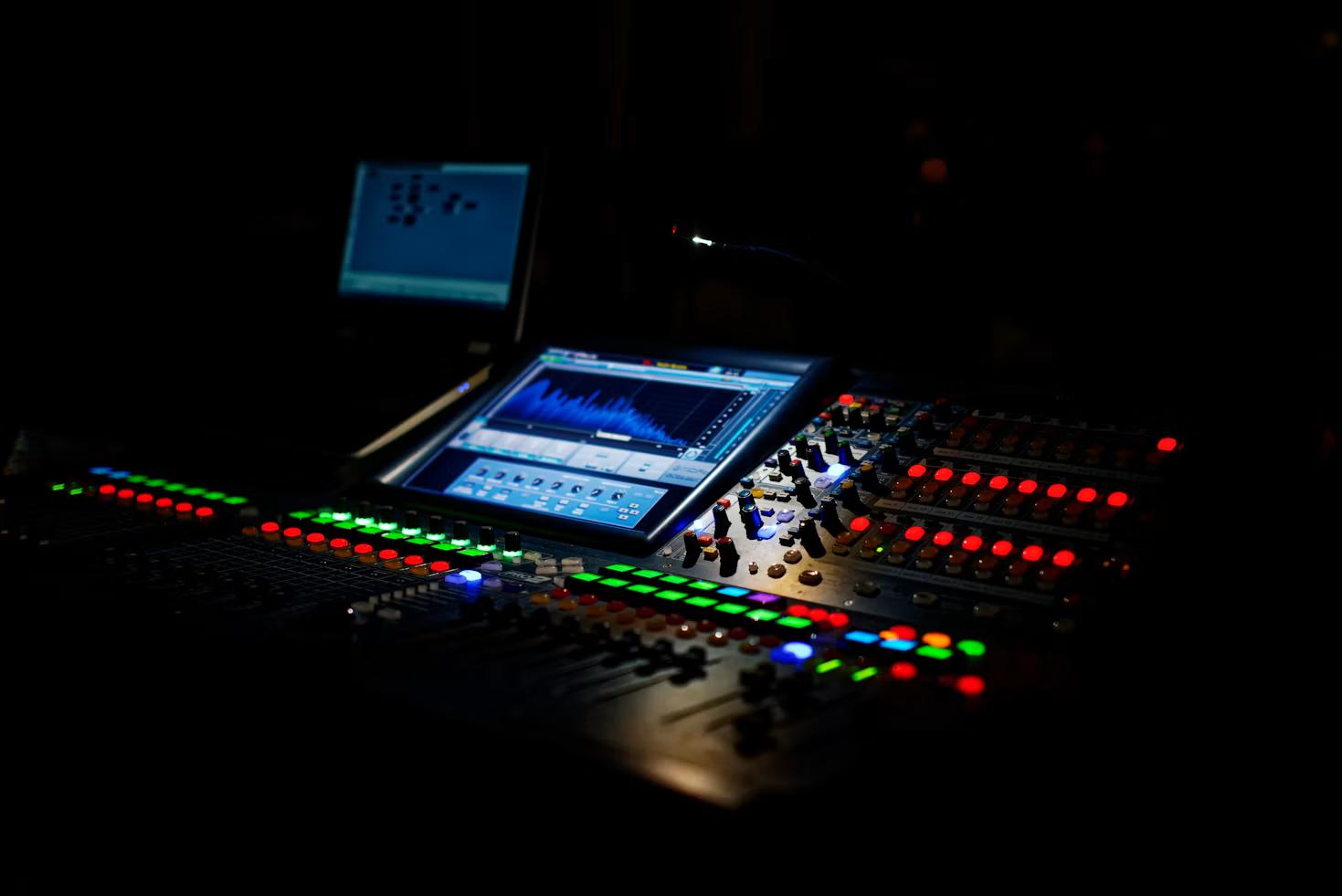
Audio files tend to get very messy very fast. Filing audio under the names like final.mp3, final2.wav, voice-new.m4a, and music-final-real.wav makes perfect sense for the first five minutes or so. However, once some revisions have been done to the project, nobody will remember which file to use for the current export.
Naming your audio in a simple manner will fix most of that issue. This small bit of organization will make it easier for everyone working on a project to avoid constant messages on which file is finalized.
The folder structure does not need to be too complicated. Here is how a motion graphics project could do just fine with the following number of directories:
It is also useful to keep audio files local to the project rather than linking from a downloads folder or desktop. The project moving to another computer should not result in a screen full of missing media icons.
It is also useful to think about file size. Very large source files can be cumbersome to share and archive, and compressing audio over and over again in order to work with it will degrade the quality of the sound. It is simple enough to maintain a good source file and create delivery files.
Advertisment
It should be possible to get meaning from a moving picture even when sound is not audible to the viewer. The contexts where this type of media may be viewed include social media timelines, public settings, places of work, and mobile media. The key message therefore needs to have a visual component even when there is a voice-over of the same.
The first example is captions, although good silent design does more than this. This should include hierarchy, rhythm, icons, visuals emphasis and readable typography such that the sequence makes sense without depending solely on the narration.
The other side of this is also very important. Too much sound, too many effects, too much music, and too much animation would make a ten-second sequence look too busy. Silence could give some gravitas to the appearance of a logo or create space for some narration. Silence is not just an empty space in the timeline, but another element of timing.
That is why audio preparation needs to be one of the early steps in motion design, not the last one. Clean files, clear naming, correct timing, and correct ratio of audio to visuals will remove all unnecessary distractions that can be easily removed. If audio is prepared beforehand, then the designer can focus on rhythm, hierarchy, and communication.
Advertisment
Pin it for later!
If you found this post useful you might like to read these post about Graphic Design Inspiration.
Advertisment
If you like this post share it on your social media!
Advertisment



Want to make your Business Grow with Creative design?
Advertisment
Advertisment