Whether you are illustrating a children’s book, building a branded mascot, or designing characters for a YouTube channel, AI cartoon generators have made it dramatically faster to go from concept to finished art. The challenge is that not all of them are built the same way — some are general-purpose image generators with cartoon filters bolted on, while others are purpose-built for specific creative workflows.
This roundup covers the five AI cartoon generators that designers and creators are genuinely reaching for in 2025, what each one does well, and where each falls short. No hype, just honest comparisons.
Advertisment
Best for: Illustrators, children’s book authors, and creators who need the same character to look identical across dozens of scenes — and anyone who wants to turn real photos into polished cartoon art.
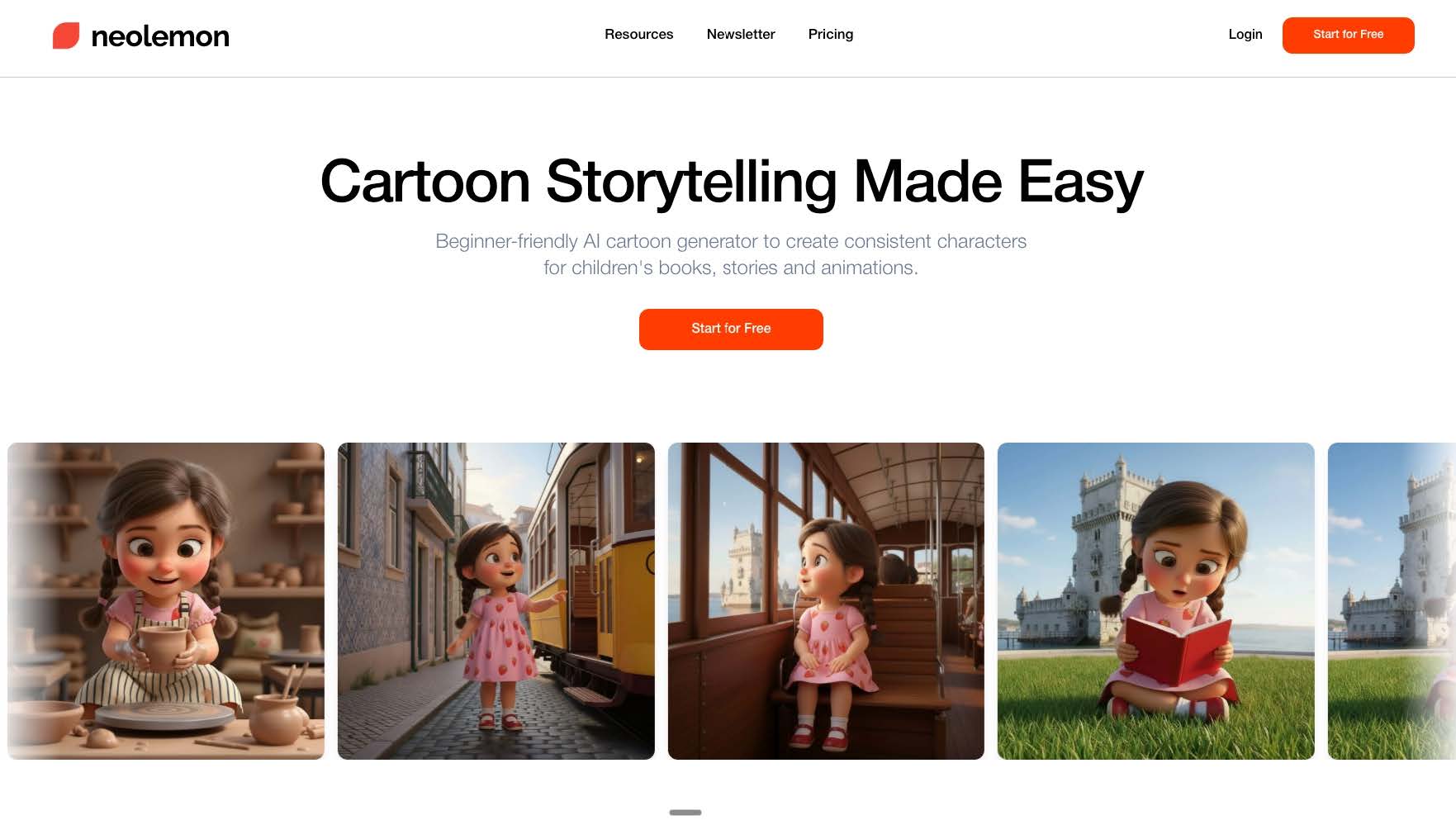
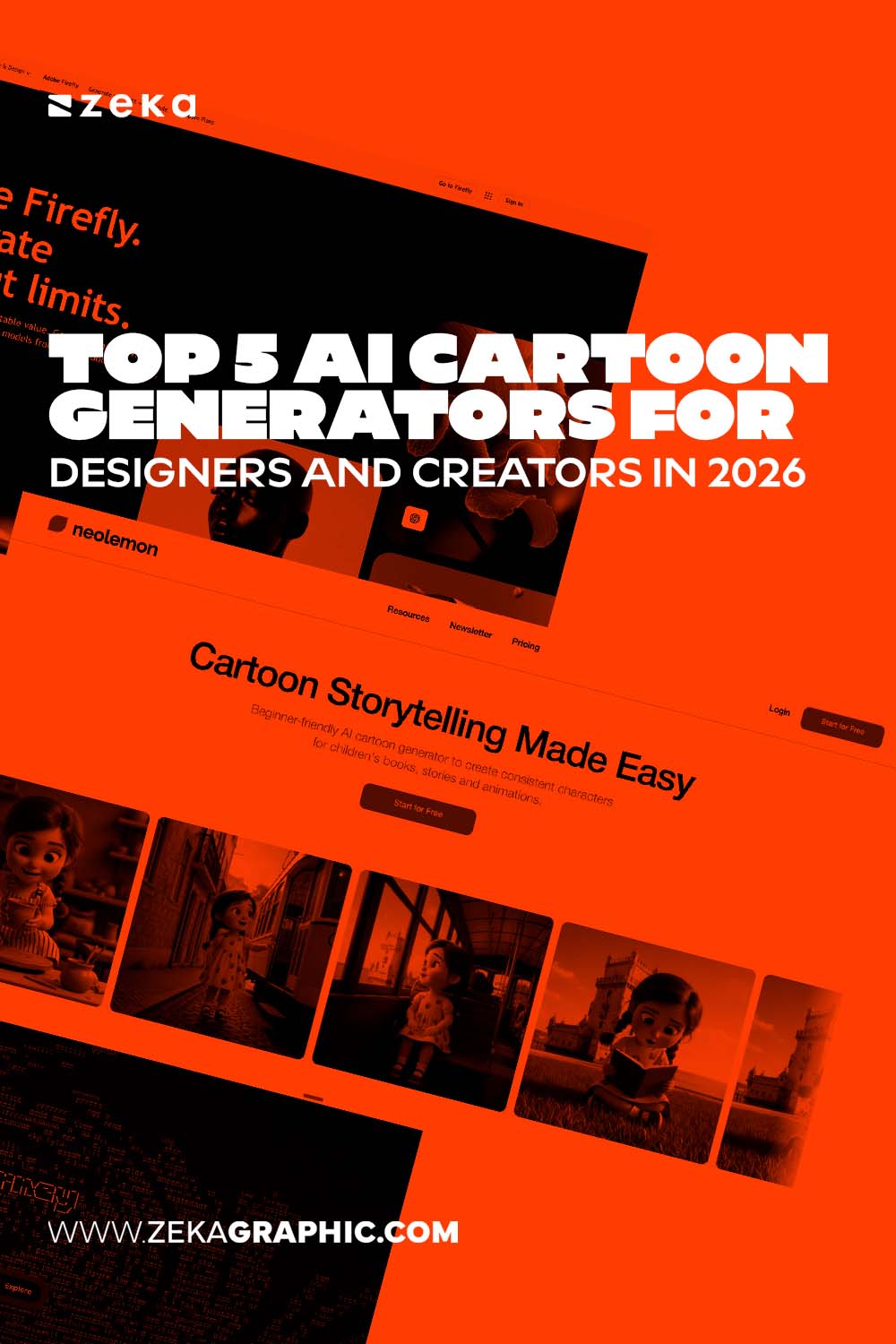
Most AI cartoon generators share a common frustration: generate the same character twice and you get two slightly different people. Neolemon was built specifically to solve that problem. It is an AI cartoon generator and character consistency platform designed for creators who need repeatable, scene-length storytelling rather than one-off images.
The platform lets creators design an original character from a text description, then regenerate that character in new poses, expressions, and settings without the face or body drifting. This is done through character reference profiles rather than manual seed-hunting — the system locks in the character’s identity and applies it consistently whether the scene is a bedroom, a forest, or a spaceship.
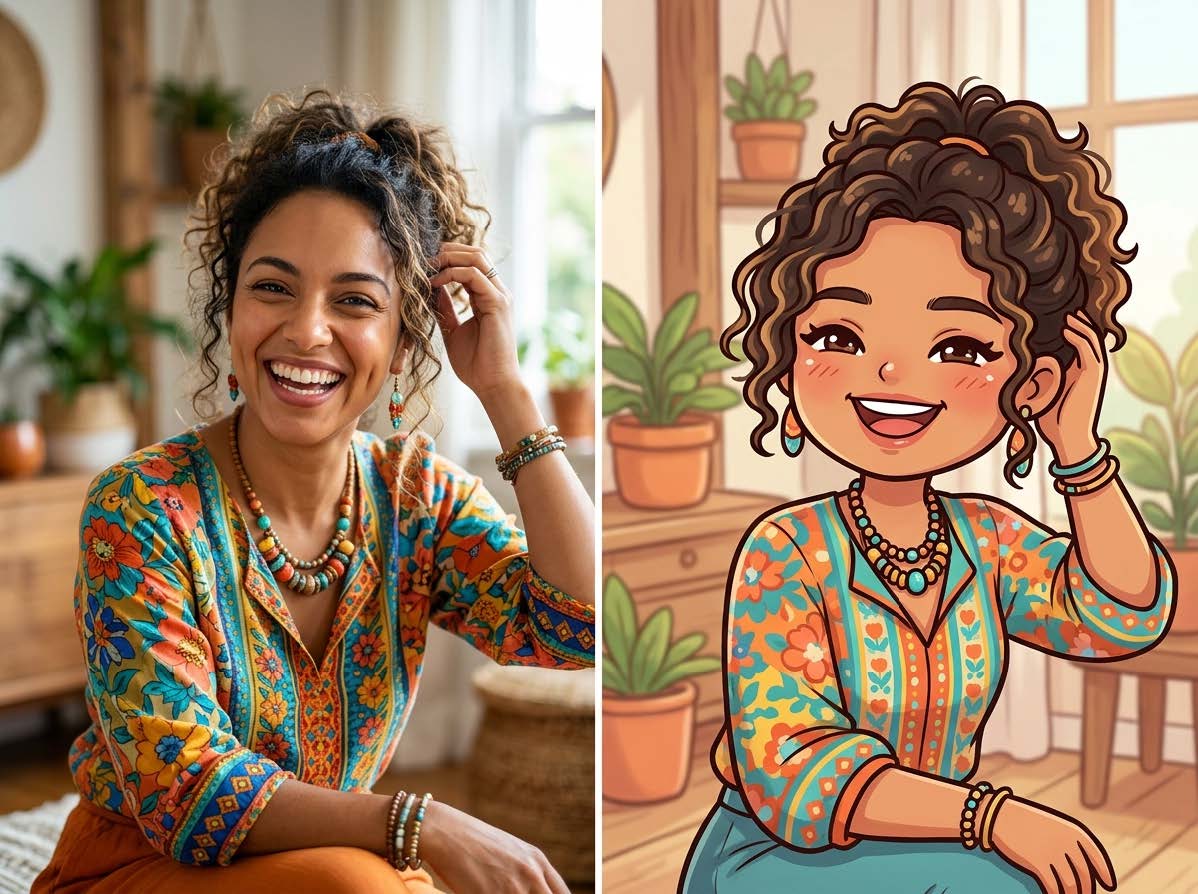
Beyond original character creation, Neolemon also includes a Cartoonize feature that converts real photos into cartoon-style illustrations. Upload a portrait or reference photo and the platform transforms it into whichever illustration style fits your project — watercolor, Pixar-style 3D, anime, chibi, and more. Crucially, a cartoonized character can then be used as the base for a full consistent character profile, so the photo conversion and the multi-scene consistency workflow connect directly.
Style range: Pixar-style 3D, watercolor, anime, chibi, claymation, modern western cartoon, coloring book, and more — 12+ styles total.
Multi-character support: Up to 3 characters can appear in the same scene with individual consistency profiles maintained simultaneously. This is one of the more technically rare features in the AI illustration space.
Print readiness: Images are exported at 300 DPI, which means they go directly into KDP, IngramSpark, or any professional print workflow without upscaling.
Pricing: Free trial with 20 credits. The Creator Plan runs $29/month for 600 credits, which covers approximately 3 to 4 complete illustrated books per month.
Where it falls short: Neolemon is optimized for character-driven illustration. If you need abstract generative art or photorealistic scenes without characters, a more general-purpose generator will give you more flexibility. The design community has been documenting real workflows at the Neolemon blog.
Bottom line: For any project where character consistency matters — book series, recurring mascots, educational materials — and for creators who want to turn real-world photos into cartoon art, Neolemon covers more of the illustration workflow than any other tool on this list.
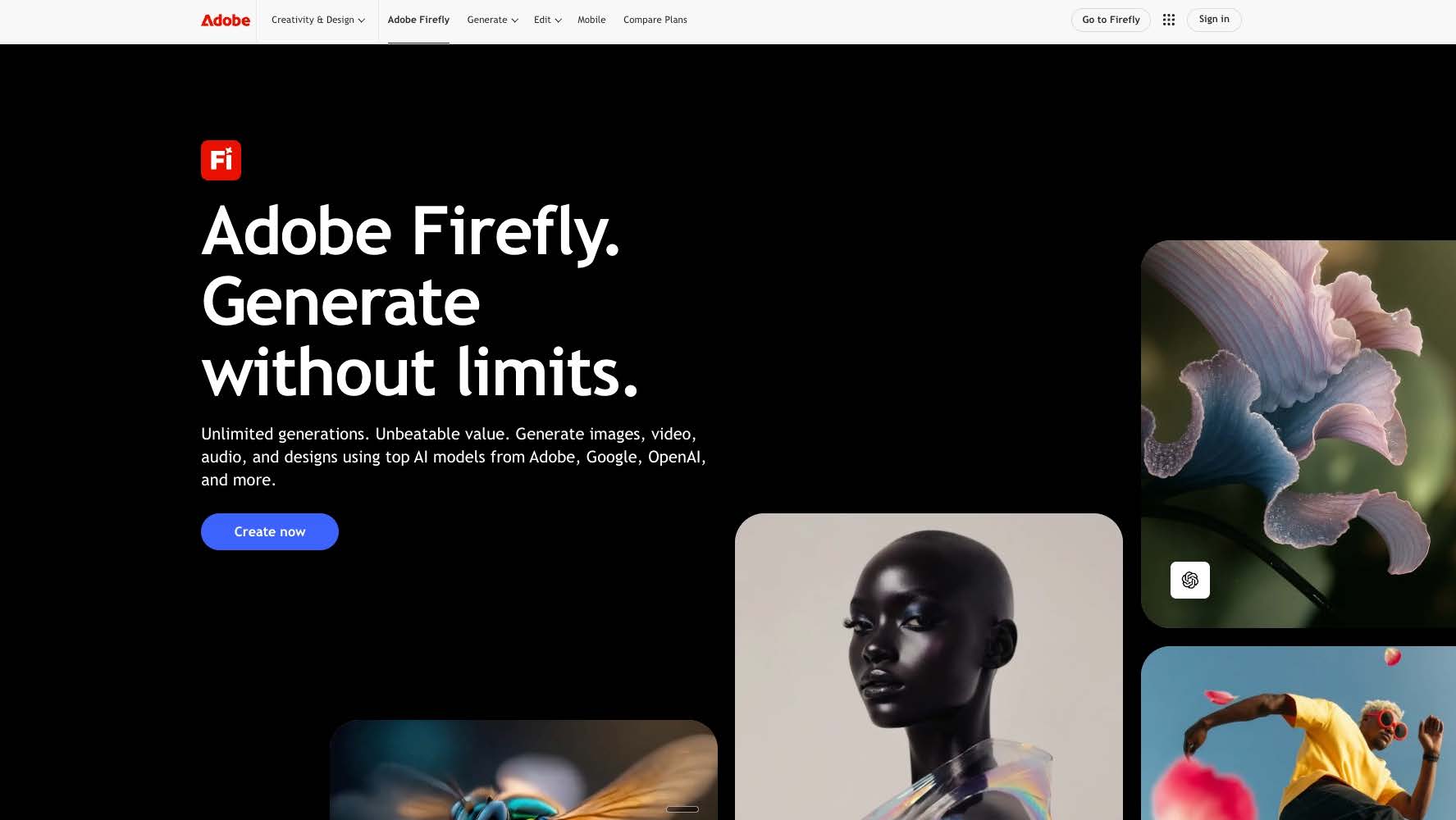
Best for: Graphic designers who live in Photoshop, Illustrator, or InDesign and want AI cartoon generation without switching apps.
Adobe Firefly’s main advantage is integration. Designers can generate cartoon-style art directly inside Photoshop through Generative Fill, or use the standalone Firefly web app to create vector-friendly illustrations in Illustrator. The cartoon and illustration outputs are stylistically polished and align well with professional design standards.
Firefly is also one of the few AI image generators that trained entirely on licensed Adobe Stock content, which gives it a cleaner intellectual property story for commercial use — important for designers working with brand clients.
Where it falls short: Firefly does not maintain character consistency. Each generation is independent. If you need a recurring character across a campaign or a book, you will be manually prompting for consistency with mixed results. It is a creative generator, not a character management system.
Pricing: Included with Adobe Creative Cloud subscriptions. Standalone Firefly plans start at $4.99/month for 100 generative credits.
Bottom line: The right choice if you are already paying for Adobe CC and want AI cartoon generation woven into your existing design workflow.
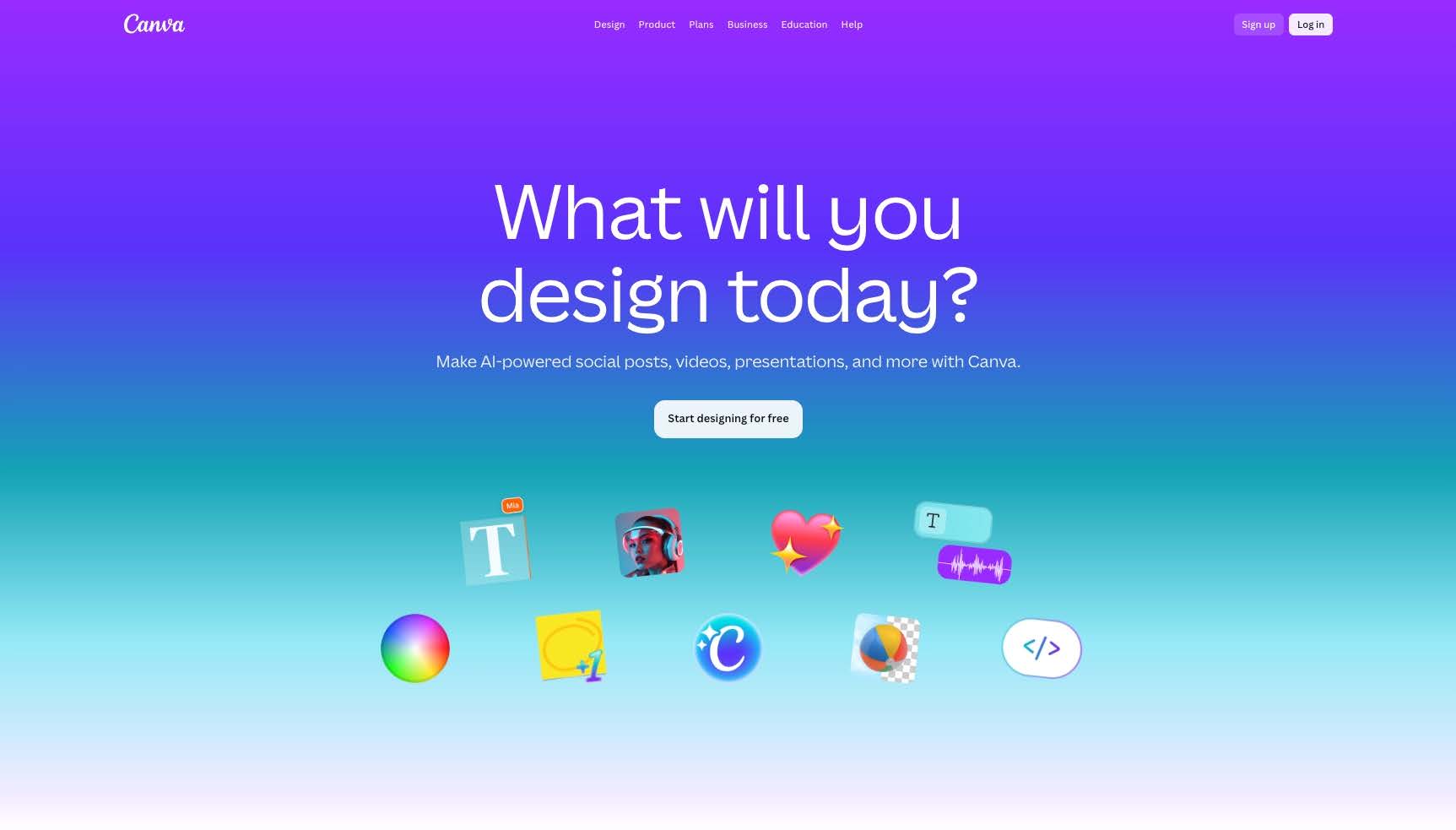
Best for: Social media managers, small business owners, and educators who need quick cartoon-style graphics without a steep learning curve.
Canva’s AI image generation (via its Magic Media feature) now includes cartoon and illustration styles, and the platform’s drag-and-drop interface means there is essentially no learning curve. You type a description, pick a style, and drop the result into a Canva template. For one-off social posts, presentation slides, or simple marketing graphics, this works quickly.
Where it falls short: Canva’s cartoon generation is shallow compared to dedicated illustration tools. You cannot fine-tune character anatomy, maintain consistency across images, or export at print-ready resolution reliably. It is optimized for screens, not print.
Pricing: Free plan available. Canva Pro is $15/month per user, which includes expanded AI generation credits.
Bottom line: Excellent for quick, casual cartoon visuals. Not suited for illustrated books, character-driven content, or anything requiring print-quality output.
Advertisment
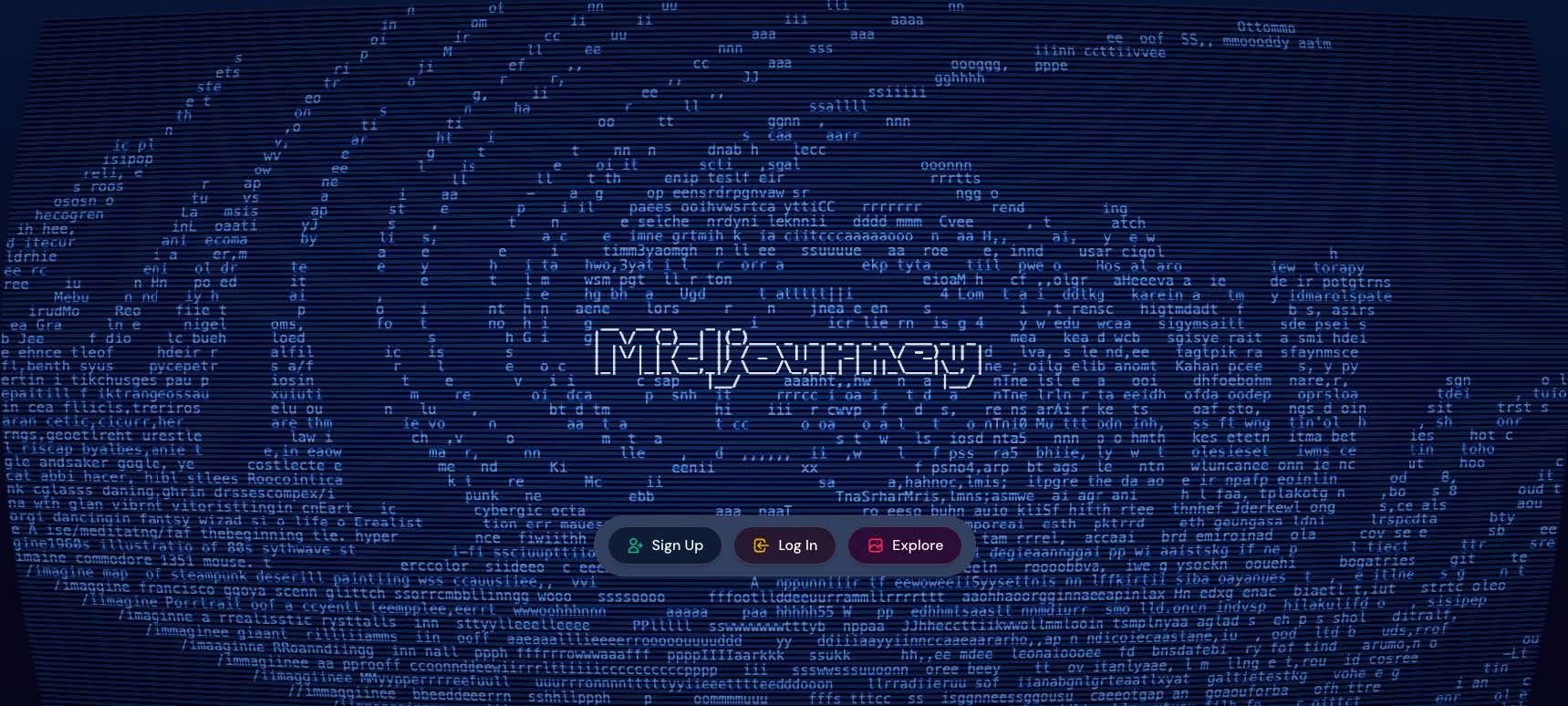
Best for: Designers and digital artists who want exceptional visual quality and enjoy pushing AI art in experimental, stylized directions.
Midjourney consistently produces some of the most visually striking AI-generated art available, and its cartoon and illustration outputs are no exception. When given strong prompts, it generates characters and scenes with a painterly, editorial quality that feels genuinely artistic rather than algorithmically generic. For designers who want a cartoon or illustrated look with serious aesthetic depth, Midjourney’s output ceiling is among the highest in the category.
The platform has also improved its prompt-following significantly over recent versions, making it more practical for creators who need a specific cartoon style rather than Midjourney’s default aesthetic tendencies.
Where it falls short: Midjourney does have a character consistency feature (–cref), but it is built around photorealistic and photography-style outputs. For cartoon and illustration styles, the consistency system breaks down significantly — the same character prompt across multiple cartoon-style generations will still drift in face shape, proportions, and style. For any illustrated or cartoon-driven project, this is a critical gap. It is also Discord-based, which adds friction for creators who are not already comfortable in that environment.
Pricing: No free plan currently. Paid plans start at $10/month for 200 generations.
Bottom line: The right choice for designers who need high-quality, stylized AI art and are comfortable working without a reliable consistency system. For cartoon illustration specifically — and especially for book-length projects where a character needs to look identical scene after scene — Midjourney’s consistency feature does not carry over from its photorealistic roots.
Advertisment
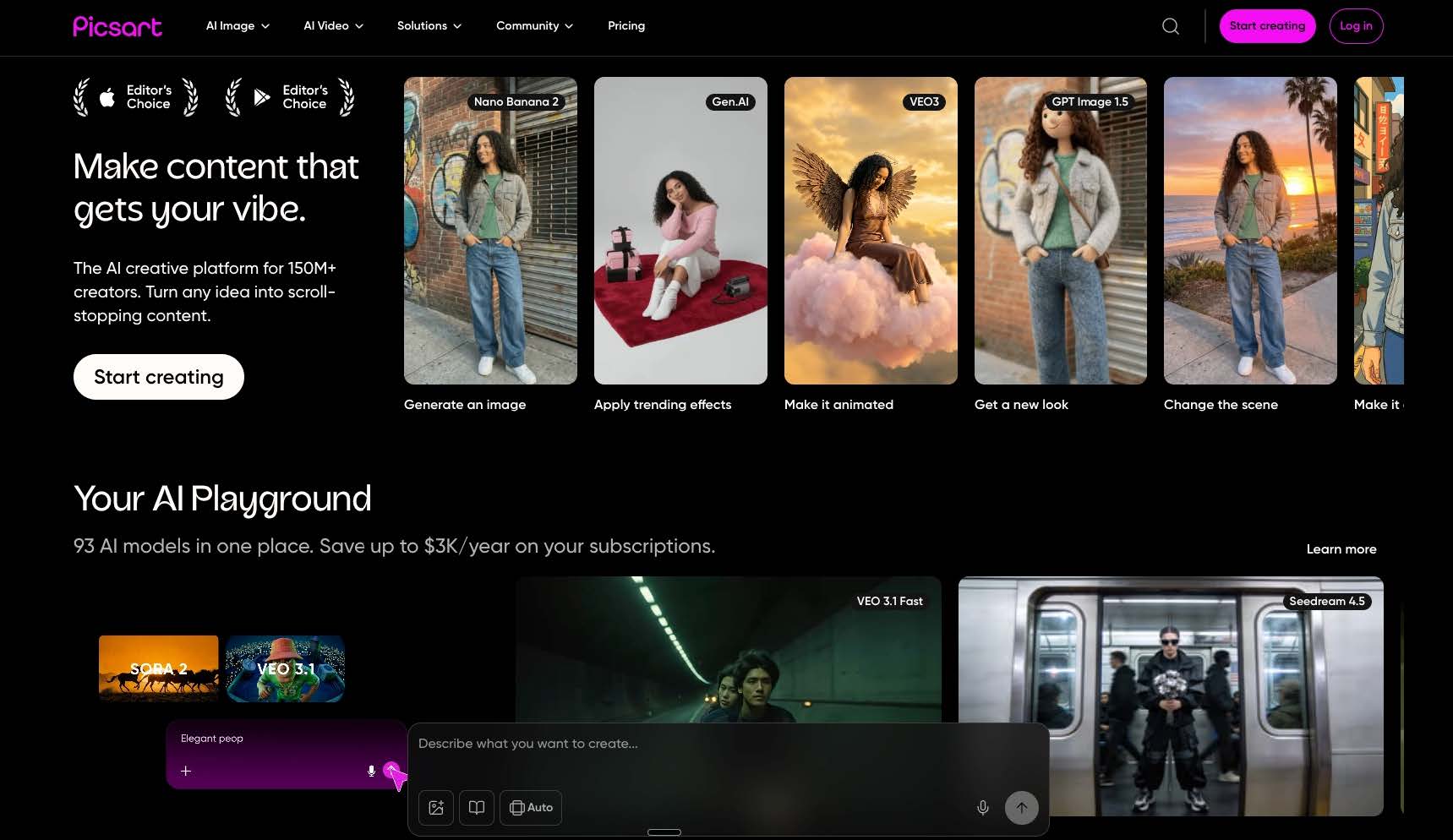
Best for: Creators who work primarily on mobile and need fast AI cartoon output for social content.
Picsart has built a strong mobile AI toolkit and its cartoon generator is one of the better options for on-the-go creative work. The app offers text-to-image generation with cartoon-style presets, cartoon filters for existing photos, and a library of editable cartoon sticker assets. The interface is clean and the generation speed is fast.
For creators who are already producing content on their phone — Instagram Stories, TikTok thumbnails, quick marketing visuals — Picsart fits naturally into that workflow.
Where it falls short: Picsart is not a desktop-first tool and it does not offer the output quality or resolution needed for print work. Character consistency is absent, and the illustration styles lean heavily toward social media aesthetics rather than editorial or book illustration quality.
Pricing: Free plan available. Picsart Gold runs $5/month.
Bottom line: The strongest mobile-first option in this roundup. Best reserved for social content and quick creative iterations rather than professional illustration projects.
Tool | Character Consistency | Original Character Design | Print-Ready (300 DPI) | Best Use Case | Starting Price |
Neolemon | Yes | Yes | Yes | Book illustration, recurring characters | $29/mo |
Adobe Firefly | No | Yes | Yes | Professional design, Adobe workflows | $4.99/mo |
Canva | No | Limited | No | Social media, presentations | Free |
Midjourney | Photorealistic only | Yes | Yes | Stylized art, high-quality creative work | $10/mo |
Picsart | No | Limited | No | Mobile social content | Free |
Advertisment
The right tool depends almost entirely on what you are building.
If your project involves a recurring character across multiple scenes, a book series, a mascot, or an ongoing creative project where visual identity matters, character consistency is non-negotiable. Only Neolemon on this list was built specifically to solve that problem — including for creators who want to start from a real photo and turn it into a consistent cartoon character through the Cartoonize feature.
If you are a designer already inside the Adobe ecosystem, Firefly integrates cleanly without disrupting your existing workflow, even if it lacks consistency features.
If you want maximum visual quality and stylistic range for one-off cartoon art, Midjourney produces stunning results — just know that its consistency feature is built for photorealistic outputs and does not reliably carry over to cartoon illustration styles.
For quick social graphics or mobile-first content creation, Canva and Picsart each serve different comfort levels and budgets.
The AI cartoon generator market is growing fast, but the tools are still quite differentiated. Matching the tool to the actual workflow need, rather than picking the most popular name, will save considerable frustration.
Advertisment
What is the best AI cartoon generator for children’s books? Neolemon is currently the most purpose-built option for children’s book illustration because it maintains character consistency across every scene in the book. This is the core technical problem in AI-illustrated books, and it is the reason most general-purpose generators produce books where the main character looks slightly different on every page.
Can I use AI cartoon generators for commercial projects? Most AI cartoon generators allow commercial use under their paid plans, but the specifics vary. Adobe Firefly is the strongest option for commercial clarity because it trained on licensed content. Neolemon’s Creator Plan also permits commercial use, which covers self-publishing through KDP, Etsy, and IngramSpark. Always read the terms of service for the specific platform before publishing commercially.
Do I need design experience to use an AI cartoon generator? No. Tools like Canva and Picsart were designed for non-designers and have minimal learning curves. More specialized tools like Neolemon and Adobe Firefly have slightly steeper onboarding but still require no illustration training — the AI handles the visual rendering.
Which AI cartoon generator produces print-ready images? Neolemon, Adobe Firefly, and Midjourney all produce high-resolution output suitable for print work. Neolemon and Firefly export at 300 DPI directly, making them ready for professional print-on-demand services like KDP and IngramSpark. Canva and Picsart are optimized for screen resolution and are generally not suitable for print without additional upscaling.
Is there a free AI cartoon generator worth trying? Yes. Canva’s free plan includes limited AI image generation, and Picsart offers a free tier with watermarked output. Neolemon offers a free trial with 20 credits, which is enough to create and test 2 to 3 complete character scenes before committing to a paid plan. Midjourney no longer offers a free trial, so testing requires a paid subscription from the start.
Which AI cartoon generator is best for converting photos to cartoons? Neolemon’s Cartoonize feature is the strongest option here because it does more than simple style transfer. A photo converted into cartoon art can immediately become the base for a fully consistent character profile, which means the cartoonized character can then appear across dozens of scenes looking identical every time. Other tools offer photo-to-cartoon conversion as a standalone filter, but none connect it to a multi-scene consistency workflow the way Neolemon does.
Advertisment
Pin it for later!
If you found this post useful you might like to read these post about Graphic Design Inspiration.
Advertisment
If you like this post share it on your social media!
Advertisment
Want to make your Business Grow with Creative design?
Advertisment

Advertisment