The reality of design today is simple: clients want more ads, in more formats, delivered faster than ever before. Whether you’re producing social campaigns, display banners, YouTube thumbnails, app store creatives, or print promos — speed matters. And that’s exactly where the right tools to create professional ads change everything.
Today, we have quick advertising design platforms that blend automation with full creative control — something that used to be unthinkable in the early days of digital design. These aren’t shortcuts; they’re smart workflows that let us focus on ideas instead of repetitive production tasks.
If you’re exploring free tools to design ads or premium solutions for larger campaigns, this guide breaks down exactly what each tool does best, where it wins, and when it’s the right choice.
Why Fast Ad Creation Tools Matter
Advertisment
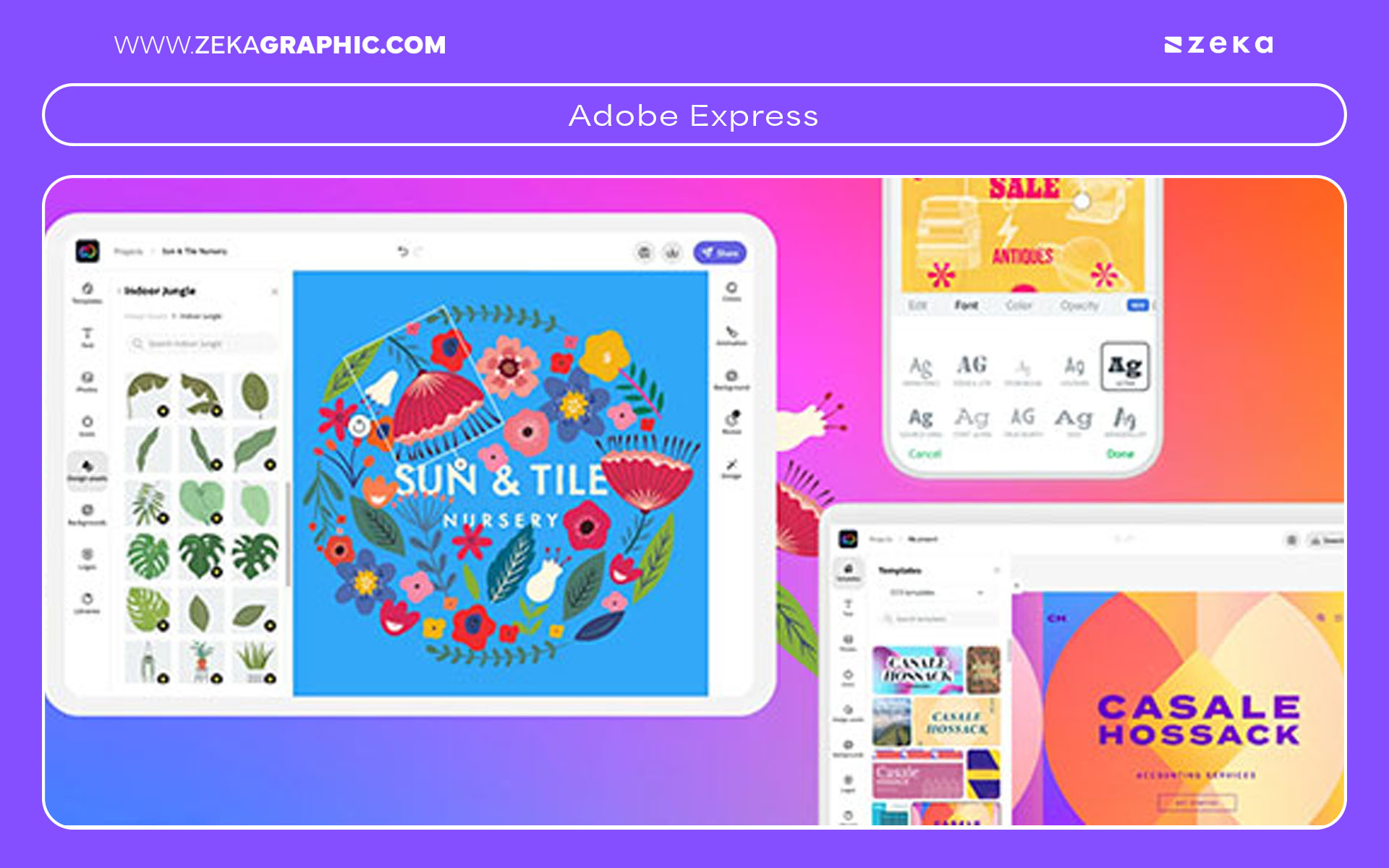
Adobe Express has become one of the most powerful beginner-friendly design tools, especially for creating polished, professional ads quickly. What I love most is that it feels like the “lightweight version of Photoshop + Illustrator,” but with AI automation, brand kits, and an intuitive interface that makes ad production astonishingly fast. For designers who want clean results without opening heavy software, Adobe Express ads are a game-changer.
The built-in Adobe Express advertisement generator includes thousands of professionally-designed layouts optimized for Facebook, Instagram, LinkedIn, YouTube, and even print. You can create ads with Adobe Express in minutes using smart suggestions, one-click color corrections, quick animations, and auto-generated layouts.
What makes Adobe Express stand out is how it blends simplicity with high-end quality. Even though it’s designed for speed, you still have access to Adobe-level typography, non-destructive edits, background removal, video editing, and brand templates.
What Adobe Express Is Best For
Key Features
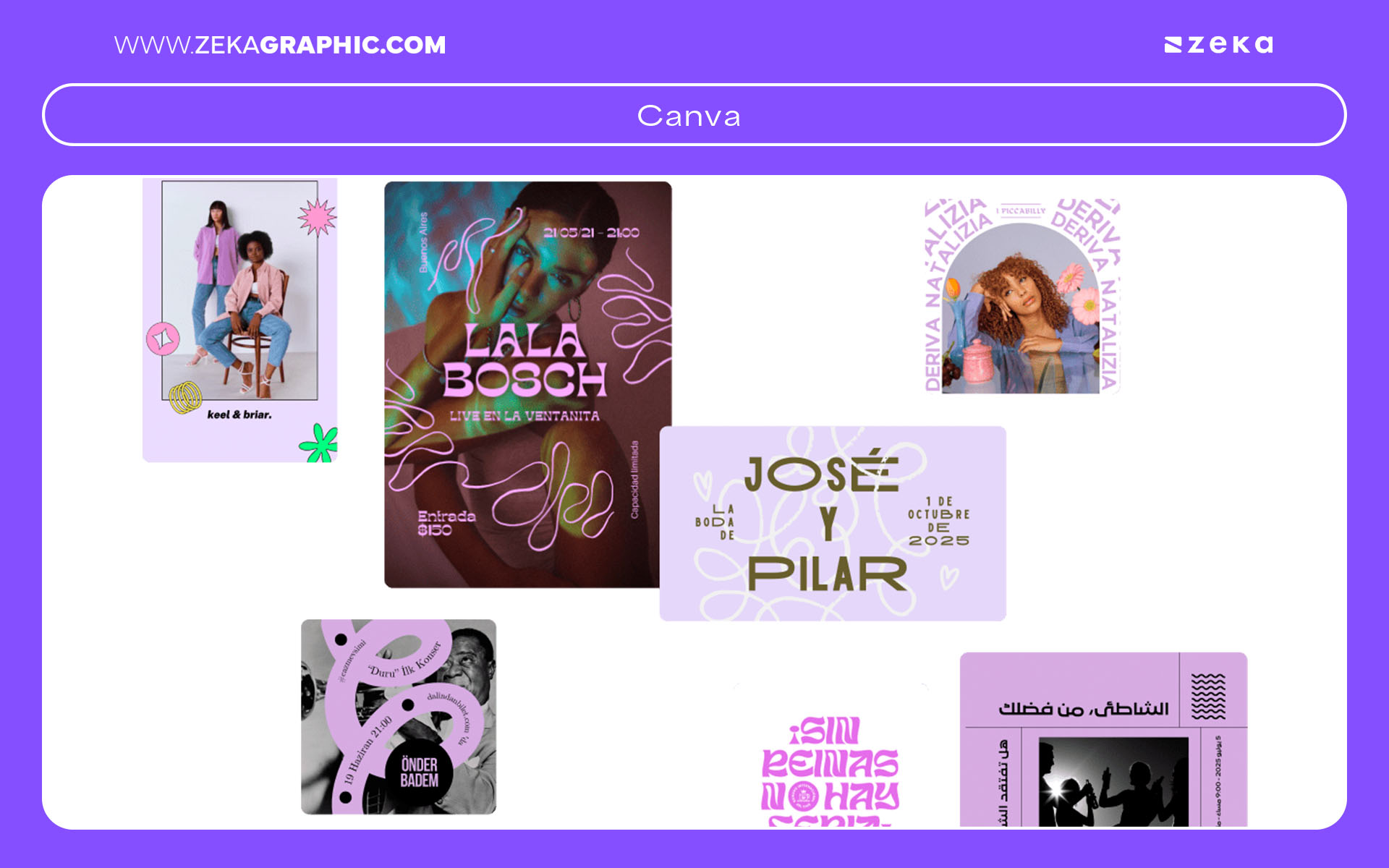
Canva remains the king of speed and simplicity, especially when your priority is creating quick social media ads with modern layouts. For Instagram, TikTok, Facebook, YouTube, or Pinterest campaigns, Canva ads are arguably the fastest you can produce without sacrificing aesthetic quality. The drag-and-drop interface is intuitive, but what truly sets Canva apart is the massive library of templates, fonts, brand kits, and motion graphics designed for high-performing ad creatives.
Using Canva ad templates, you can produce polished visuals in minutes and customize them across multiple formats. The one-click “Magic Resize” tool is a lifesaver when you need 10+ versions of the same campaign. For designers working with social media managers or clients who need editable files, Canva becomes even more valuable. It’s also fantastic for easy ads with Canva where you don’t want to overthink layout structure.
While Canva and Adobe Express overlap in many features, Canva often wins for social-first advertising thanks to its trending templates, viral layout styles, and extremely fluid editing experience. If you’re designing Canva for Facebook ads, video snippets, or bold promo graphics, it’s one of the fastest tools in the market.
When Canva Wins Over Adobe Express
Key Features
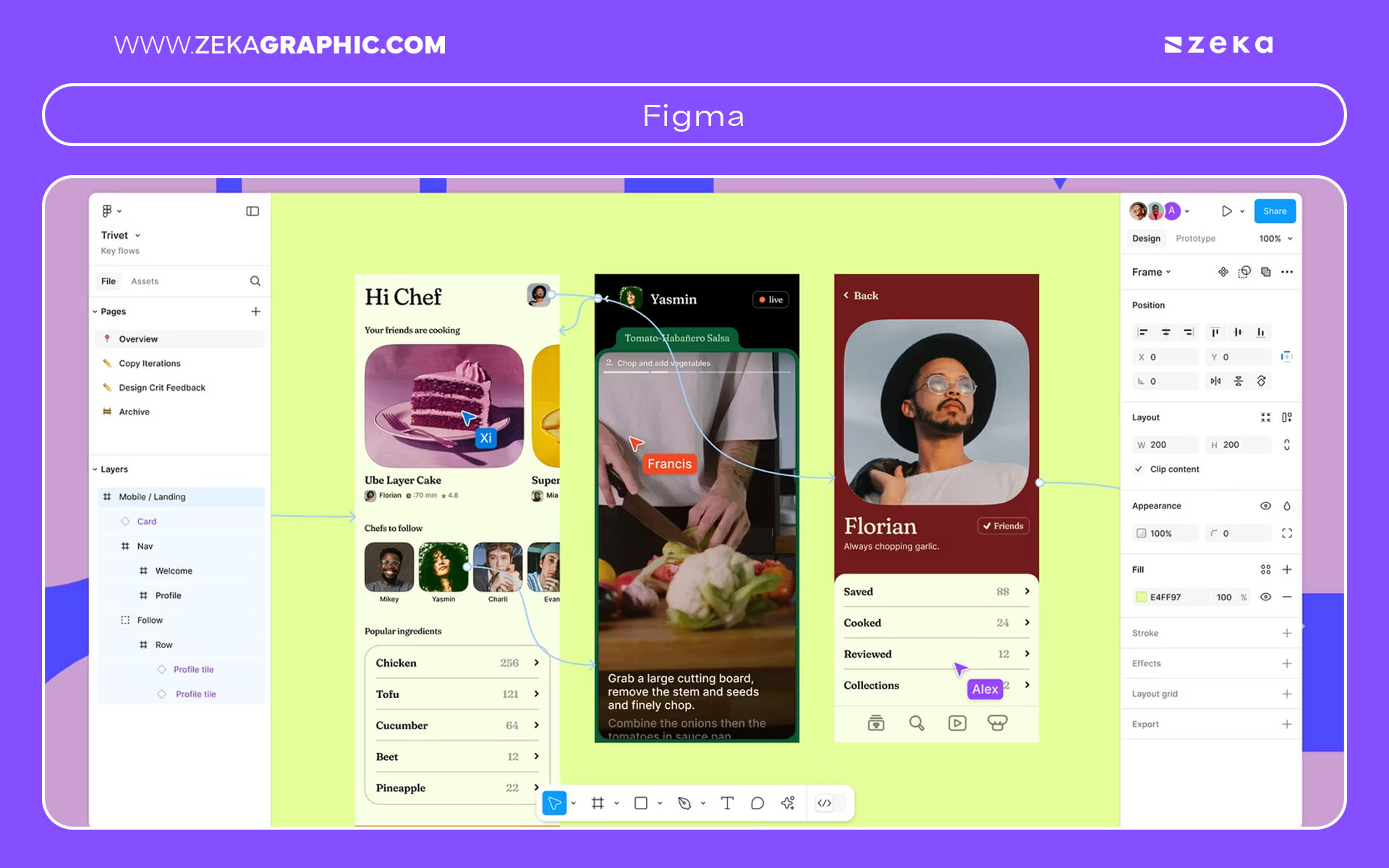
When you’re working on large-scale ad campaigns, nothing beats Figma. It’s the most powerful tool for designers who need precision, consistency, and multi-format control across complex advertising systems. Unlike quick ad generators, Figma ads give you full creative freedom with pixel-perfect control, reusable components, and scalable systems. If you’re designing for agencies, brands, or teams, Figma becomes essential.
Using Figma for marketing design lets you build consistent frameworks for display ads, social ads, landing page banners, and even email visuals. You can build ad systems in Figma using components, variants, Auto Layout, and shared libraries. This is especially useful when brands need 20+ variations of the same creative, each adapted to a different audience, platform, or region.
The real magic happens with collaboration. Figma’s live editing, shared libraries, and comment mode make it the ultimate collaborative ad design tool. You can create full design systems, generate templates for teams, or produce structured campaigns that scale without losing consistency. If you’re an advanced designer or creative lead, this is where Figma shines.
Who Should Use Figma
Key Features
Advertisment
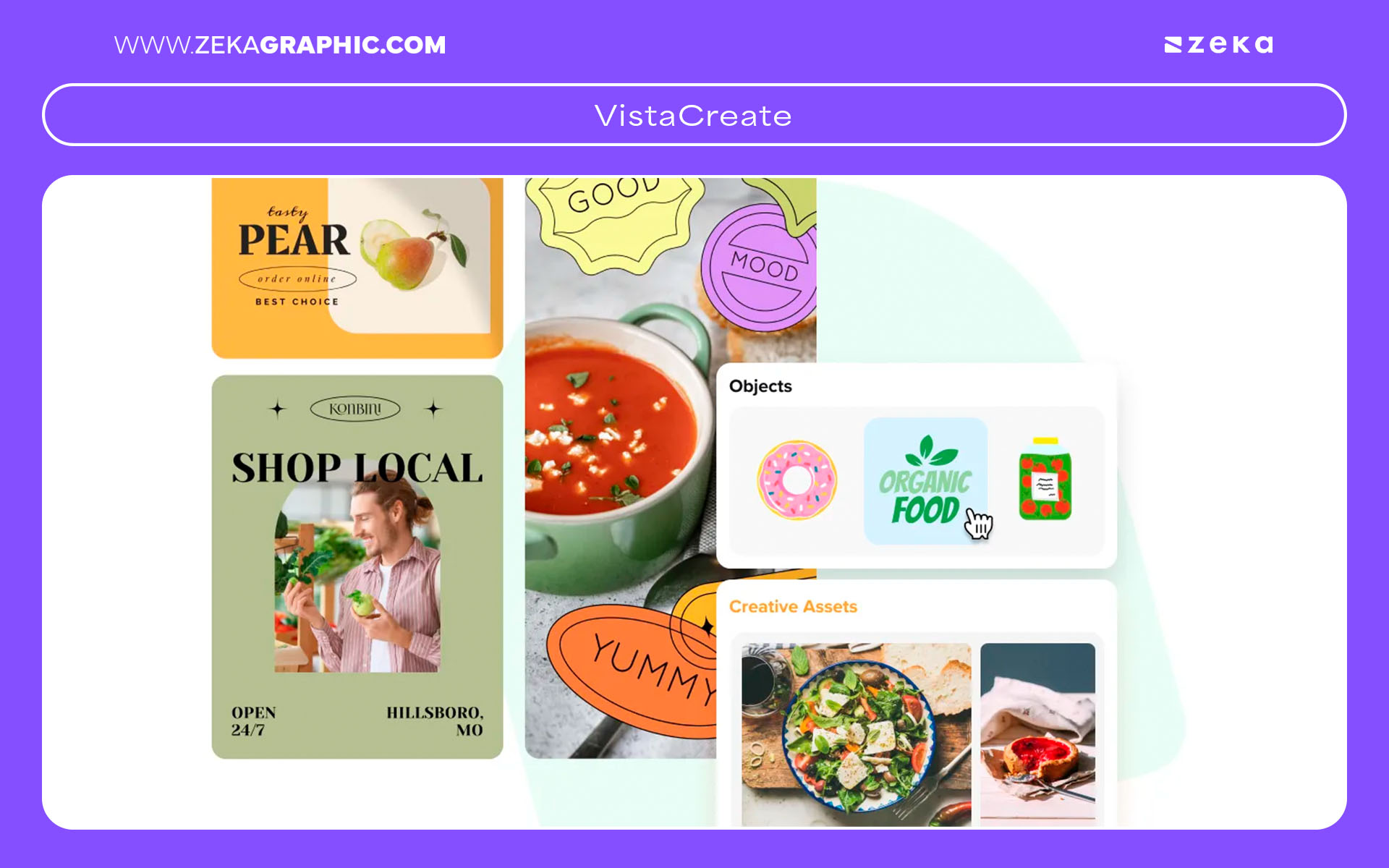
If you’re producing motion ads, animated typography, or video-centric campaigns, VistaCreate is one of the fastest and most user-friendly platforms out there. Unlike static-focused tools, VistaCreate ads shine when you need eye-catching motion graphics for TikTok, Instagram Reels, YouTube Shorts, and story-based placements.
Using the built-in free video ad maker, you can combine videos, animated elements, transitions, overlays, and music in just a few clicks. For social-first designers who need quick animated ads, VistaCreate is a lifesaver. It includes hundreds of VistaCreate animated ads templates, designed specifically for mobile attention spans and high engagement.
What makes this tool special is the balance between simplicity and dynamic motion. Designers who aren’t motion-graphics experts can still create scroll-stopping videos thanks to intuitive timelines, preset transitions, and animated text effects. If you’re building social video ads tools for clients or need motion content without After Effects, VistaCreate is a perfect fit.
Where VistaCreate Excels
Key Features
Advertisment
If you work in branding, eCommerce, POD, or product promotion, Placeit is one of the most valuable tools you can add to your workflow. What makes Placeit ads so powerful is the ability to produce instant, realistic mockups and fully designed ad creatives—all without touching Photoshop or building scenes manually. Placeit’s mockup library is massive, covering apparel, packaging, digital products, lifestyle scenes, print items, and more. For designers who deliver client-branding packs, campaign previews, or social promos, Placeit removes hours of production work.
Using Placeit ad templates, you can create social-ready visuals for Instagram, TikTok, Facebook, YouTube, Pinterest, and even marketplace creatives for Etsy or Amazon. What I find especially useful is the ad mockup generator, which lets you drag your design into a product frame instantly—perfect for proving concept, pitching campaigns, or showing clients how their brand looks in real environments. Whether you’re creating Placeit social ads or product promo graphics, the speed and realism are unmatched.
The platform is also ideal for product ad creators, especially for POD shops needing fast visuals for shirts, hoodies, mugs, or packaging. With thousands of ready-to-use ad templates, you can build polished assets even when you don’t have time to stage product photography. Placeit blends speed with versatility, making it a top pick for branding-focused designers.
Placeit Works Best For
Key Features
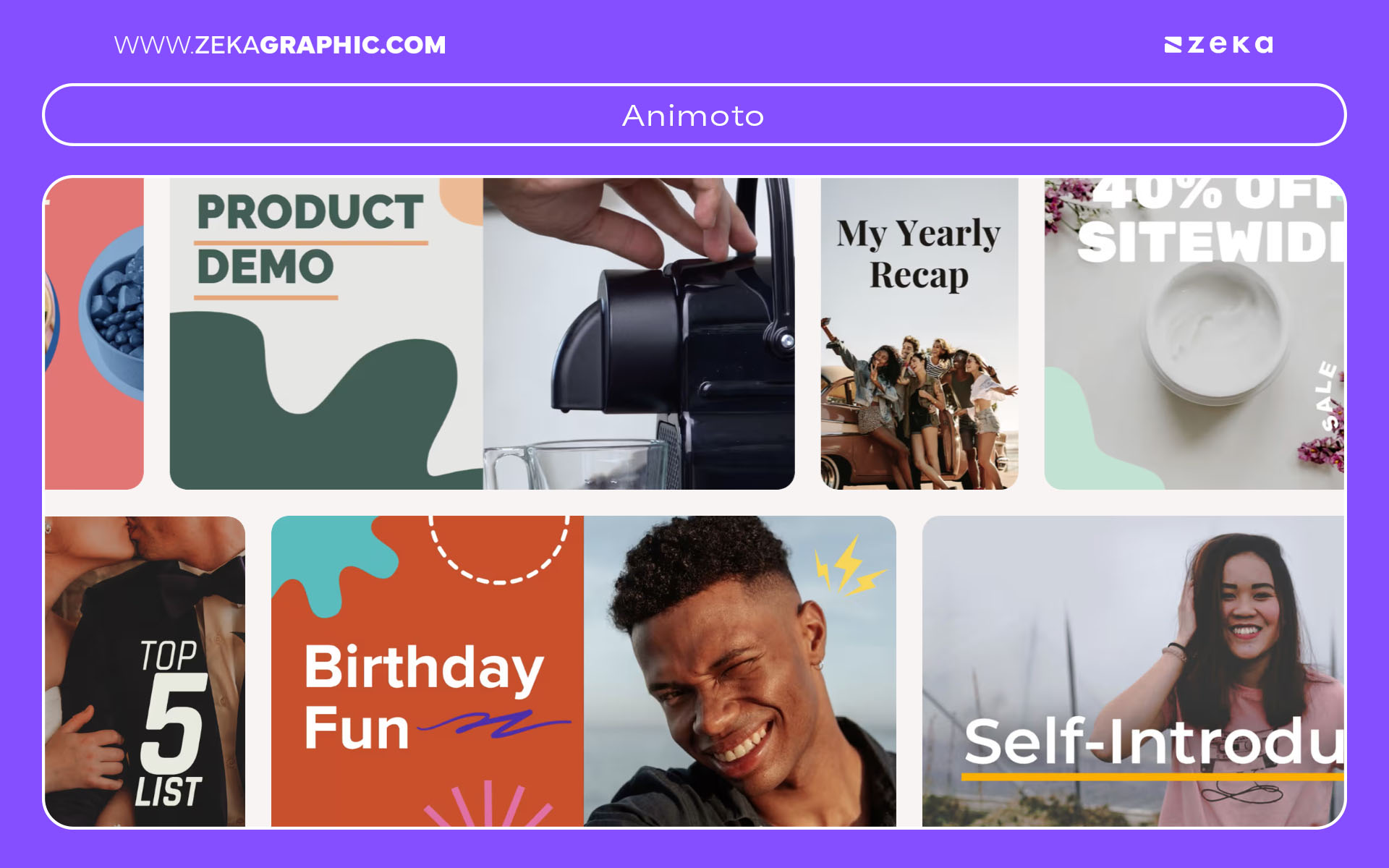
If you want to create video ads without touching advanced editing software, Animoto is built exactly for that. I personally recommend it to designers or marketers who want engaging content but don’t want the complexity of Premiere Pro or After Effects. With Animoto ads, you can assemble and customize videos in a clean drag-and-drop interface where everything—timing, transitions, text animation, and music—is already structured for commercial use.
The best part is how quickly you can create video ads easily. The templates guide you through short ad storytelling formats like product highlights, testimonials, “new arrival” promos, or event ads. Because it’s a beginner-friendly video ad tool, you can produce polished content even if video editing isn’t your strong suit. For social media creatives, Animoto social ads are ideal because they’re optimized for vertical, square, and widescreen formats.
Animoto’s “no-edit video ads” workflow eliminates timelines, technical layers, and complex effects. Instead, you choose a template, add your visuals, drop in music, and export. For designers building projects with a quick turnaround—or helping clients who need simple ad videos—Animoto saves time and avoids software overload.
Best Use Cases
Key Features
Advertisment
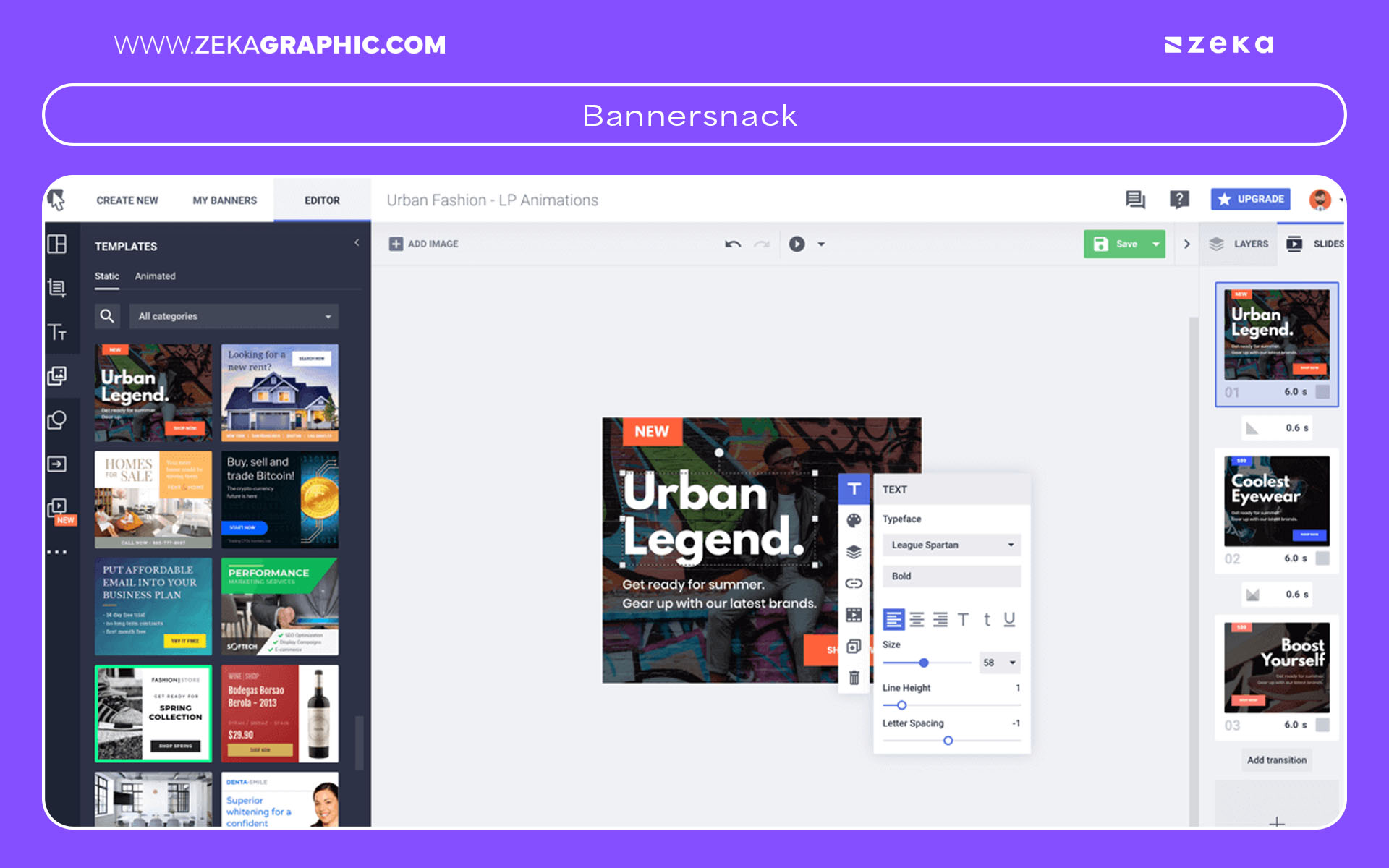
If your work involves display ads, Google Ads campaigns, HTML5 banners, or eCommerce promos, Creatopy (formerly Bannersnack) is the most specialized tool on this list. Unlike general graphic design platforms, Creatopy ads are designed specifically for multi-size, animated, and responsive banner production—the exact formats most display networks require. It’s a lifesaver for designers who need efficiency and compliance with advertising specs.
The platform shines as a banner ad maker offering HTML5 animations, timeline controls, and easy object transitions. This is something Canva, Express, or Placeit can’t replicate at the same level. Whether you’re producing Creatopy HTML5 ads for retargeting campaigns or animated banners for eCommerce brands, the tool makes the process incredibly smooth. You can also generate entire sets—40+ banner formats—with a single click thanks to dynamic resizing.
Because Creatopy acts as a full display advertising design tool, it’s ideal for designers working on Google Ads, affiliate campaigns, programmatic networks, or marketplace promotions. The interface also includes advanced features like creative automation, team collaboration, and brand kits for consistency.
Why Creatopy Is Ideal for Display Designers
Key Features
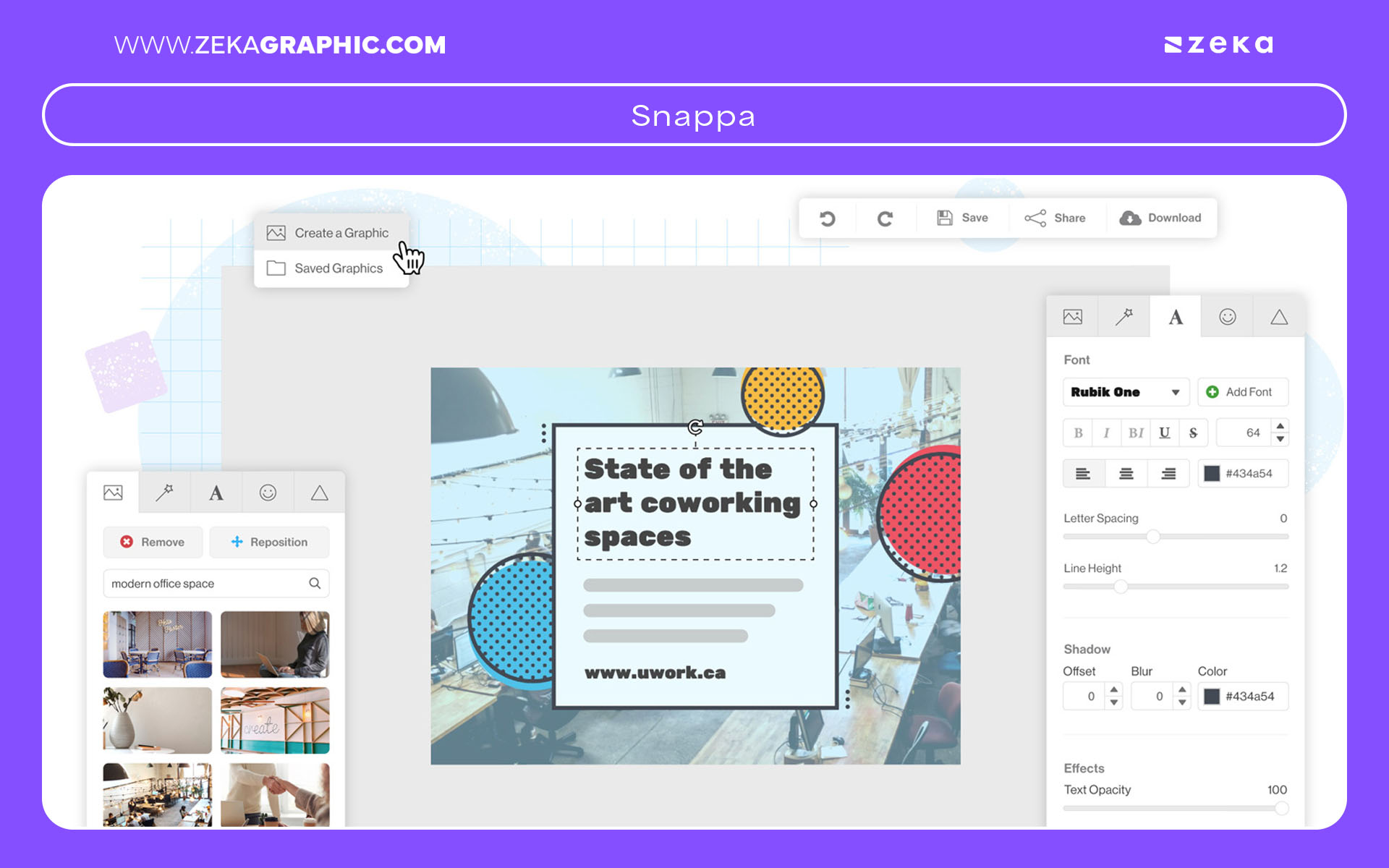
Snappa is one of the simplest and fastest tools for designers who want clean, professional static ads without getting lost in advanced features. I often recommend it to beginners or to anyone who needs one-click ad designs that still look polished. With Snappa ads, you can generate banners, social ads, blog promos, and email graphics in minutes using a straightforward interface.
The platform is ideal as a simple ad creation tool: it’s lightweight, clutter-free, and focuses on essentials only—typography, layout, images, overlays, and icons. The Snappa ad templates give you ready-made designs that work well for small businesses, quick marketing visuals, and online promotions. If your priority is speed over customization, Snappa becomes one of the best choices.
I appreciate Snappa when I’m creating ads for beginners, or when clients need fast campaign variations without deep design requirements. It offers a great balance between ease of use and clean visual style, making it perfect for quick production workflows.
Snappa Works Best For
Key Features
Advertisment
With so many options available, choosing the best tools to create professional ads depends on your skill level, platform needs, campaign formats, and how much control you want over the final creative. Every tool on this list excels in a specific area—some are perfect for beginners, while others are built for advanced designers or team workflows. The goal is to match your creative priorities with the right features so you can produce ads faster, smarter, and at higher quality.
If you’re wondering which ad design tool is best, start by identifying what kind of ads you create most often. Social-first designers might prefer Canva or VistaCreate, while advanced designers working on large campaigns will get more from Figma or Creatopy. For those who need free ad design software in 2026, Adobe Express, Canva Free, VistaCreate, and Placeit’s limited plans provide excellent value. And if your priority is simply speed, Snappa and Animoto dominate the field for quick production.
This quick ad creation guide should help you pick a platform that aligns with your workflow, whether you’re producing product promos, HTML5 banners, social video ads, or brand kit deliverables. Ultimately, the best ad generators are the ones that help you scale your workload while keeping creativity—and quality—intact.
Best Tools by Need
Key Decision Factors
Advertisment
Pin it for later!
If you found this post useful you might like to read these post about Graphic Design Inspiration.
Advertisment
If you like this post share it on your social media!
Advertisment
Want to make your Business Grow with Creative design?
Advertisment

Advertisment