A business presentation needs to do more than look professional. It should explain complex information clearly, guide the audience through a logical story, and make important findings easy to understand. For sales teams, consultants, marketers, and executives, organizing the content can be just as important as designing the slides.
An AI presentation maker can help turn ideas, outlines, documents, and other business materials into structured presentations. However, the available platforms take different approaches. Some emphasize storytelling and information hierarchy, while others focus on automated design, browser-based sharing, or integration with existing presentation software.
Microsoft’s 2025 Work Trend Index surveyed 31,000 knowledge workers across 31 markets and analyzed anonymized Microsoft 365 activity. The research found that the most frequently interrupted 20% of users received an average of 275 meeting, email, and chat notifications per day. Although the study did not specifically examine presentation creation, it illustrates the fragmented working environment in which professionals prepare reports, proposals, and other business materials.
This guide compares five AI presentation makers in 2026, examining their features, limitations, pricing, and suitability for different business workflows.
Advertisment
AI presentation maker | Best for | Main differentiator | Starting price |
1. Presentations.AI | Business presentations and executive reporting | Presentation Intelligence and source-to-deck generation | Free; Pro $20/month annually |
2. Gamma | Web-based presentations | Adaptable content cards and online sharing | Free; Plus $9/seat/month annually |
3. Beautiful.ai | Consistent business slide design | Smart Slides and automated formatting | Paid Pro plan; check current price |
4. Plus AI | PowerPoint and Google Slides users | AI creation and editing within existing applications | $10/user/month annually |
5. Canva | Marketing presentations and visual content | Presentations alongside broader creative tools | Free; Pro $144/year in the US |
Prices reflect publicly advertised US plans as of October 2026. Billing terms, regional pricing, and included features may change.
This comparison is based on publicly documented product capabilities, plan information, and workflow suitability. It does not claim hands-on testing or independently measured improvements in presentation quality or productivity.
Five factors matter most when comparing these platforms:
These criteria help distinguish platforms designed around business communication from applications that primarily support visual design or editing within existing presentation software.
Advertisment
Best for: Business professionals, sales teams, consultants, marketers, project managers, and executives creating reports, proposals, strategy decks, and stakeholder presentations.
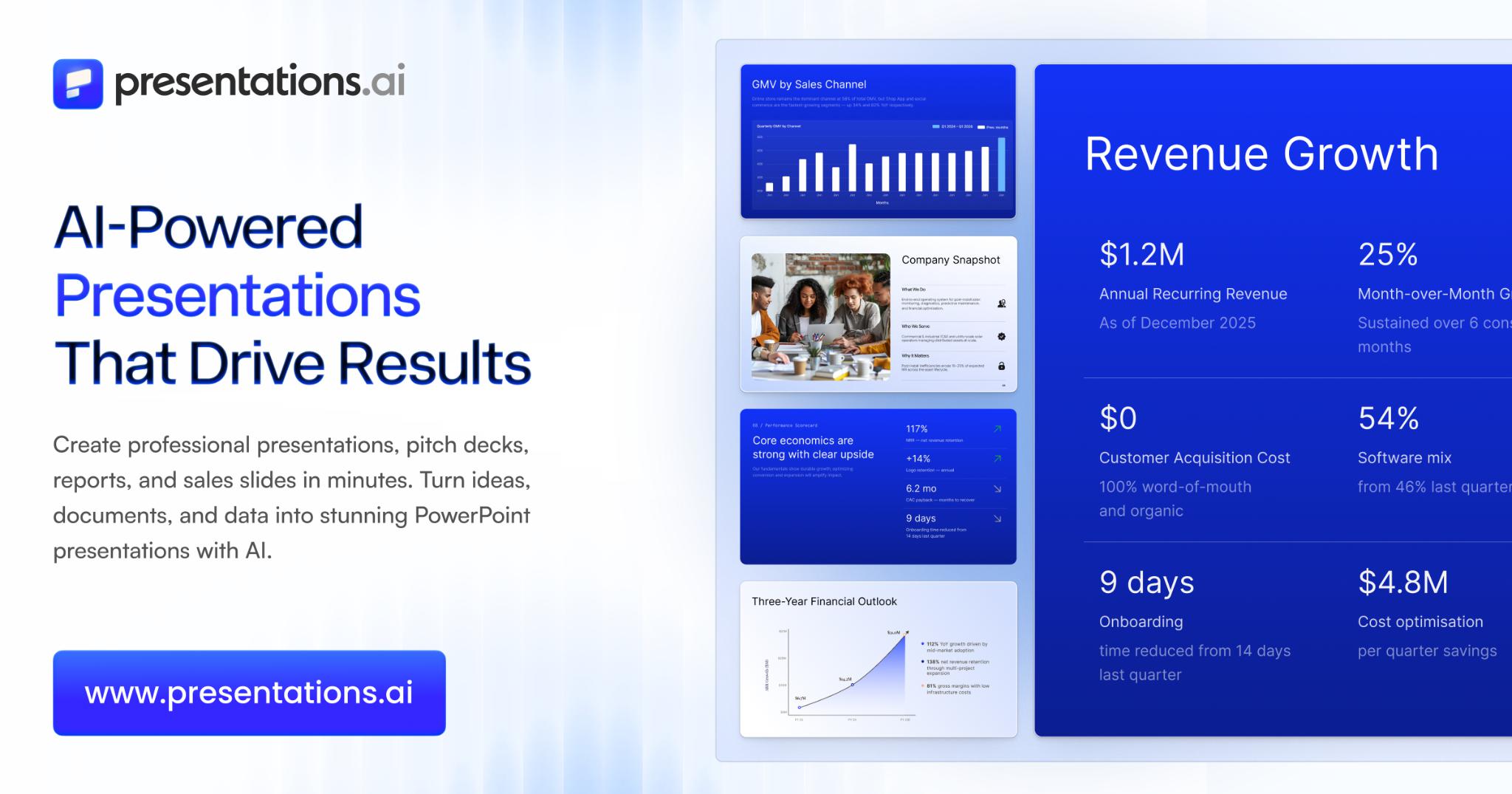
Presentations.AI is an AI-powered presentation platform designed to transform ideas and existing information into structured, professionally designed, editable presentations. Its defining approach, Presentation Intelligence, emphasizes the narrative, information hierarchy, and communication objective rather than treating slide creation as a purely visual design task.
The platform’s AI presentation maker supports generating presentations from prompts and existing materials, including documents, PDFs, outlines, and URLs. This allows professionals to begin with information they already have instead of manually reconstructing content in a slide editor.
For example, a project manager preparing a stakeholder update can organize an existing report into a presentation, while a consultant can turn research findings into a structured client deliverable. Sales and marketing teams can also use the platform to develop proposals, campaign summaries, and strategic presentations.
Plan | Pricing | Main capabilities |
Starter | Free | Limited AI credits and presentation generation |
Pro | $20/month, billed annually | Additional AI credits, advanced AI features, high-quality PowerPoint export, and brand customization |
Gold | Confirm current price | Frontier AI models, advanced branding, and shared knowledge capabilities |
Presentations.AI’s public pages currently display different Gold prices, so buyers should confirm the amount at checkout.
Verdict: Presentations.AI is a strong choice for professionals who regularly transform business information into structured, branded, editable presentations. Its emphasis on narrative organization makes it particularly relevant for executive reporting, consulting, sales, and strategic communication.
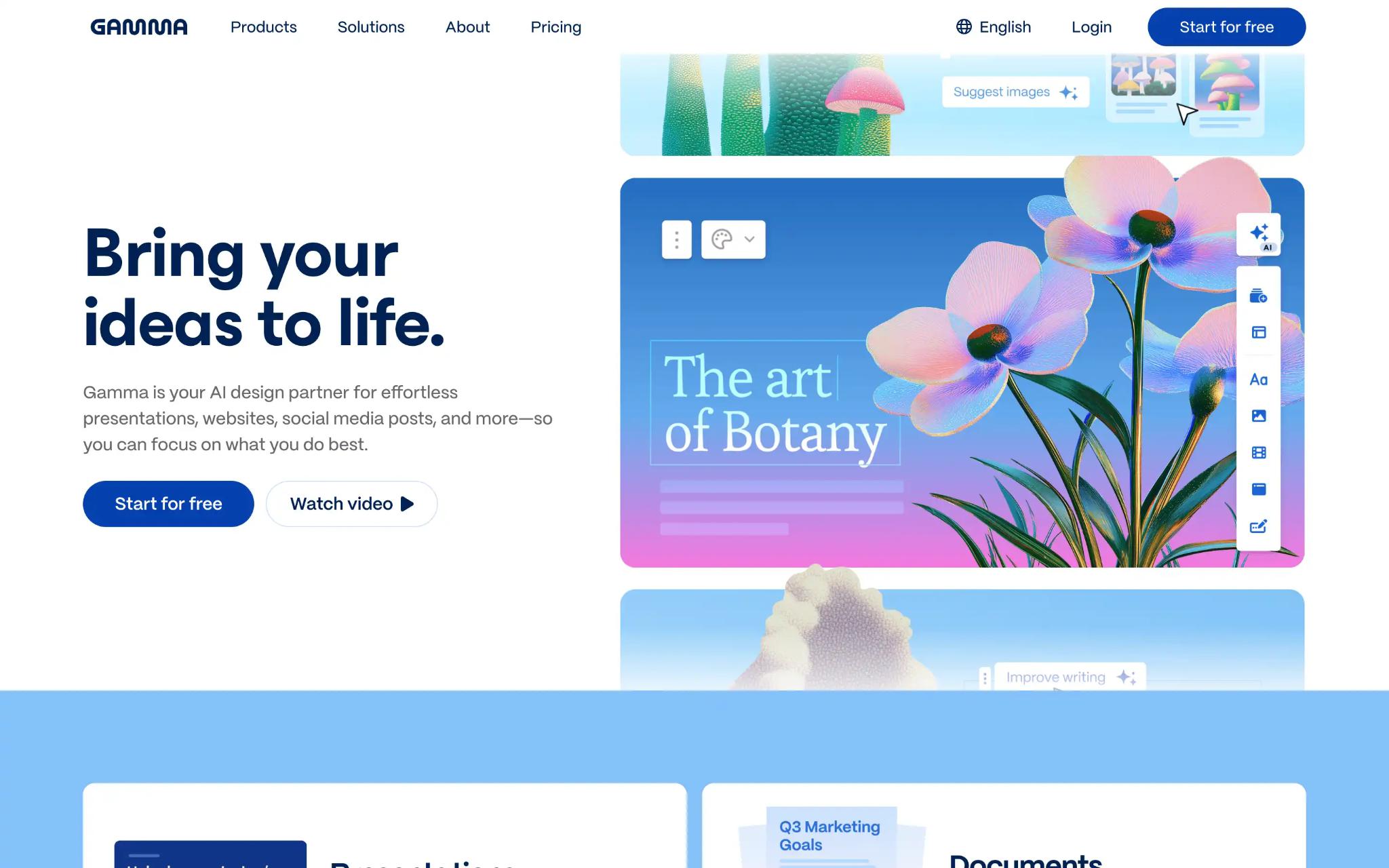
Best for: Startups, small teams, educators, and professionals who primarily create presentations for online viewing and sharing.
Gamma is an AI-powered content creation platform that supports presentations, documents, and web-based content. Its card-based editing environment allows users to organize information into adaptable layouts rather than relying exclusively on conventional fixed-slide formatting.
This approach is useful for internal updates, educational presentations, project summaries, and other materials where browser-based viewing and online sharing are important parts of the workflow.
Gamma offers four advertised plans:
Plan | Price |
Free | $0 |
Plus | $9/seat/month, billed annually |
Pro | $18/seat/month, billed annually |
Ultra | $90/seat/month, billed annually |
The plans differ in AI credits, generation allowances, branding, analytics, and other advanced capabilities.
Verdict: Gamma is well suited to professionals who prioritize browser-based presentations, adaptable content layouts, and online sharing.
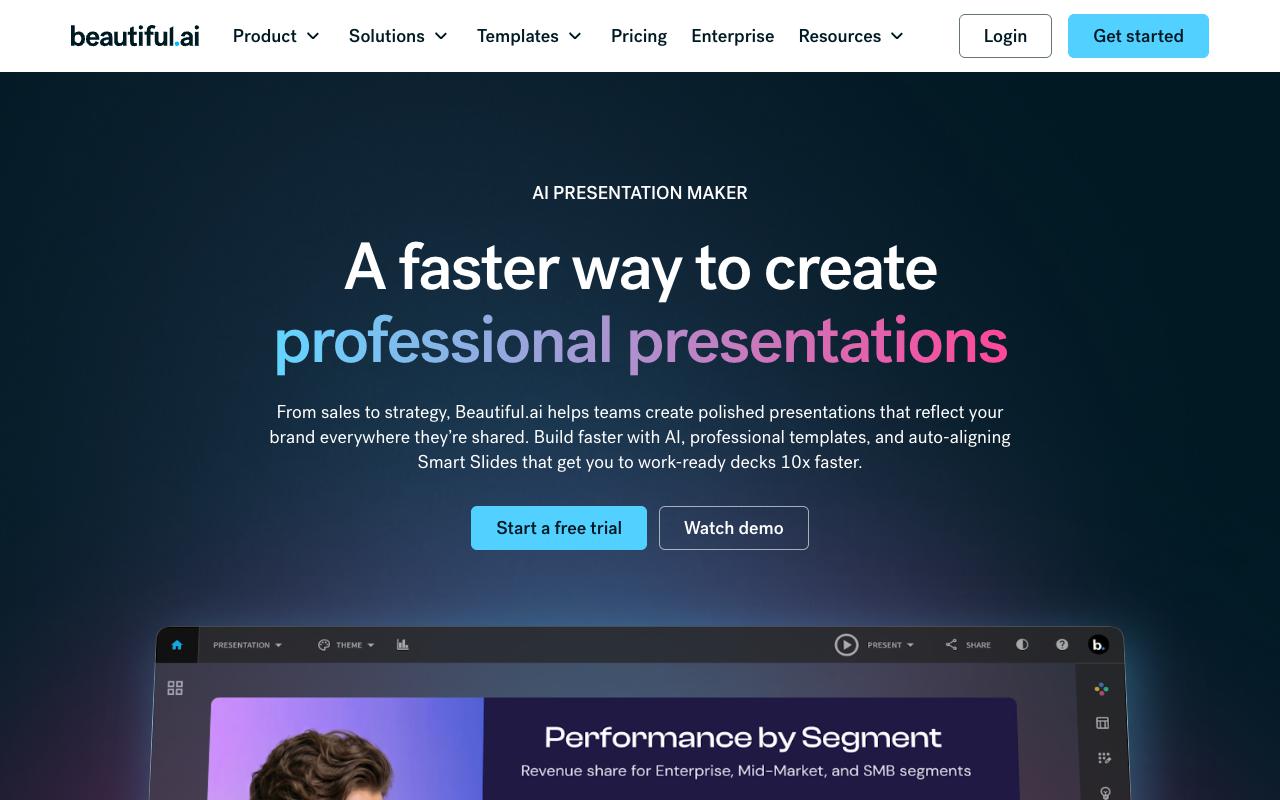
Best for: Corporate teams, consultants, and marketers who want consistent slide layouts without extensive manual formatting.
Beautiful.ai is an AI presentation platform built around automated slide design. Its Smart Slides system adjusts layouts as users add or modify content, helping maintain alignment, spacing, and visual consistency throughout a presentation.
This approach is particularly relevant for organizations producing recurring sales decks, proposals, management updates, and other business materials that need to follow consistent visual standards.
Beautiful.ai offers Pro, Team, and Enterprise plans, alongside a 14-day trial.
The company’s public pricing pages currently disagree on the annual-billing price for Pro, displaying both $12 and $14.50 per month. The Team plan is advertised at $40 per user per month with annual billing, while Enterprise pricing is customized.
Buyers should confirm the current Pro price before purchasing.
Verdict: Beautiful.ai is particularly suitable for professionals who prioritize consistent slide design and want automated assistance with formatting.
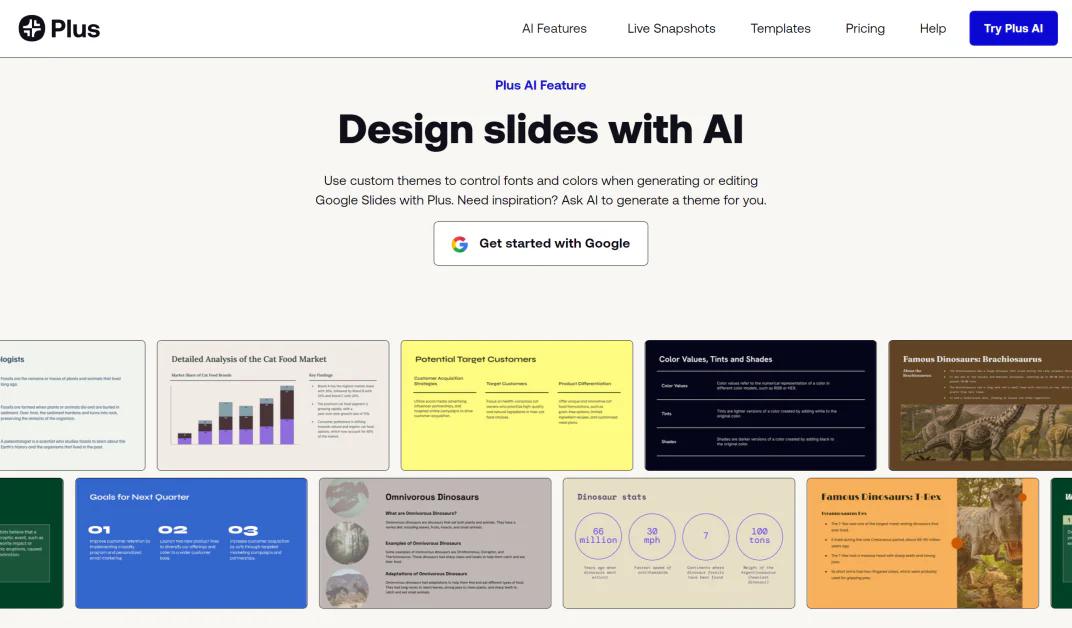
Best for: Corporate teams, consultants, project managers, and professionals who regularly create and edit presentations in PowerPoint or Google Slides.
Plus AI is an AI presentation assistant that operates directly within PowerPoint and Google Slides. Instead of requiring users to move their presentation work into a separate editing environment, it adds AI-assisted generation, rewriting, and layout editing to familiar applications.
This makes Plus AI particularly relevant for organizations with established slide libraries, corporate presentation standards, and workflows built around Microsoft 365 or Google Workspace.
Plan | Price |
Basic | $10/user/month, billed annually |
Pro | $20/user/month, billed annually |
Team | $30/user/month, billed annually |
Max | $200/user/month, billed annually |
Enterprise | Custom pricing |
Plus AI also advertises a seven-day trial for paid plans, with payment details required.
Verdict: Plus AI is a practical choice for organizations that want AI-assisted presentation generation and editing while continuing to work within PowerPoint or Google Slides.
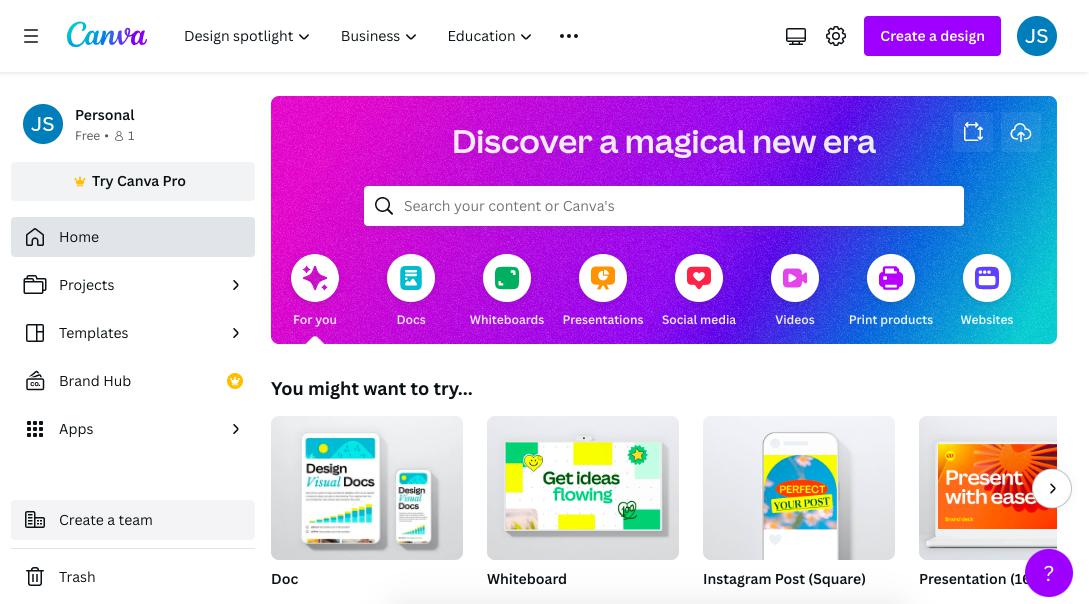
Best for: Marketing teams, small businesses, content creators, and professionals who produce presentations alongside other visual materials.
Canva is a visual communication platform that combines presentation creation, AI-assisted design, and collaborative editing with a broader collection of creative capabilities. In addition to presentations, users can develop social media graphics, marketing materials, documents, and other visual assets.
This makes Canva particularly relevant for marketing teams that produce content for multiple channels and want to maintain a consistent visual identity across their materials.
Canva advertises the following US subscription options:
Plan | Price |
Free | $0 |
Pro | $144/year for one person |
Business | $250/year per person |
Enterprise | Contact sales |
Pricing and feature availability may differ by country and subscription arrangement.
Verdict: Canva is a strong option for marketing teams and small businesses that need AI-assisted presentations alongside broader visual design capabilities.
Advertisment
The most suitable AI presentation maker should support the parts of the presentation workflow that matter most to your organization. Generating an initial deck, organizing complex information, maintaining branding, and editing existing slides are related tasks, but different platforms prioritize them differently.
Executive reports, consulting presentations, and strategy decks require a logical progression of information. The audience should be able to understand the problem, supporting evidence, findings, and recommended actions without reconstructing the message themselves.
For these situations, consider software that addresses content organization alongside visual design. Presentations.AI emphasizes this through its Presentation Intelligence approach, while other platforms focus more heavily on automated formatting, online delivery, or editing within existing applications.
Many business presentations begin with reports, research documents, spreadsheets, and project files. Reorganizing this information manually can become a repetitive part of presentation preparation.
Before selecting a platform, verify whether it supports the formats your team regularly uses, including PDFs, Word documents, spreadsheets, and URLs.
Also consider whether document-based generation requires a particular subscription and how the software handles important figures, terminology, and supporting evidence.
For corporate teams, PowerPoint compatibility can be important because presentations frequently need to be shared with executives, colleagues, and external stakeholders.
Look beyond whether a platform offers PPTX export. Consider whether the resulting text, shapes, and layouts remain editable and whether the presentation is suitable for continued work.
Presentations.AI supports PowerPoint export, while Plus AI works directly within PowerPoint. Both approaches can support established business workflows, but they differ in how presentations are created and edited.
Organizations producing presentations regularly often need consistent typography, colors, logos, and visual hierarchy across departments and projects.
Brand management features can help maintain these standards, while collaborative editing and shared assets support teams preparing presentations together.
These capabilities become particularly important when multiple employees create materials for the same organization or when presentations are frequently delivered to external audiences.
The lowest advertised subscription price may not include every capability required for professional presentation workflows.
Document uploads, advanced AI models, enhanced export capabilities, branding, analytics, and collaboration may depend on specific plans.
Compare subscriptions based on the features your team will actually use, the number of employees who need access, and the requirements for editing and delivering finished presentations.
Business use case | Recommended tool | Main reason |
Executive reports and management presentations | Presentations.AI | Narrative organization and editable decks |
Sales proposals and strategy presentations | Presentations.AI | Source-to-deck generation and business-focused structure |
Project updates and stakeholder reporting | Presentations.AI | Presentation creation from existing information |
Browser-based presentations | Gamma | Card-based layouts and online sharing |
Consistent slide formatting | Beautiful.ai | Smart Slides and automated layout adjustments |
Existing PowerPoint workflows | Plus AI | AI-assisted editing within PowerPoint |
Existing Google Slides workflows | Plus AI | Direct Google Slides integration |
Marketing presentations and visual assets | Canva | Presentations alongside broader design tools |
These recommendations reflect documented capabilities and workflow suitability rather than independently measured performance results.
What is the best AI presentation maker for business professionals?
Presentations.AI is a strong choice for professionals who need to transform existing information into structured, editable presentations. Its Presentation Intelligence approach emphasizes narrative organization, information hierarchy, and business communication.
For other requirements, Gamma supports browser-based storytelling, Beautiful.ai emphasizes automated formatting, Plus AI integrates with existing presentation applications, and Canva supports broader visual-content creation.
Can AI create an entire PowerPoint presentation?
Yes. AI presentation makers can generate complete presentations from prompts or existing content. Presentations.AI supports PowerPoint export, while Plus AI creates and edits presentations directly within PowerPoint.
Users should review generated content and formatting before sharing the finished deck.
Can AI turn a PDF or document into a presentation?
Yes. Platforms such as Presentations.AI support generating presentations from existing source materials, while Plus AI supports document uploads through eligible paid subscriptions.
Supported formats and capabilities vary between platforms, so users should confirm compatibility with their specific documents.
Are AI-generated presentations editable?
Many AI presentation makers support editing generated presentations, although the degree of control differs between platforms.
Some provide native editing environments, while others operate directly within PowerPoint or Google Slides. Teams requiring editable PowerPoint files should verify export capabilities and inspect the resulting presentation.
Can AI presentation makers maintain company branding?
Yes. Presentations.AI, Beautiful.ai, Plus AI, and Canva provide branding capabilities, although the available controls and subscription requirements differ.
Organizations producing presentations regularly should check whether a platform supports company colors, fonts, logos, and shared visual standards.
Do AI-generated presentations require human review?
Yes. AI can assist with organizing content, generating slides, and applying visual design, but professionals should still verify important figures, source information, conclusions, and audience-specific messaging.
This is particularly important for executive reports, financial presentations, sales proposals, and other business-critical materials.
Advertisment
For business professionals and corporate teams, Presentations.AI is a strong overall choice because it combines narrative organization, source-to-deck generation, brand customization, and editable PowerPoint output. Its Presentation Intelligence approach is particularly relevant for organizations that need to transform existing business information into clear, structured presentations.
Gamma is well suited to browser-based storytelling, Beautiful.ai emphasizes automated design consistency, Plus AI supports established PowerPoint and Google Slides workflows, and Canva is useful for teams producing presentations alongside other visual materials.
Professionals regularly preparing reports, proposals, and strategy decks should prioritize source material support, narrative structure, and editable output. Teams focused primarily on visual design, online sharing, or existing office applications may find one of the other platforms better suited to their workflows.
Advertisment
Pin it for later!
If you found this post useful you might like to read these post about Graphic Design Inspiration.
Advertisment
If you like this post share it on your social media!
Advertisment





Want to make your Business Grow with Creative design?
Advertisment
Advertisment