This Post Contains Affiliate Links
The iPad has evolved from a simple tablet into a creative powerhouse, redefining how designers, illustrators, and visual artists bring their ideas to life. In 2025, Apple’s lineup is more refined than ever — offering M-series chips, OLED displays, and unmatched stylus precision through the new Apple Pencil Pro. Whether you’re sketching a brand concept, editing photos in Photoshop, or designing a layout in Affinity Designer, the iPad now delivers laptop-level performance with the freedom of touch and mobility.
As a graphic designer, I’ve found the iPad to be the perfect balance between power and portability — a sketchbook, drawing tablet, and workstation all in one. In this guide, we’ll compare the best iPads for graphic design in 2025, breaking down their strengths, ideal users, and must-have accessories. By the end, you’ll know exactly which model fits your creative workflow — whether you’re a full-time designer, student, or freelance illustrator.
Best for Beginners and Students
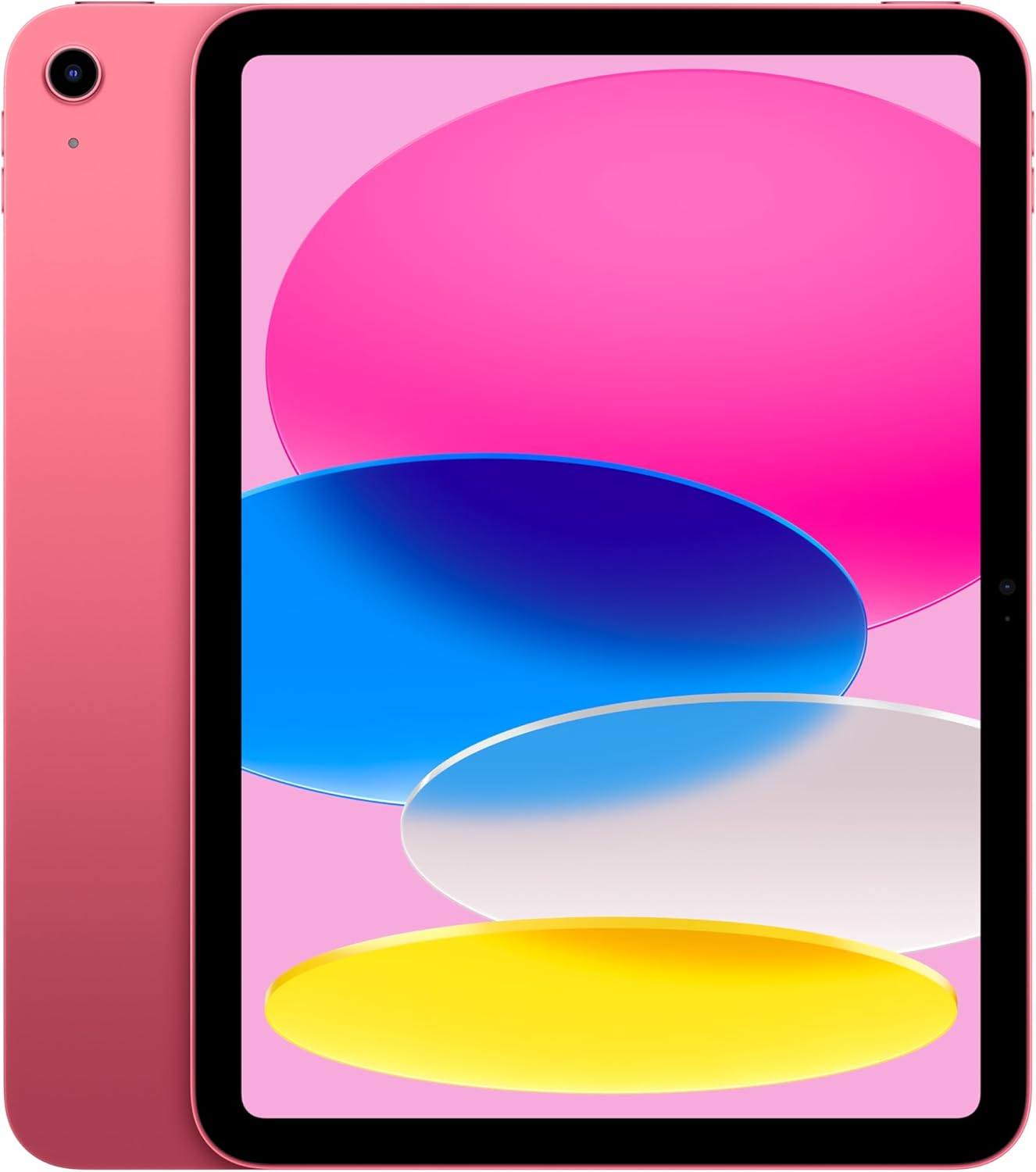
iPad (2025)
Budget-friendly entry point to digital art
Retina display with excellent clarity and color
Works with Apple Pencil (USB-C)
Ideal for Procreate Pocket, Canva, and Adobe Express
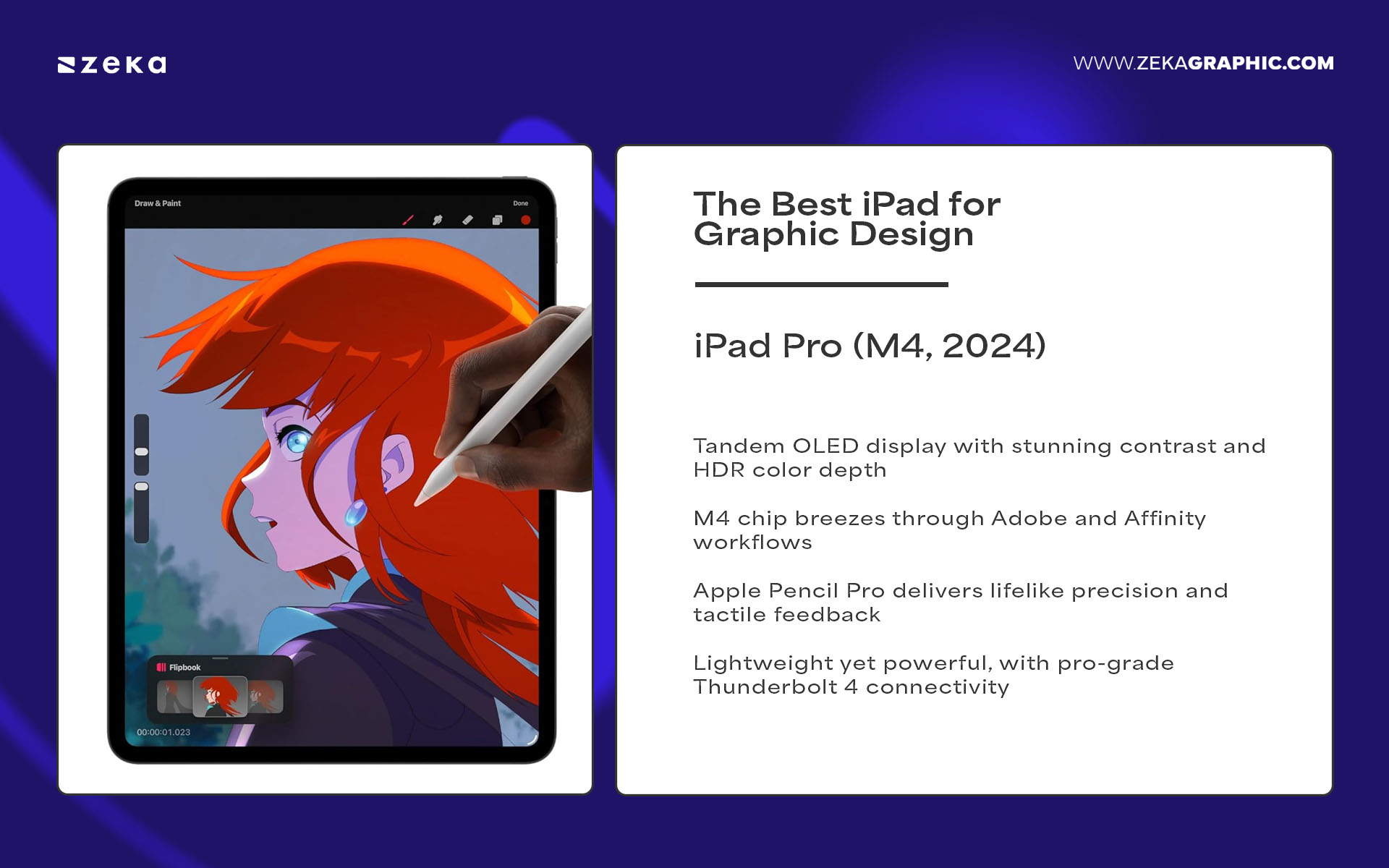
The Best iPad for Graphic Design
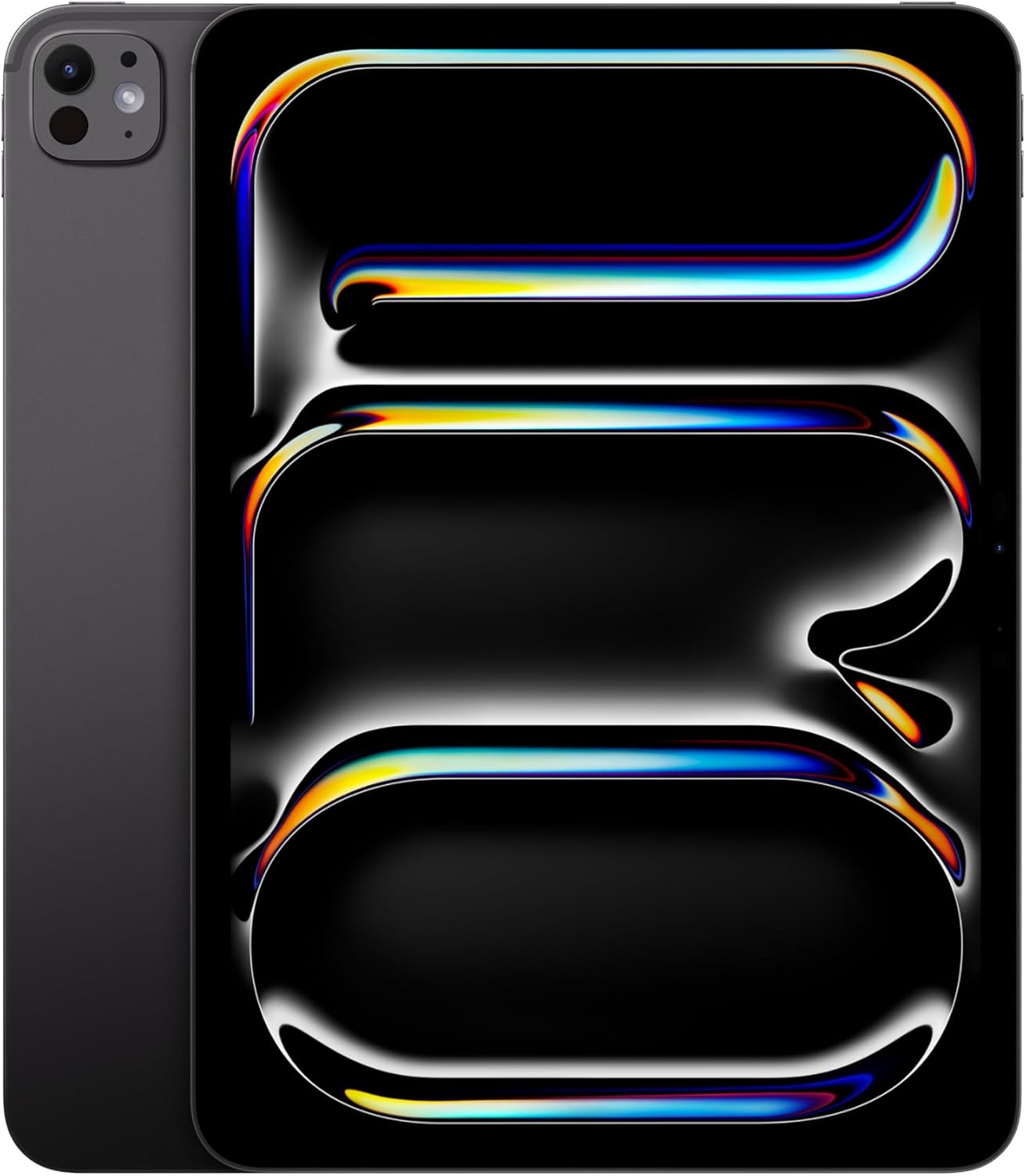
iPad Pro (M4, 2024)
Tandem OLED display with stunning contrast and HDR color depth
M4 chip breezes through Adobe and Affinity workflows
Apple Pencil Pro delivers lifelike precision and tactile feedback
Lightweight yet powerful, with pro-grade Thunderbolt 4 connectivity
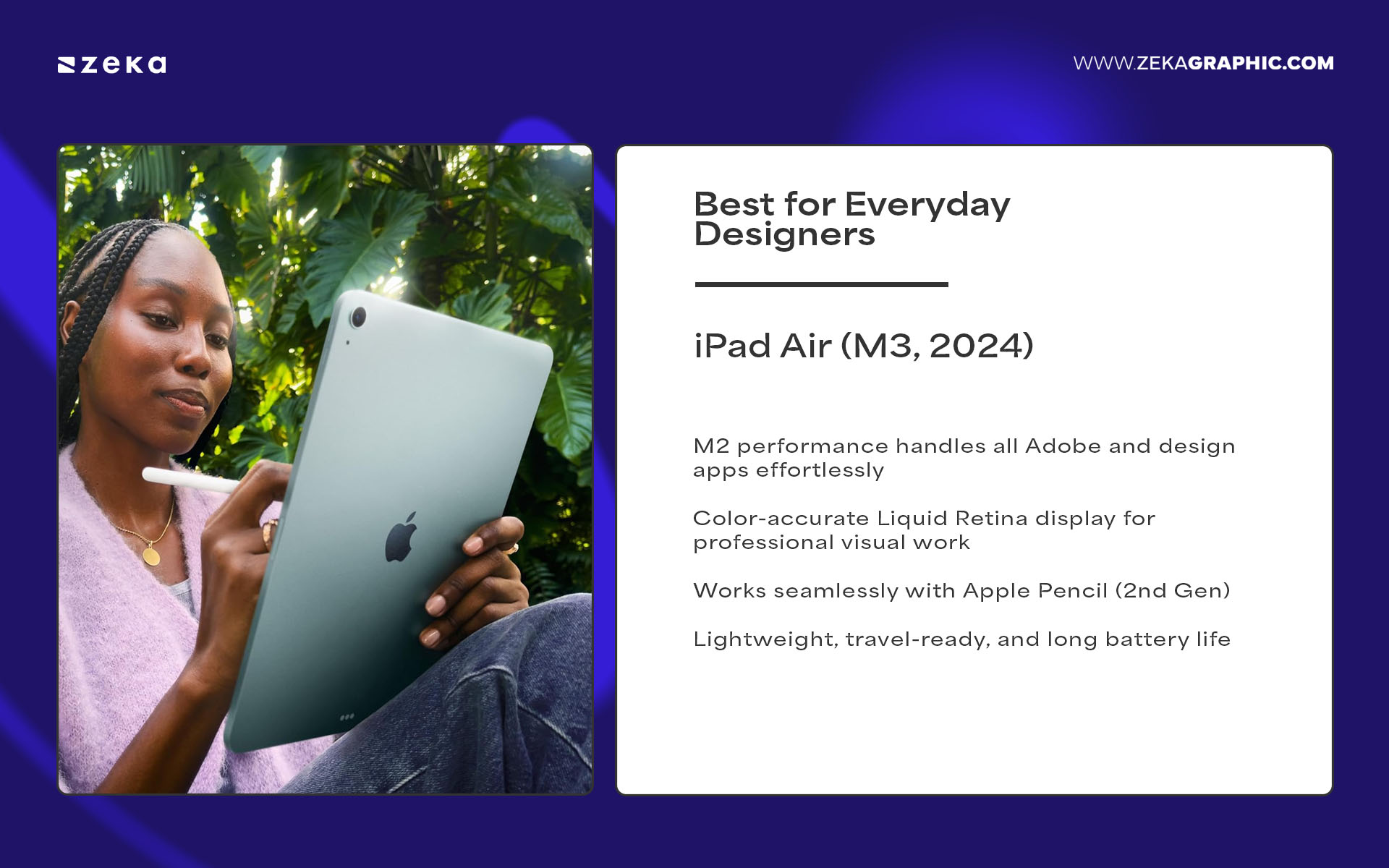
Best for Everyday Designers
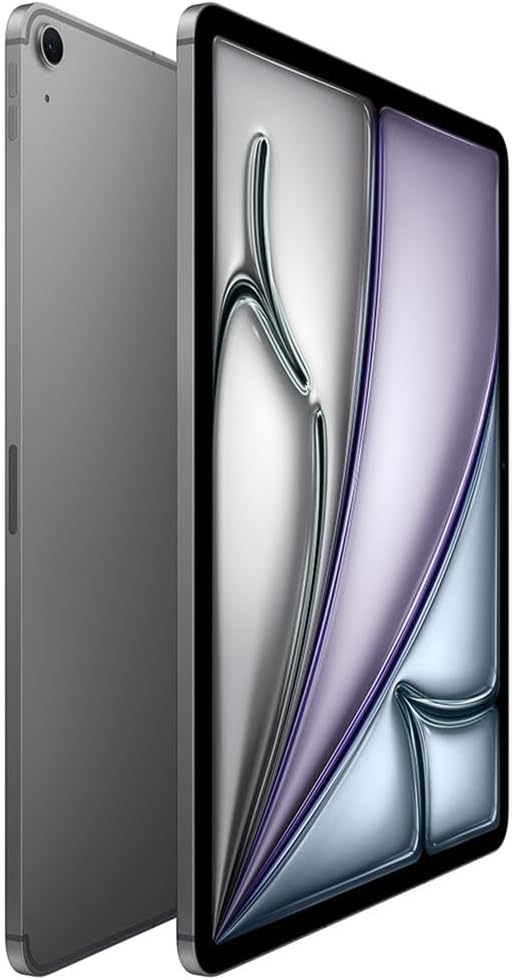
iPad Air (M3, 2024)
M2 performance handles all Adobe and design apps effortlessly
Color-accurate Liquid Retina display for professional visual work
Works seamlessly with Apple Pencil (2nd Gen)
Lightweight, travel-ready, and long battery life
Before diving deep into each model, here’s a quick comparison table for busy creatives who want a snapshot view. This overview highlights performance, display type, and best use cases — helping you instantly narrow down your top choice.
Model | Chip | Display | Apple Pencil Support | Best For | Price Range |
M4 | Tandem OLED | Pencil Pro | Professional illustrators & 3D designers | $$$$ | |
M3 | Liquid Retina | Pencil 2 | Everyday graphic designers & freelancers | $$$ | |
M2 | Liquid Retina XDR | Pencil 2 | Advanced creatives seeking premium display | $$$ | |
A16 | Retina | Pencil 1 (USB-C) | Students & beginner designers | $$ | |
A17 | Liquid Retina | Pencil 2 | On-the-go sketching & creative travel | $$ |
Choosing the best iPad for graphic design comes down to three key factors: performance, display quality, and creative workflow compatibility. As designers, we rely on real-time responsiveness — the ability to sketch, zoom, and blend colors without lag. For this, you’ll want an iPad powered by Apple’s M-series chips (M2 or M4) for the smoothest experience in apps like Adobe Illustrator, Procreate, or Fresco.
Display quality is equally important. The Liquid Retina XDR and Tandem OLED screens deliver lifelike color accuracy and high contrast — essential for digital art, branding, and UI design. Lastly, the Apple Pencil generation you choose matters: the Pencil Pro (2024) offers haptic feedback, barrel roll control, and hover detection for a truly tactile experience.
Checklist before buying:
While hardware plays a major role in a designer’s workflow, software integrations are just as important, especially for teams working across multiple platforms. Businesses looking to build custom creative tools or interactive web experiences often turn to javascript development services from Jelvix to create scalable solutions that support modern design workflows.
Advertisment
Screen: 11-inch/13-inch Ultra Retina XDR display with Tandem OLED technology, 2752×2064 resolution at 264 ppi, ProMotion adaptive refresh rate (10Hz–120Hz) CPU: Apple M4 chip with 12-core CPU, 16-core GPU, and 16-core Neural Engine RAM: Up to 16GB unified memory Storage: Up to 2TB SSD Battery Life: Up to 10 hours of web or creative app use Camera: Dual 12MP (Wide) + 10MP (Ultra-Wide) rear cameras, LiDAR scanner, and 12MP Ultra-Wide front camera with Center Stage Ports: Thunderbolt / USB C OS: iPadOS 18 Weight: 684g (Wi-Fi) / 686g (Wi-Fi + Cellular)
If you want desktop-level performance in a tablet, the iPad Pro (M4) is your dream creative machine. It’s engineered for professional designers who expect absolute precision and speed — the kind of power that lets you edit massive Photoshop files, render 3D mockups, or animate vector graphics without lag. The M4 chip delivers unmatched efficiency, transforming your iPad into a portable design studio that handles the heaviest creative workflows effortlessly.
Its stunning Tandem OLED display sets a new standard for visual quality, offering breathtaking contrast and color accuracy ideal for color-critical projects. Paired with the Apple Pencil Pro, it provides next-gen realism with advanced tilt, rotation, and haptic feedback — so sketching feels intuitive, natural, and deeply immersive. Whether you’re presenting to clients or finalizing high-resolution designs, every detail looks crisp, consistent, and alive.
✨ Why Designers Love It:
The iPad Pro (M4) isn’t just fast — it’s flawlessly fluid. For elite designers, it’s an investment in creative freedom.
✅ Pros:
❌ Cons:
Screen: 11-inch / 13-inch Liquid Retina display (2360×1640 for 11″, 2732×2048 for 13″), P3 wide colour gamut, True Tone, 500 nits (11″) / 600 nits (13″) brightness CPU: Apple M3 chip (8-core CPU, 9-core GPU, up to 16-core Neural Engine) RAM: 8 GB unified memory (in standard models) Storage: 128 GB, 256 GB, 512 GB or 1 TB Battery Life: Up to ~10 hours (typical web/creative app use) Camera: 12 MP Wide rear camera; 12 MP Ultra-Wide / Center Stage front camera Ports & Connectivity: USB-C port (supports accessories); Wi-Fi 6E; Touch ID integrated in power button OS: iPadOS 18 (supports Apple Intelligence features) Weight: ~460 g (11″ model) / ~616 g (13″ model)
The iPad Air (M2) strikes the perfect balance between performance, portability, and price — making it the top choice for freelancers, students, and creatives who want power without overspending. Its M2 chip runs design apps like Photoshop, Procreate, and Illustrator with ease, while multitasking remains smooth and efficient. Whether you’re sketching client concepts or editing social media visuals, the iPad Air delivers professional-grade responsiveness in a featherlight frame.
Its Liquid Retina display ensures vivid, color-accurate visuals, allowing you to trust every hue, gradient, and line. The compatibility with the Apple Pencil (2nd Gen) makes it a joy for illustrators and designers who value precision and flow. It’s everything you need to bring ideas to life — fast, flexible, and beautifully portable.
💡 Why It’s a Favorite:
In short: The iPad Air (M2) gives you Pro-like power at a mid-range price — a reliable all-rounder for everyday design work.
✅ Pros:
❌ Cons:
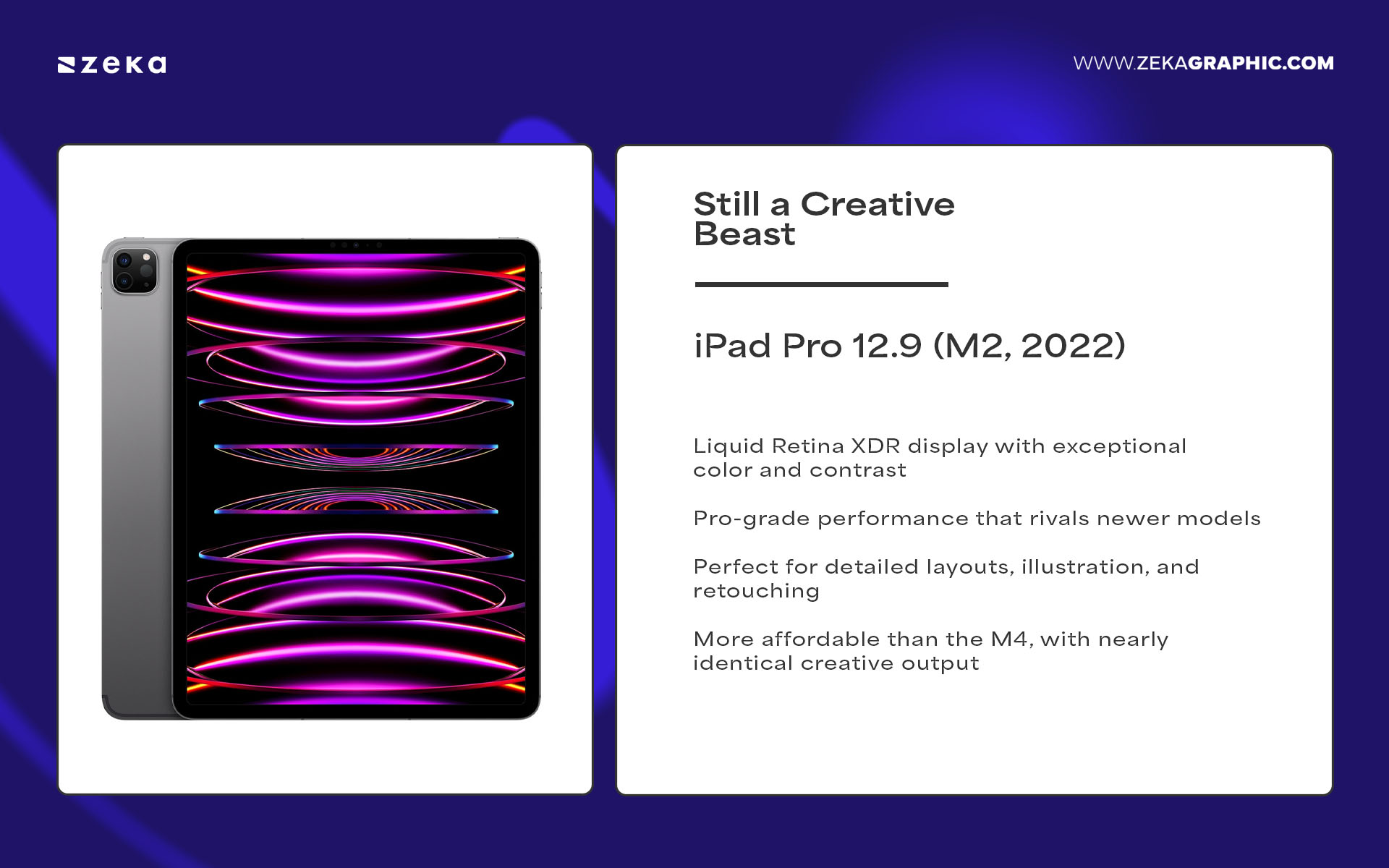
Screen: 12.9-inch Liquid Retina XDR display (mini-LED), 2732×2048 resolution at 264 ppi, ProMotion adaptive refresh rate (24Hz–120Hz) CPU: Apple M2 chip with 8-core CPU, 10-core GPU, and 16-core Neural Engine RAM: 8GB (128GB–512GB models) or 16GB (1TB–2TB models) Storage: 128GB, 256GB, 512GB, 1TB, or 2TB Battery Life: Up to 10 hours of Wi-Fi web use or creative work Camera: Dual 12MP Wide + 10MP Ultra-Wide rear cameras, LiDAR scanner, 12MP Ultra-Wide front camera with Center Stage Ports: Thunderbolt / USB 4 OS: iPadOS 18 (compatible) Weight: 682g (Wi-Fi) / 684g (Wi-Fi + Cellular)**
The iPad Pro 12.9 (M2) remains a creative powerhouse in 2025 — proof that innovation can stand the test of time. Its Liquid Retina XDR display still delivers one of the most color-accurate and detailed visuals on any tablet, making it perfect for print designers, illustrators, and digital artists who depend on precision. HDR brightness and deep contrast ensure that what you see on screen truly reflects your design vision.
Powered by the M2 chip, this model continues to handle complex Adobe workflows with ease. From multitasking between Illustrator and After Effects to detailed retouching, it performs flawlessly. For professionals who want top-tier performance without the M4 price tag, this iPad is the ultimate value. Its expansive 12.9-inch screen gives you space to breathe, sketch, and create freely.
Why It Still Shines:
Verdict: A timeless tool for designers — still a beast, still brilliant.
✅ Pros:
❌ Cons:
Advertisment
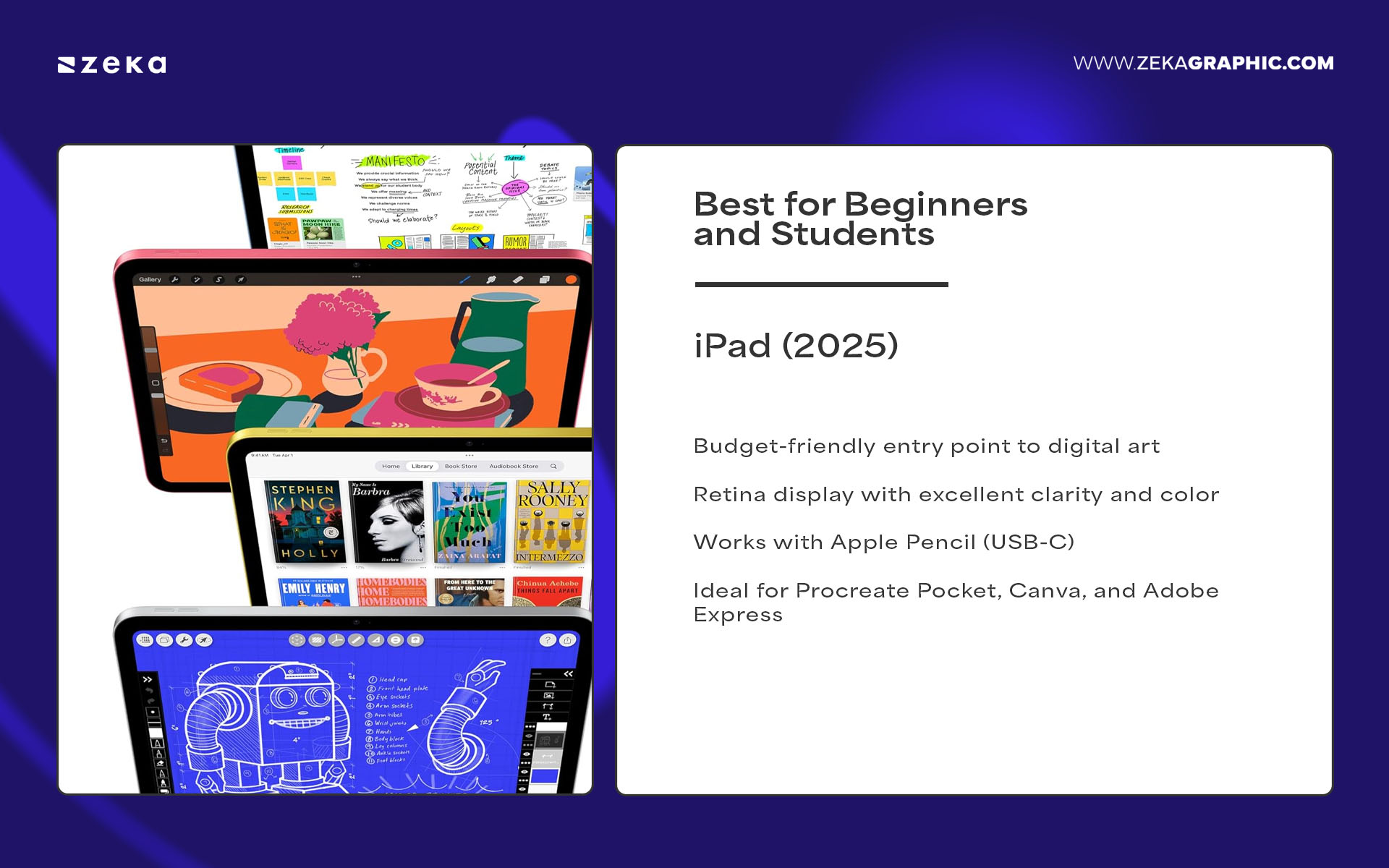
Screen: 11-inch (2360×1640) Liquid Retina; CPU: Apple A16 Bionic; RAM: 6 GB; Storage: 128/256/512 GB; Battery Life: up to ~10 hours (web use); Camera: Rear 12 MP + Front 12 MP Center Stage; Ports: USB-C; Weight: ~1.05 lbs / ~0.475 kg
If you’re stepping into the world of digital design, the iPad (2025) is your best creative companion. It’s the most affordable way to explore Procreate, Canva, or Adobe Express while still enjoying Apple’s smooth, intuitive ecosystem. Ideal for art students, hobbyists, and new designers, it provides everything you need to learn, experiment, and grow your skills — without overwhelming your budget.
It features a vivid Retina display with crisp color accuracy and now supports the Apple Pencil (USB-C), so you can sketch, annotate, and create naturally. While not designed for high-end Adobe workflows, it handles everyday design tasks beautifully. Think of it as your digital sketchbook — simple, capable, and ready to evolve with your creativity.
Why It’s Great for Beginners:
Perfect for: Students, hobbyists, and aspiring designers learning the ropes.
✅ Pros:
❌ Cons:
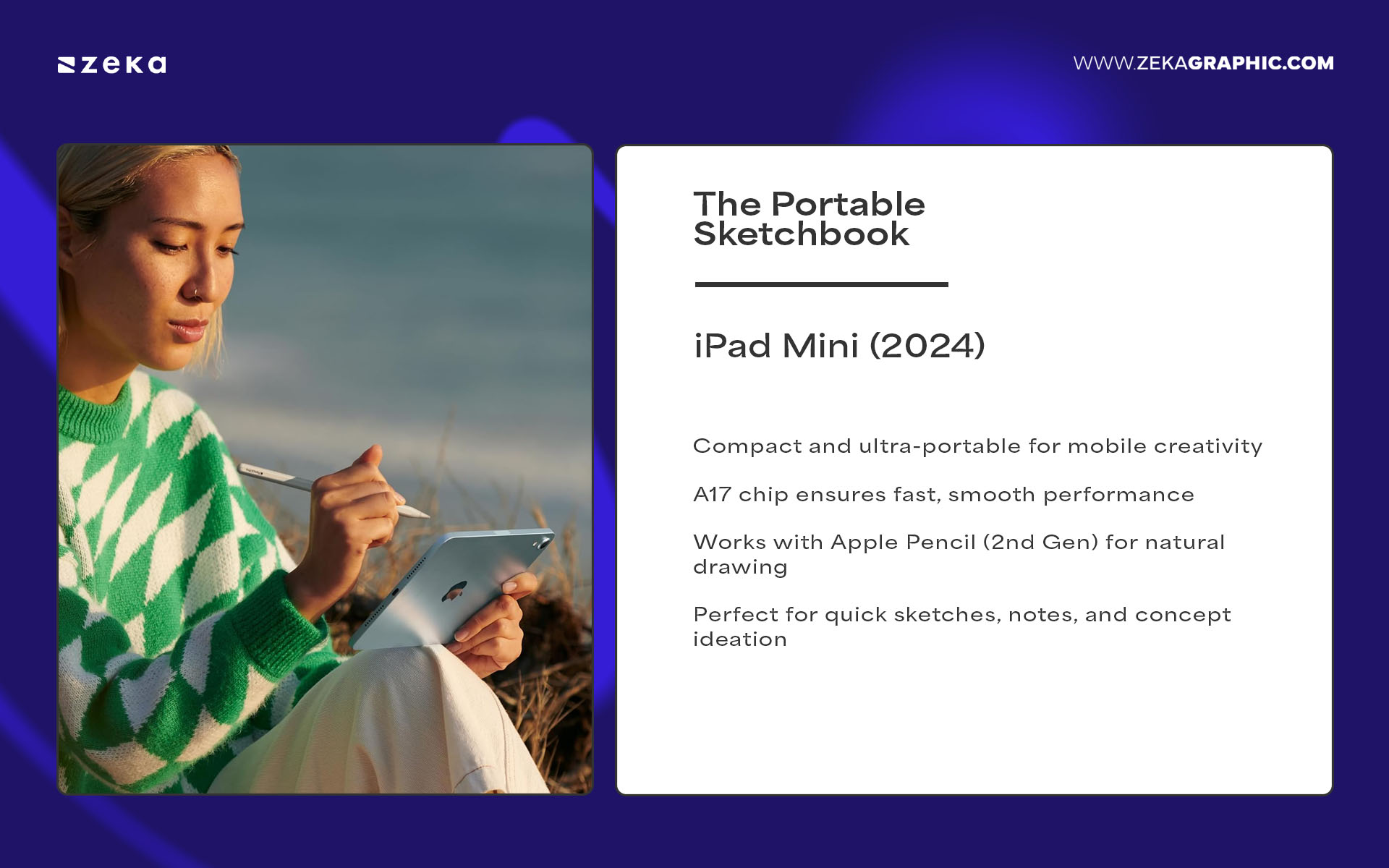
Screen: 8.3-inch Liquid Retina display, 2266×1488 resolution at 326 ppi, True Tone & P3 color gamut CPU: Apple A17 chip with 6-core CPU, 6-core GPU, and 16-core Neural Engine RAM: 6GB memory Storage: 128GB, 256GB, or 512GB Battery Life: Up to 10 hours Camera: 12MP rear camera, 12MP Ultra-Wide front camera with Center Stage Ports: USB-C (Gen 2) OS: iPadOS 18 Weight: 297g (Wi-Fi) / 301g (Wi-Fi + Cellular)**
For creatives who thrive on spontaneity, the iPad Mini (2024) is the definition of mobility and inspiration on the go. Don’t let its compact size fool you — powered by the A17 chip, it delivers impressive speed and fluidity for sketching, illustrating, and quick concept creation. Perfect for designers who love to capture ideas instantly, it’s your go-anywhere, create-anytime tool.
Paired with the Apple Pencil (2nd Gen), the iPad Mini transforms into a digital sketchbook that fits in your hand or bag. Its responsive display and ultra-portable design make it ideal for fieldwork, travel, or brainstorming on the move. For designers who believe creativity shouldn’t wait, this Mini makes every moment a chance to design.
Why Creatives Love It:
In short: Big creative power in a small frame — your ideas, always within reach.
✅ Pros:
❌ Cons:
To make the most of your iPad, pair it with the right accessories. The Apple Pencil (2 or Pro) is essential for any designer — it offers pressure sensitivity, tilt control, and near-zero lag. Adding a matte screen protector simulates paper texture, improving stroke precision for illustrators.
Top accessories for 2025:
Q1: Which iPad is best for professional graphic design?
→ The iPad Pro (M4) is the top choice for professionals who need peak performance and display quality.
Q2: Is the iPad Air powerful enough for Adobe apps?
→ Absolutely. The M2 chip handles Photoshop, Fresco, and Illustrator smoothly for most workflows.
Q3: Which iPad is best for students or beginners?
→ The iPad (2025) offers excellent value and all essential creative features at an affordable price.
Q4: Do I need the Apple Pencil Pro?
→ For precise, natural drawing and advanced brush control, yes — it’s a must-have for digital artists.
Advertisment
Alternative Keywords: choosing the right iPad for art, best tablet for designers
In 2025, every iPad offers a doorway to creativity — from the power-packed iPad Pro (M4) to the portable Mini. Your choice depends on your workflow: if you handle complex projects or 3D work, go Pro. If you’re a freelancer or design student, the Air or iPad 2025 offer unbeatable balance. And if you love mobility, the Mini is your on-the-go creative ally.
Whichever you choose, the iPad remains one of the best investments a designer can make — combining precision, performance, and freedom to create anywhere inspiration strikes.
If you found this post useful you might like to read these posts about Graphic Design Inspiration.
Advertisment
Written by
If you like this post share it on your social media!




Advertisment

Advertisment