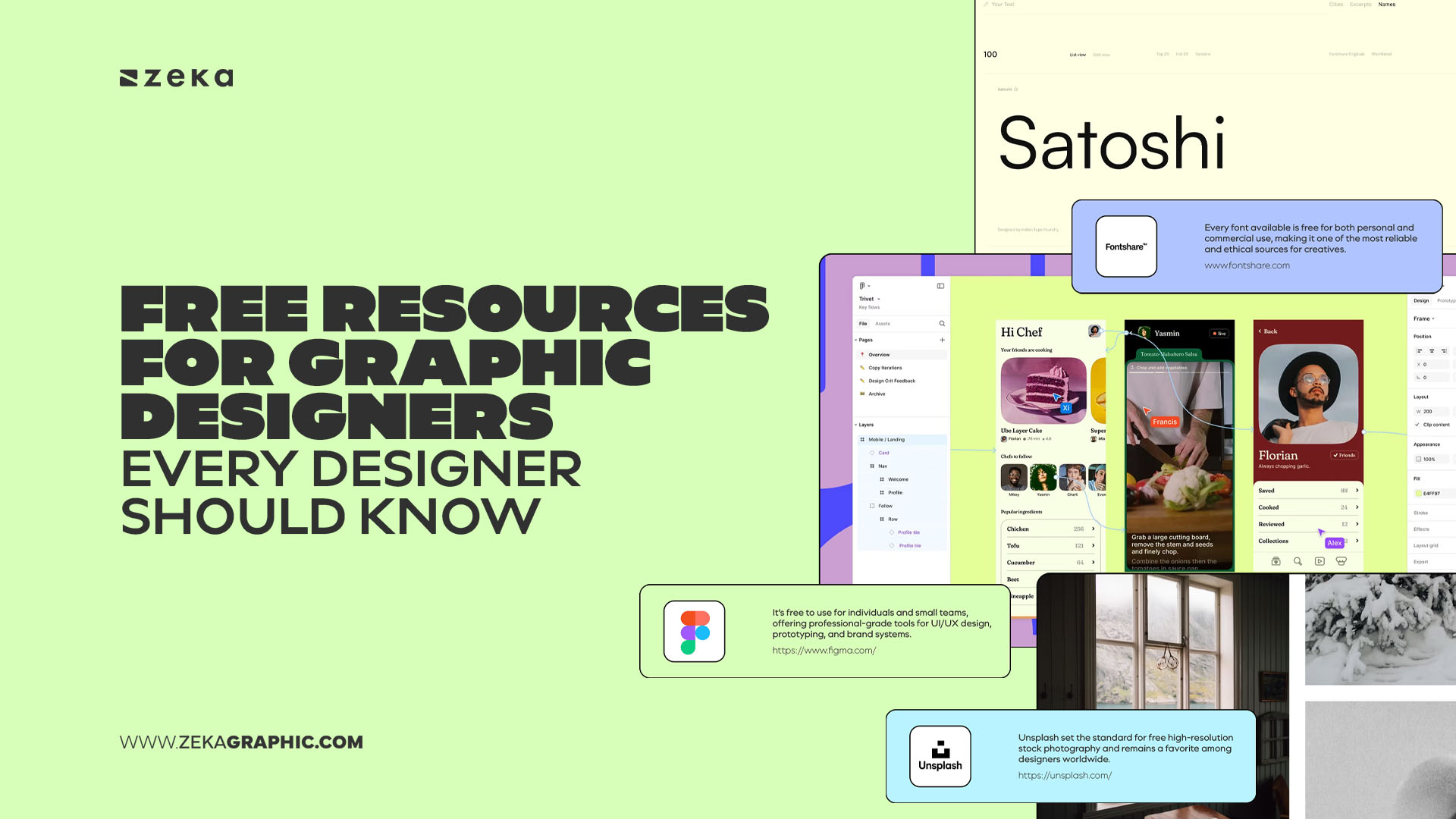
Design moves fast, and the tools designers rely on are constantly evolving. In this environment, free resources for graphic designers have become more than a convenience—they’re an essential part of a modern creative workflow.
The right free assets can save time and expand your creative possibilities as they help you work faster, test ideas more freely and produce polished results without stretching your budget.
In many ways, these tools become part of a designer’s everyday toolkit.
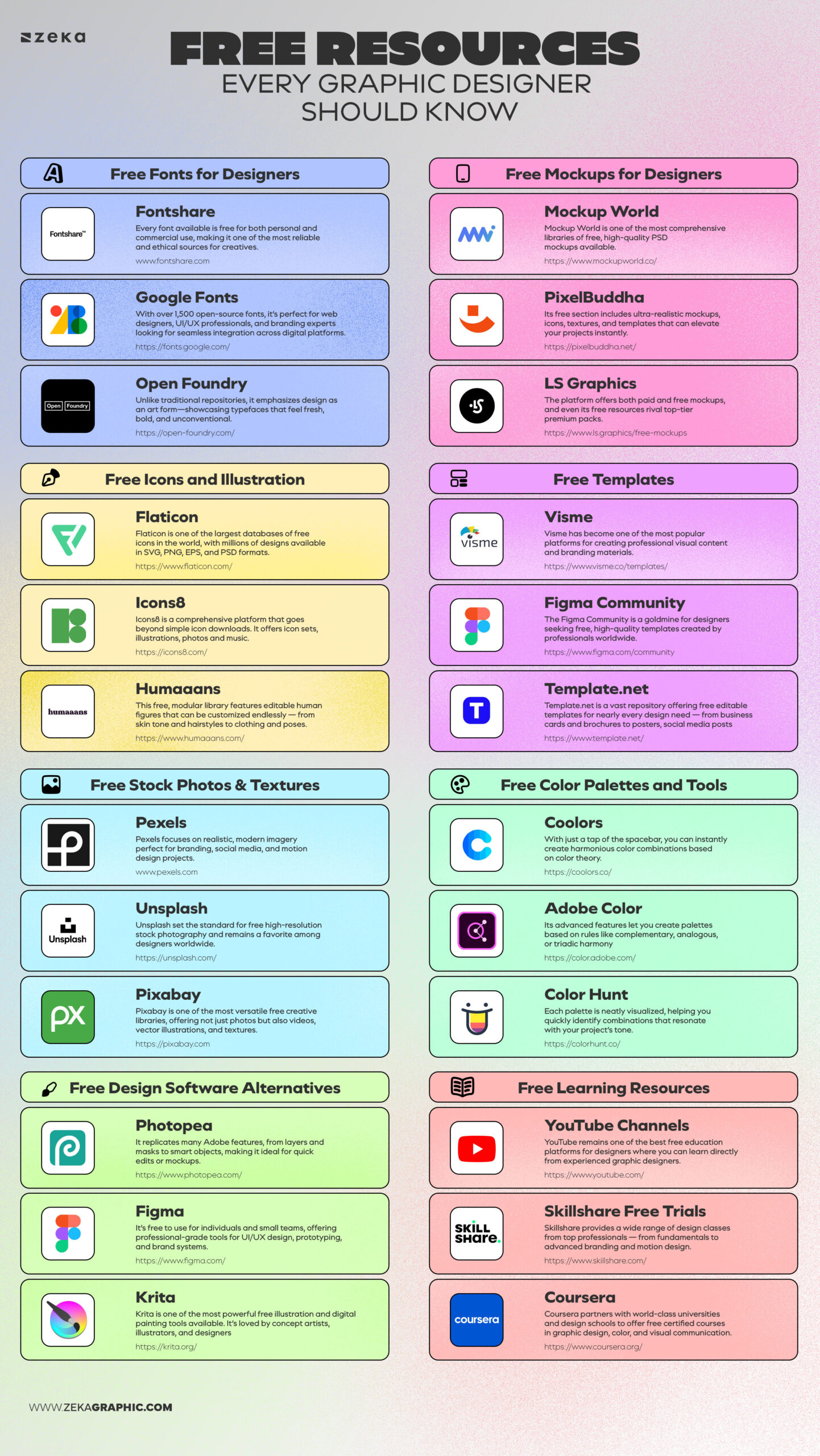
This guide highlights some of the most valuable and reliable free design resources every designer should know, so let’s check these resources!
Advertisment
Typography shapes the tone of a design. It sets the mood, gives personality to a layout, and often becomes the first thing people notice in a brand or composition.
A strong typeface can transform an ordinary layout into something memorable. Fortunately, finding high-quality fonts doesn’t require expensive subscriptions. Many free font resources offer typefaces that rival premium foundries.
The key is knowing where to find them—and understanding their licenses before using them in client work.
Below are some of the most trusted websites for free fonts, offering typefaces suitable for branding, editorial layouts, digital design, and UI projects.
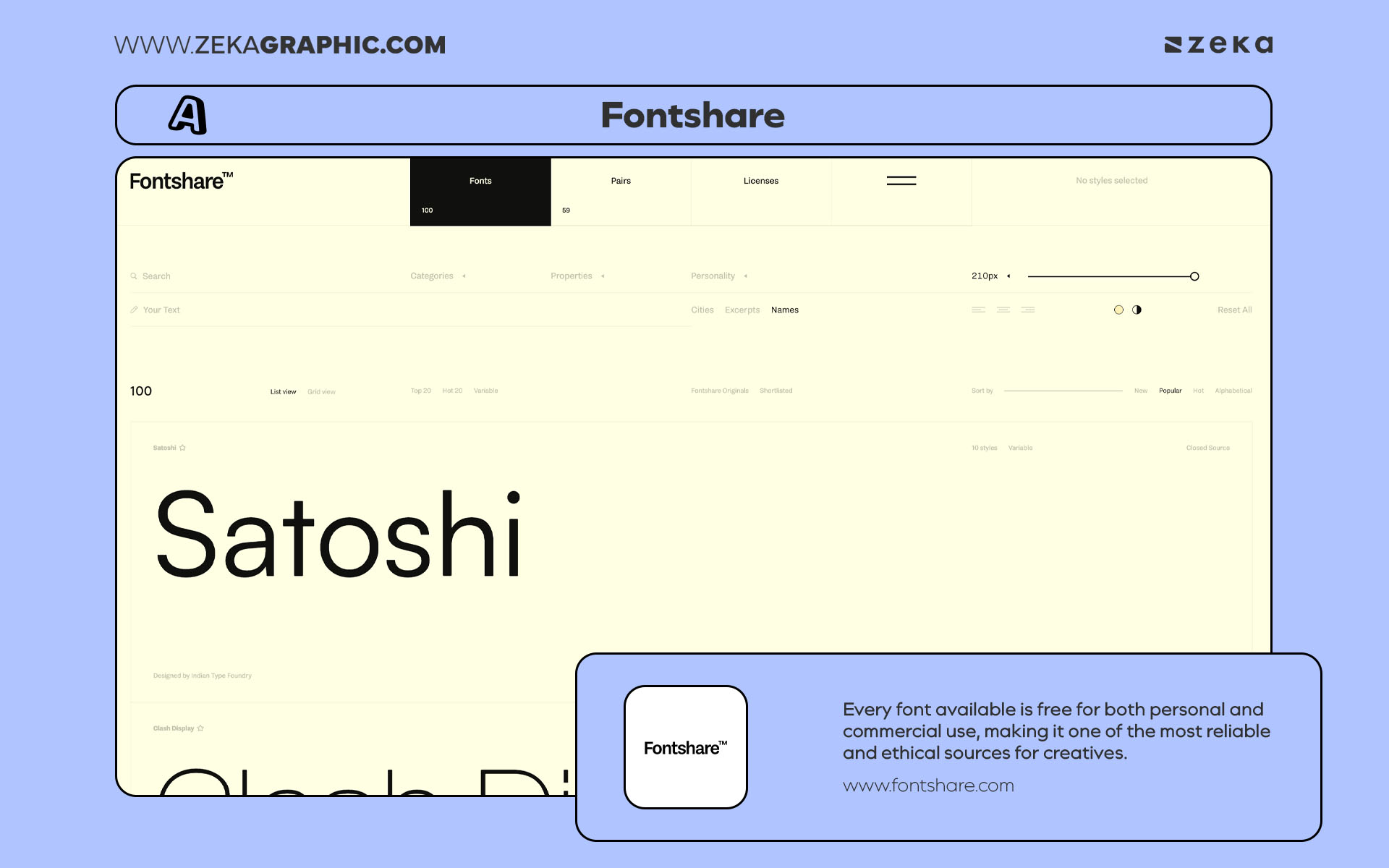
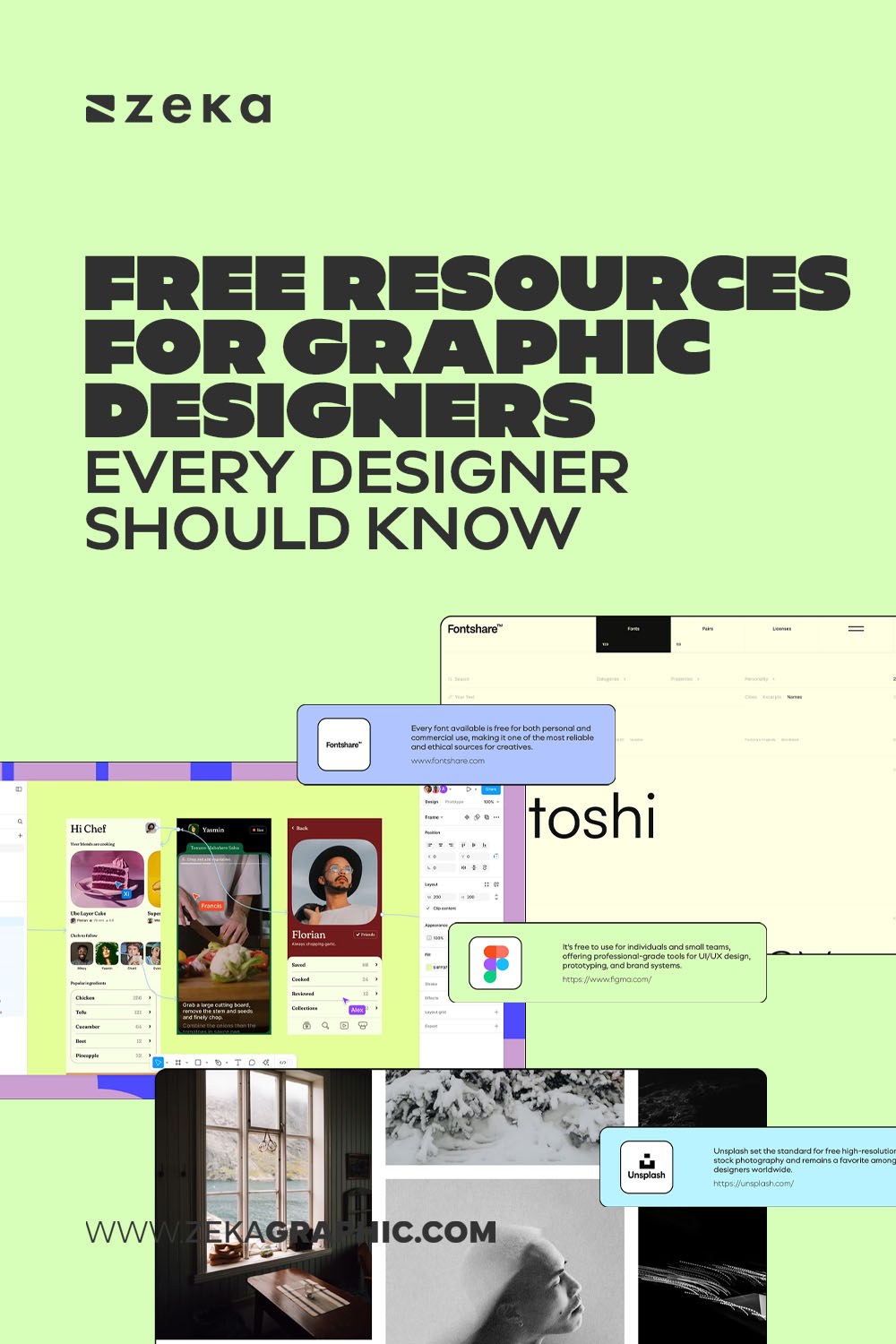
Fontshare by Indian Type Foundry is a designer-favorite resource for free, high-quality typefaces. Every font available is free for both personal and commercial use, making it one of the most reliable and ethical sources for creatives.
Highlights:
Pro Tip: Fontshare’s interface allows you to test fonts directly on live text, making it easy to visualize typography for logos or editorial layouts before downloading.
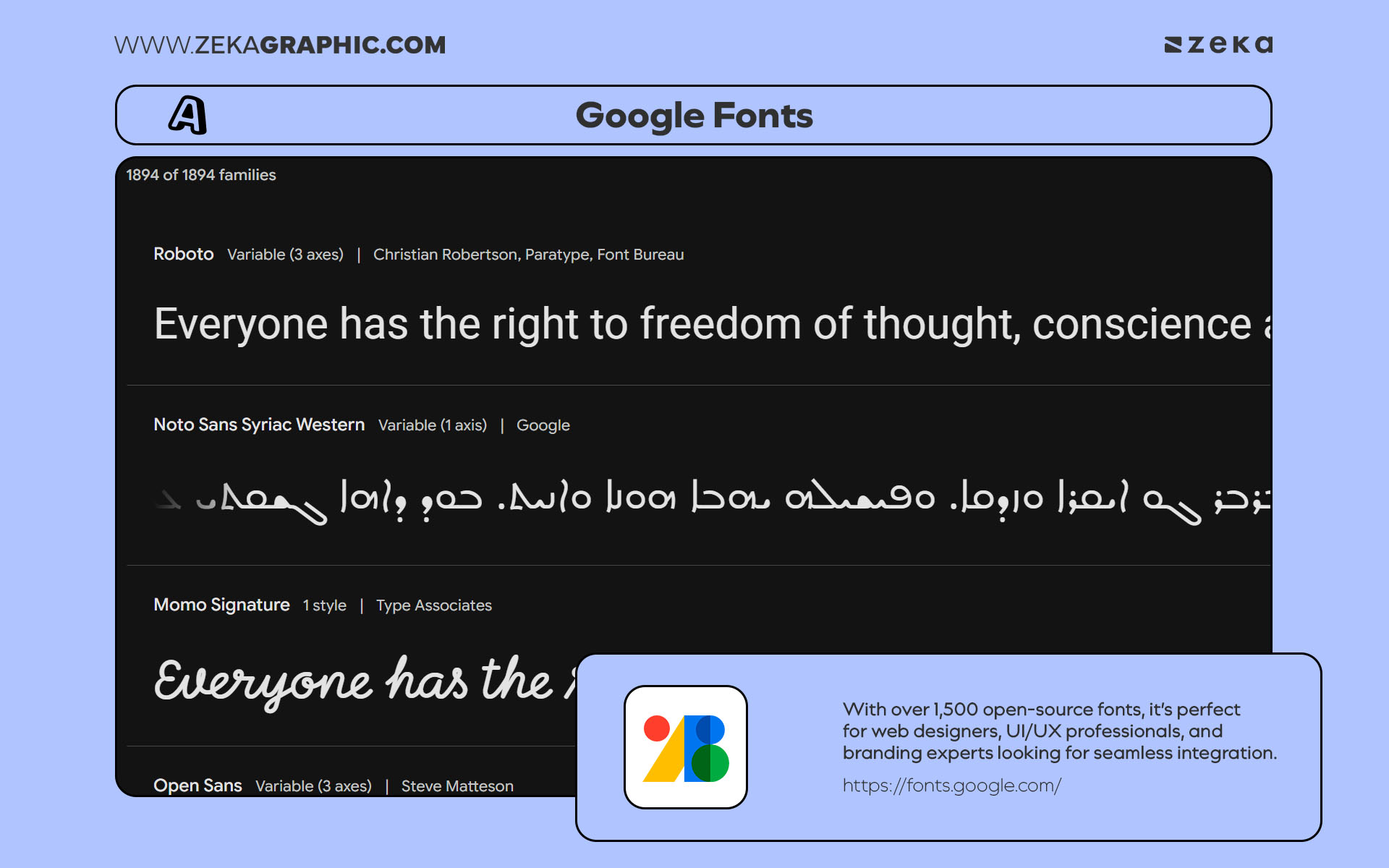
When it comes to web-safe, reliable, and easy-to-implement typography, Google Fonts remains an essential tool in every designer’s toolkit. With over 1,500 open-source fonts, it’s perfect for web designers, UI/UX professionals, and branding experts looking for seamless integration across digital platforms. You can check the best Google Fonts in this post.
Highlights:
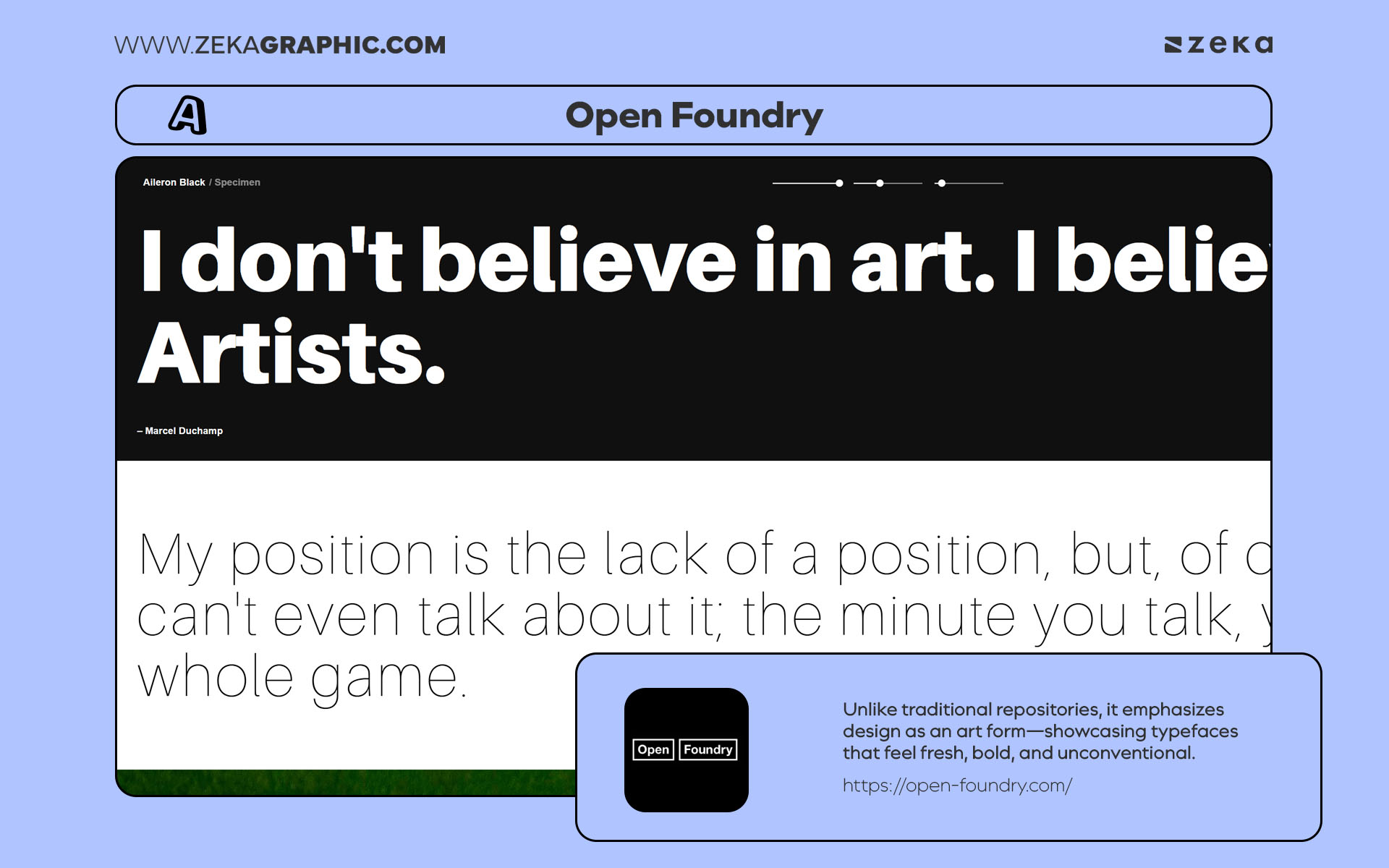
Open Foundry is a beautifully curated platform dedicated to open-source, experimental typography. Unlike traditional repositories, it emphasizes design as an art form—showcasing typefaces that feel fresh, bold, and unconventional. It’s a go-to for designers who want to add personality and innovation to their projects, especially in editorial design or artistic branding.
Highlights:
Pro Tip: Use Open Foundry fonts when you want your brand to stand out with a distinctive, creative edge—they’re perfect for posters, album art, and conceptual identities.
Advertisment
A good design looks even better when shown in context.
Mockups help transform flat artwork into something tangible—whether it’s packaging on a shelf, a poster on a wall, or a mobile interface on a device. They allow clients and viewers to immediately understand how a design will live in the real world.
Free mockups make this possible without building complex 3D scenes or purchasing premium templates.
Many platforms offer high-quality PSD and Figma mockups that are clean, realistic, and easy to customize. Used well, they can turn a solid design into a convincing presentation.
Below are some of the best sources for free mockups designers regularly rely on.
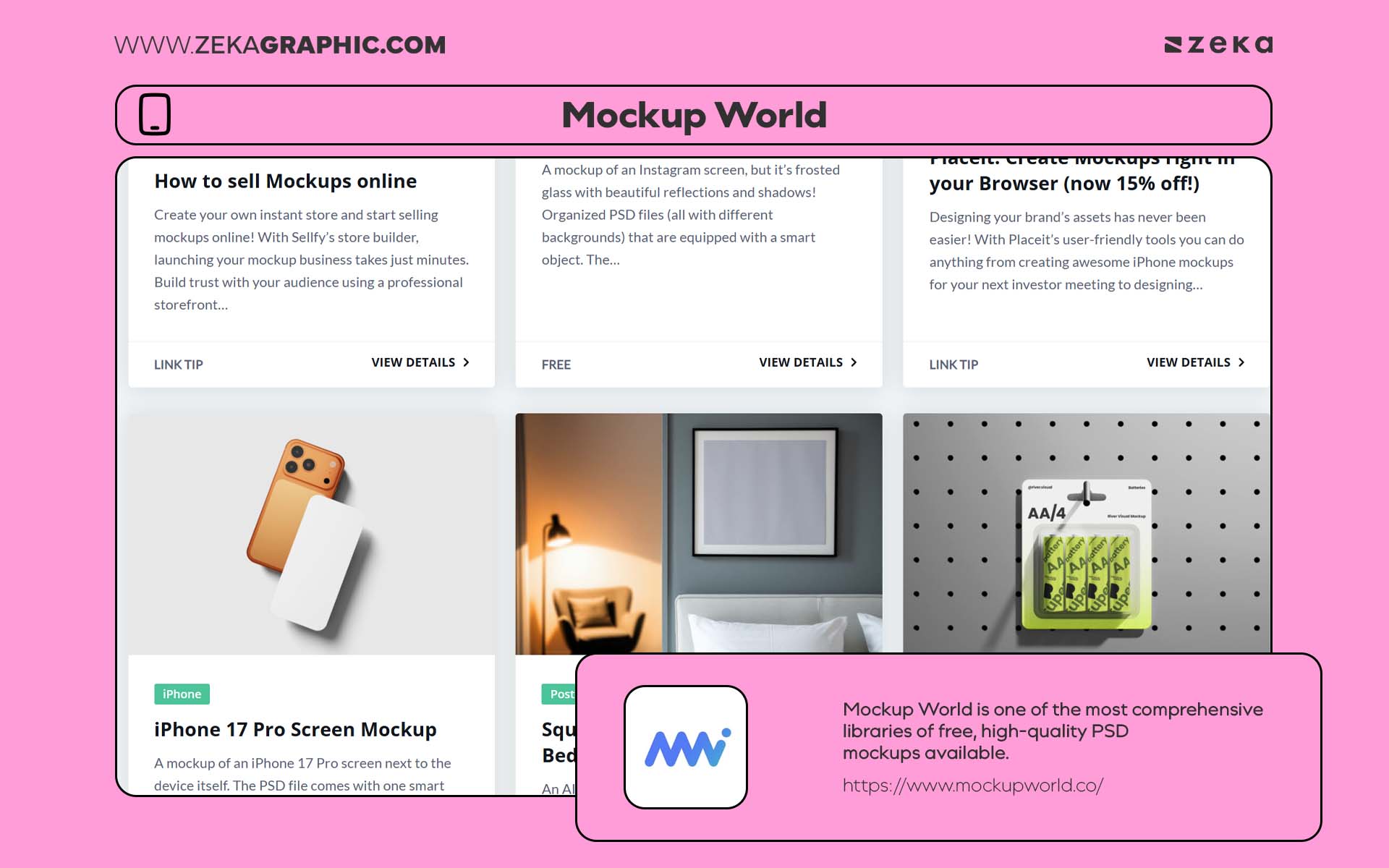
Mockup World is one of the most comprehensive libraries of free, high-quality PSD mockups available. With categories covering everything from stationery and apparel to packaging and digital devices, it’s the ultimate destination for realistic presentations. Each file is carefully curated and comes with smart object layers, allowing you to insert your designs in seconds.
Highlights:
Designer Tip: Use cohesive mockup styles across your portfolio for a consistent and professional visual narrative.
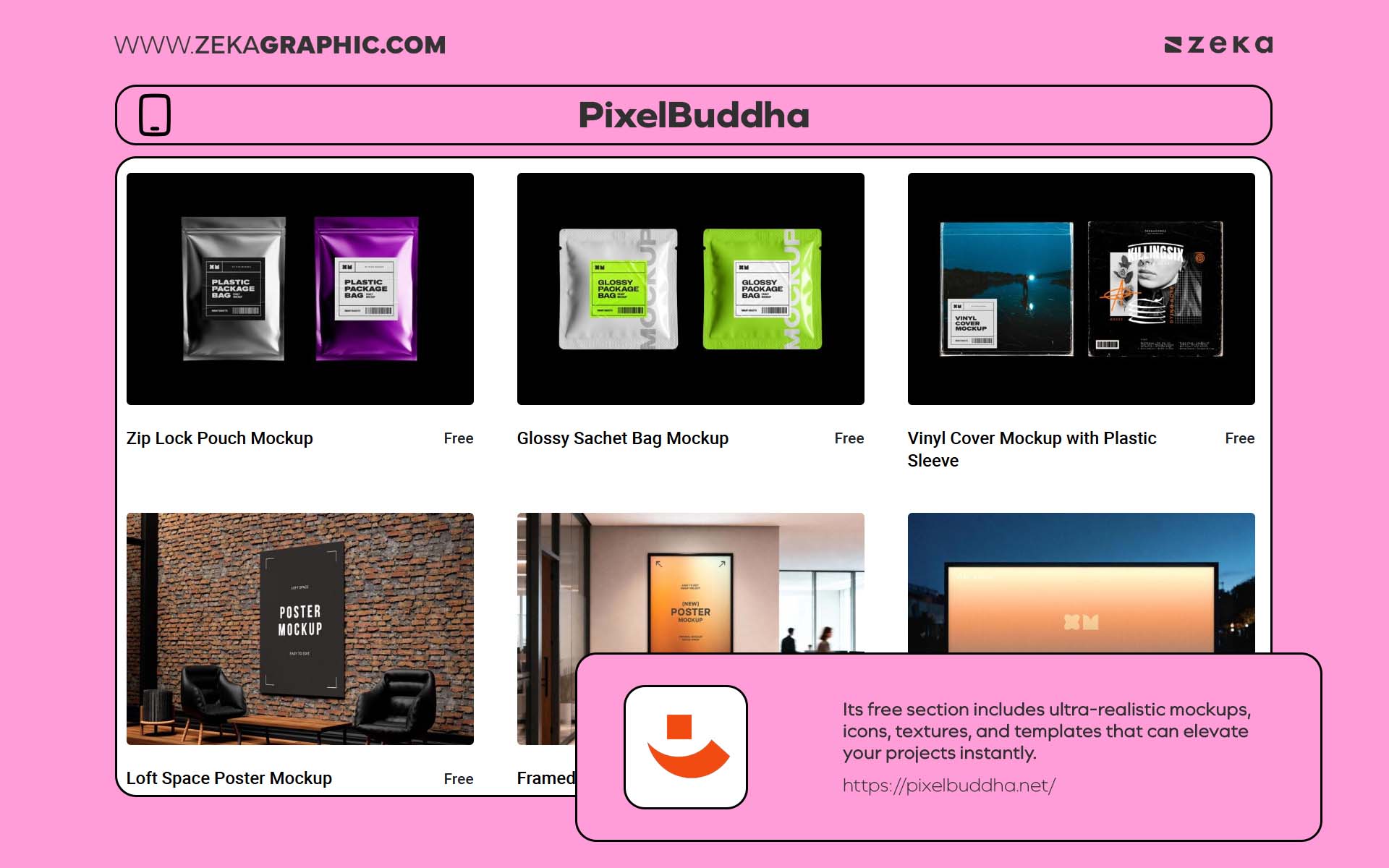
PixelBuddha is known for combining premium design quality with accessibility. Its free section includes ultra-realistic mockups, icons, textures, and templates that can elevate your projects instantly. What sets PixelBuddha apart is the photographic realism and attention to detail in every file — from lighting angles to subtle paper textures.
Highlights:
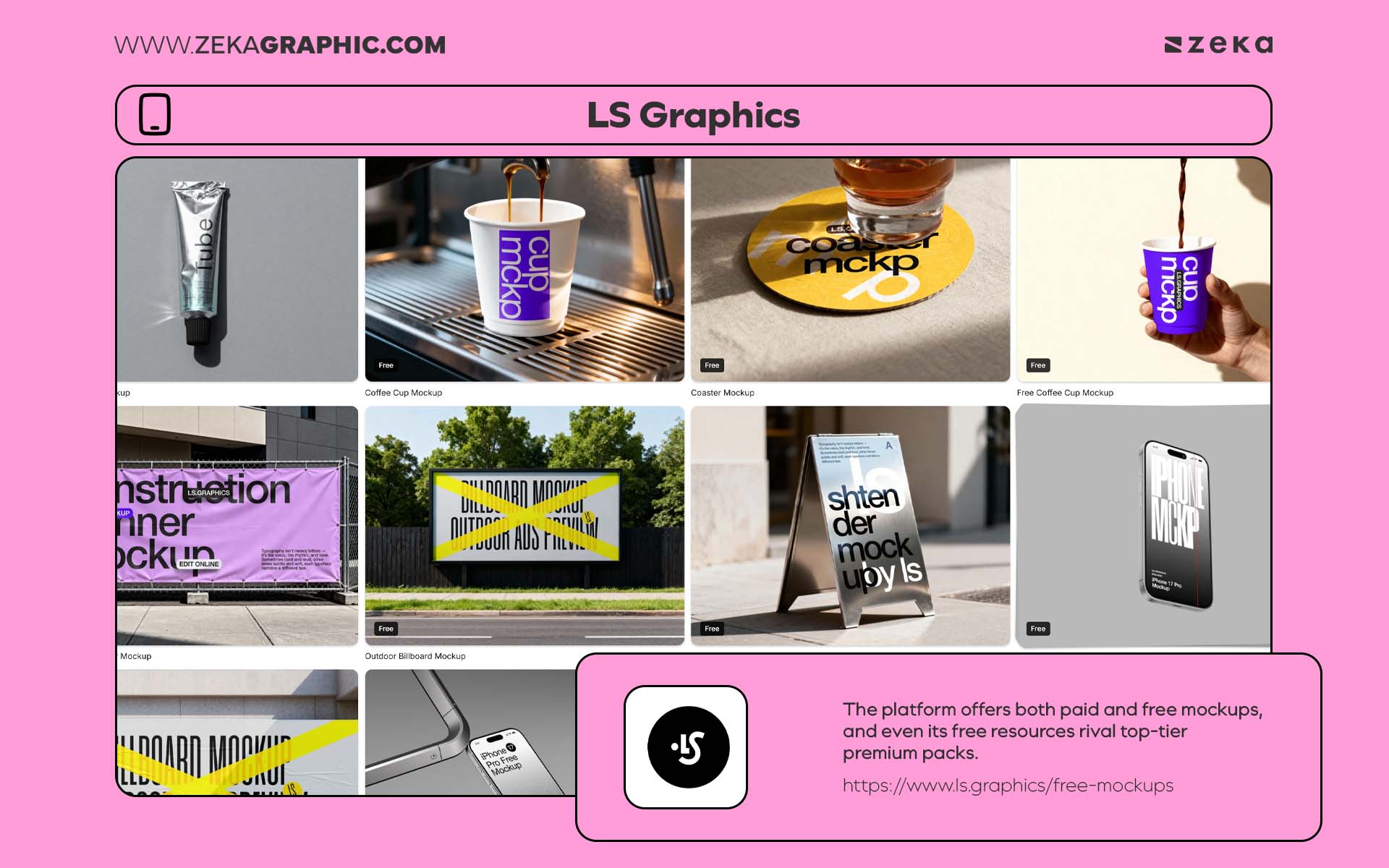
LS Graphics is a goldmine for designers who value 3D-quality realism and photometric precision. The platform offers both paid and free mockups, and even its free resources rival top-tier premium packs. Ideal for portfolio showcases and brand presentations, LS Graphics provides templates in PSD, Sketch, and Figma formats.
Highlights:
Advertisment
Icons and illustrations quietly guide how people understand a design.
A simple icon can clarify an interface. An illustration can give personality to a brand or landing page.
Whether you’re designing a website, an app interface, or a presentation, the right visuals help communicate ideas quickly and clearly.
Fortunately, there are many libraries offering free icons and vector illustration packs with consistent style and professional quality. These resources make it easier to maintain visual harmony across a project.
Below are some of the best websites for discovering icons and illustration sets ready for branding, UI design, and digital storytelling.
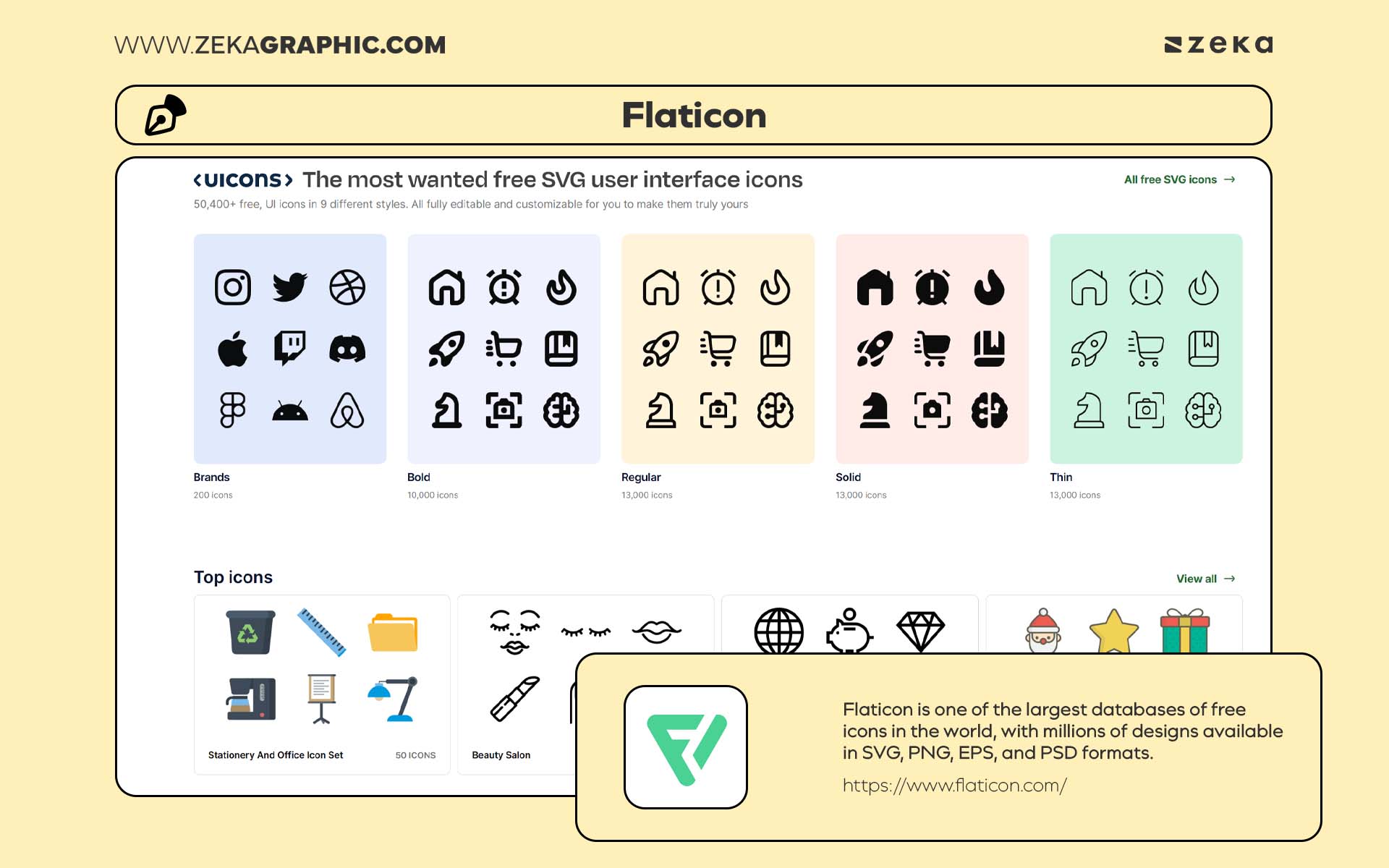
Flaticon is one of the largest databases of free icons in the world, with millions of designs available in SVG, PNG, EPS, and PSD formats. The platform covers virtually every niche — from minimal line icons for UI projects to colorful sets for branding and social media graphics. As a designer, you’ll appreciate how easy it is to customize each icon’s color, size, and stroke thickness to match your brand identity.
Highlights:
Pro Tip: Use icon packs with consistent visual style across your design system to maintain a unified aesthetic in websites and apps.
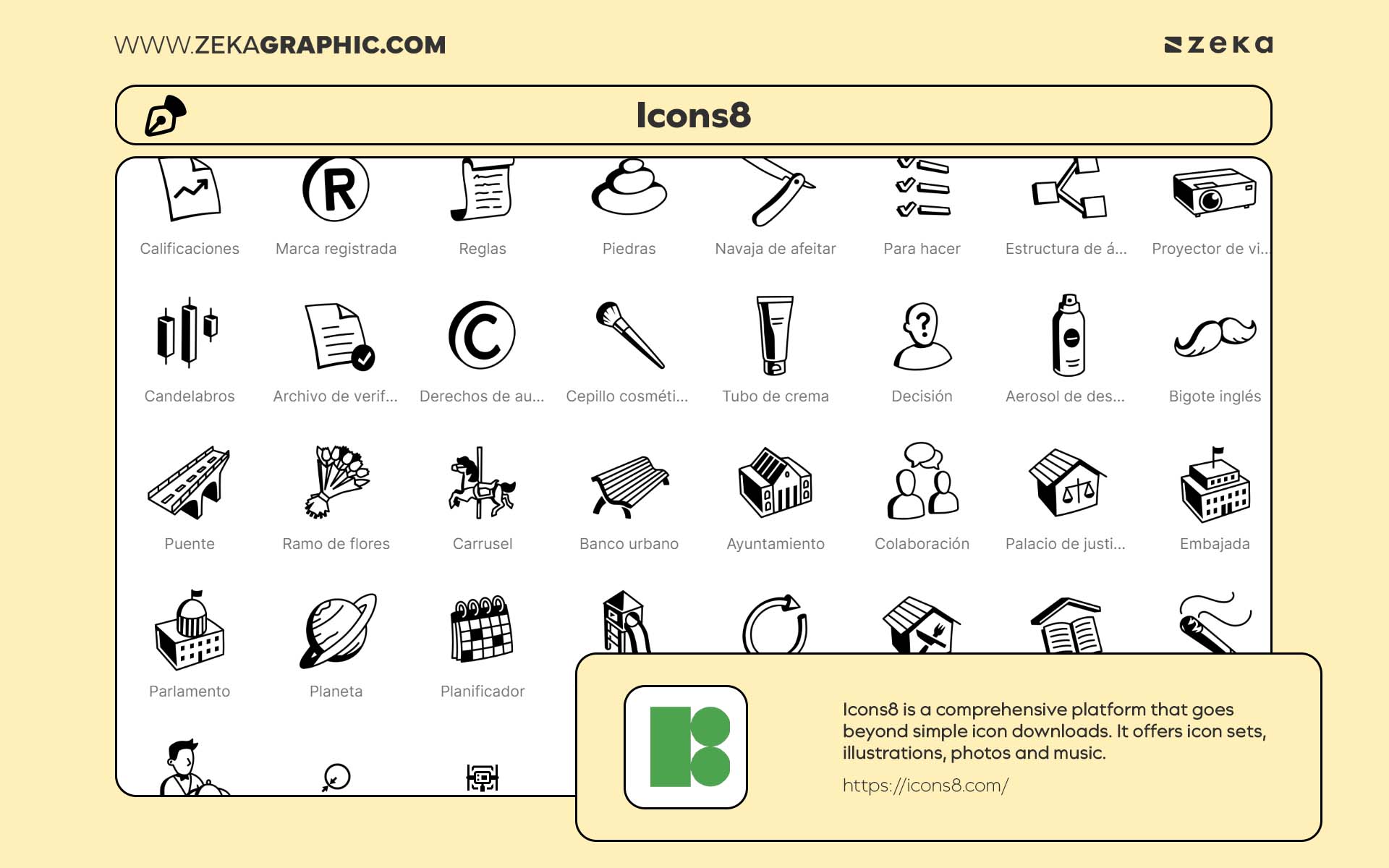
Icons8 is a comprehensive platform that goes beyond simple icon downloads. It offers icon sets, illustrations, photos, music, and even AI-generated assets — making it one of the most versatile free design resources for professionals. Each pack is created with consistency in mind, ensuring that the visual language remains cohesive across platforms, whether you’re designing mobile interfaces or marketing campaigns.
Highlights:
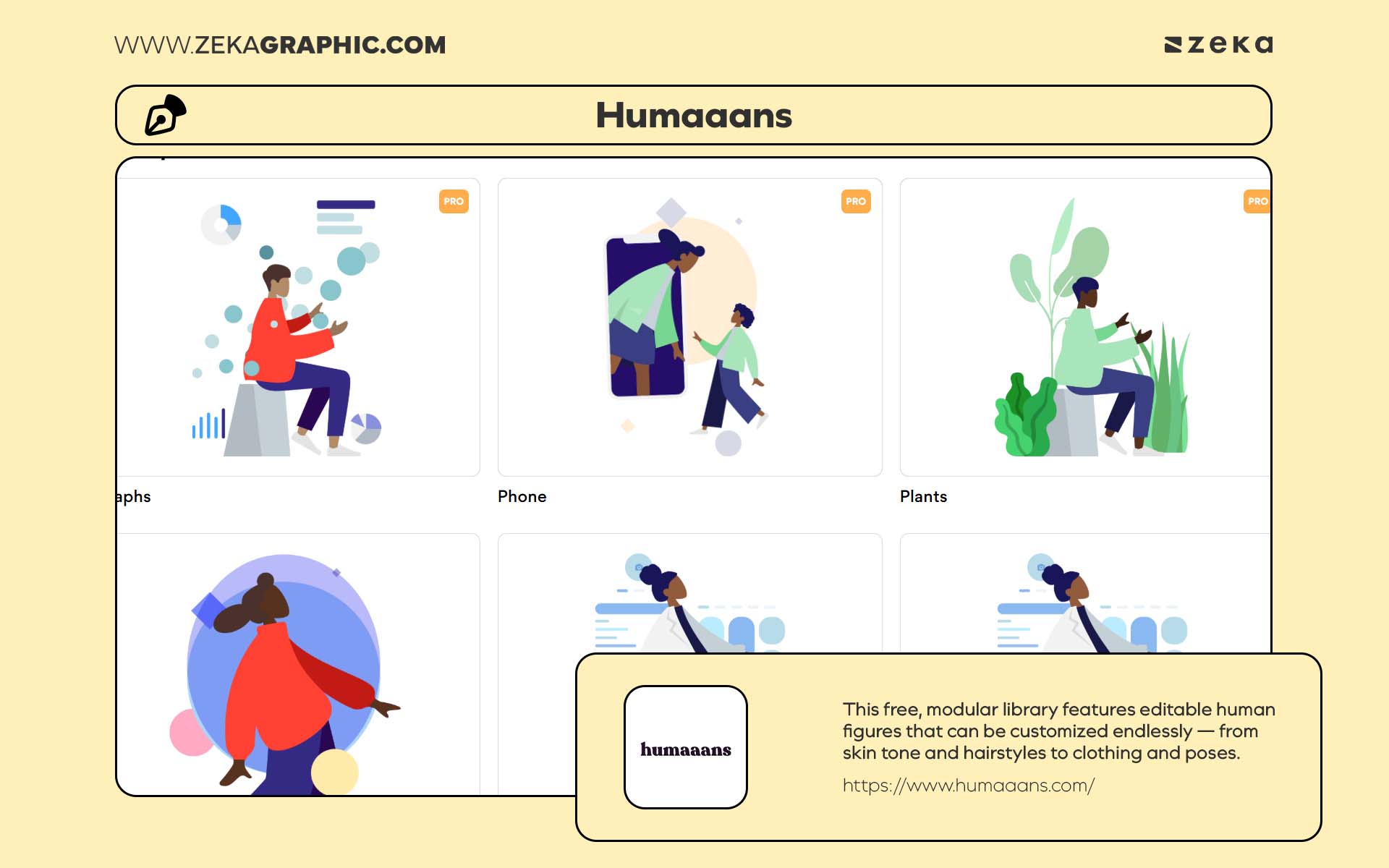
Humaaans, created by designer Pablo Stanley, revolutionized how designers use illustrations. This free, modular library features editable human figures that can be customized endlessly — from skin tone and hairstyles to clothing and poses. It’s ideal for designers who want to create inclusive, narrative-driven visuals for web design, branding, or product presentations.
Highlights:
Pro Tip: Mix and match figures from Humaaans with icons from Flaticon or Icons8 to create unified, story-driven visuals that look custom-made for your brand.
Advertisment
Templates can remove a lot of repetitive work from the design process.
Instead of rebuilding layouts from scratch, designers can start with a solid structure and focus on the creative details—typography, color, and composition.
From social media graphics to presentation decks and brand identity layouts, free templates help maintain consistency across projects while saving valuable time.
They’re especially useful when managing multiple platforms or building quick visual systems for clients.
The following platforms offer well-designed templates that are easy to edit and ready for both digital and print use.
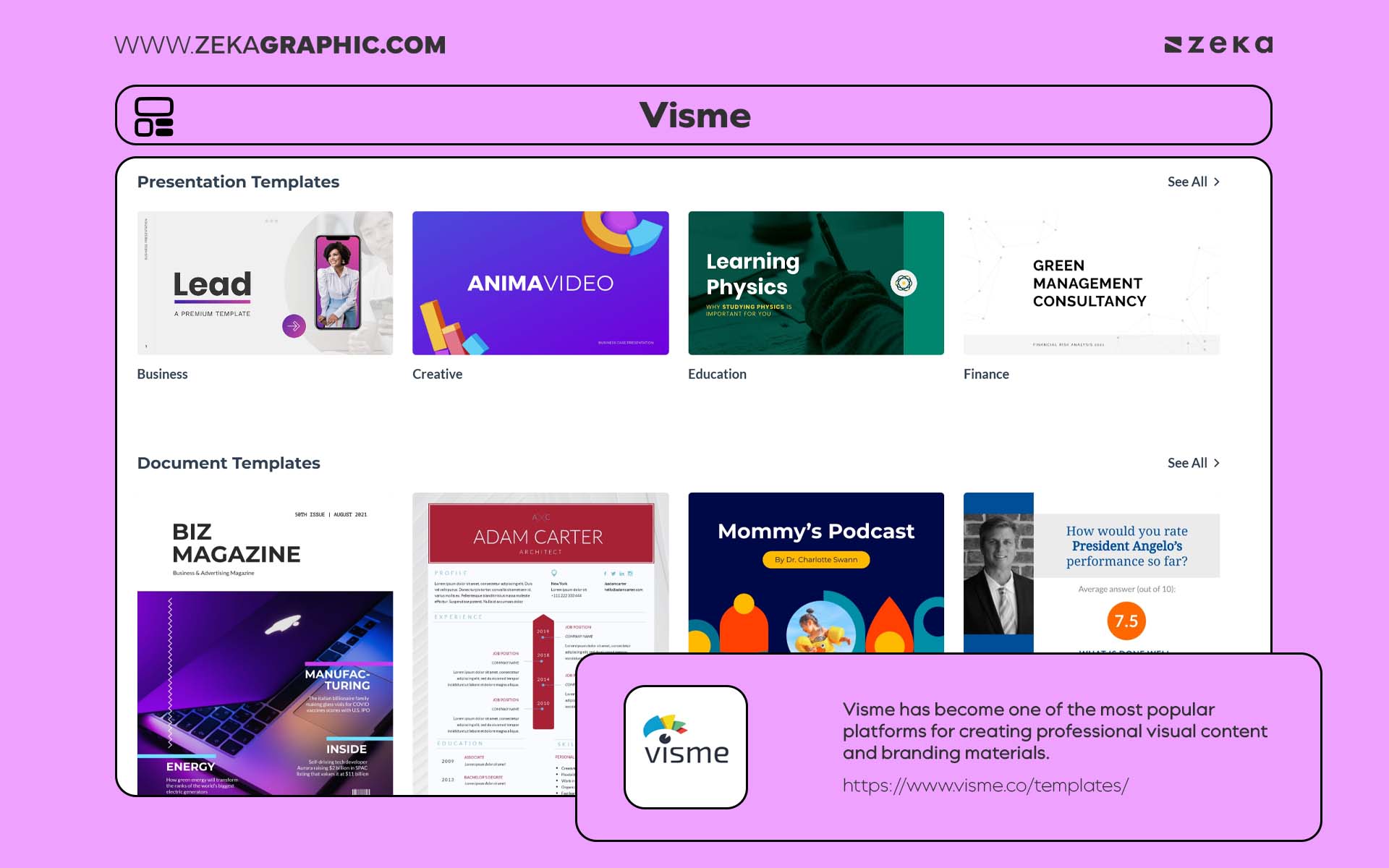
Visme has become one of the most popular platforms for creating professional visual content and branding materials without needing advanced design software. It combines ease of use with robust functionality, allowing designers and marketers to craft presentations, infographics, social media graphics, and reports with a polished, agency-level look.
Highlights:
It’s perfect for presenting creative concepts or marketing visuals with a professional polish — without ever opening Photoshop or Illustrator.
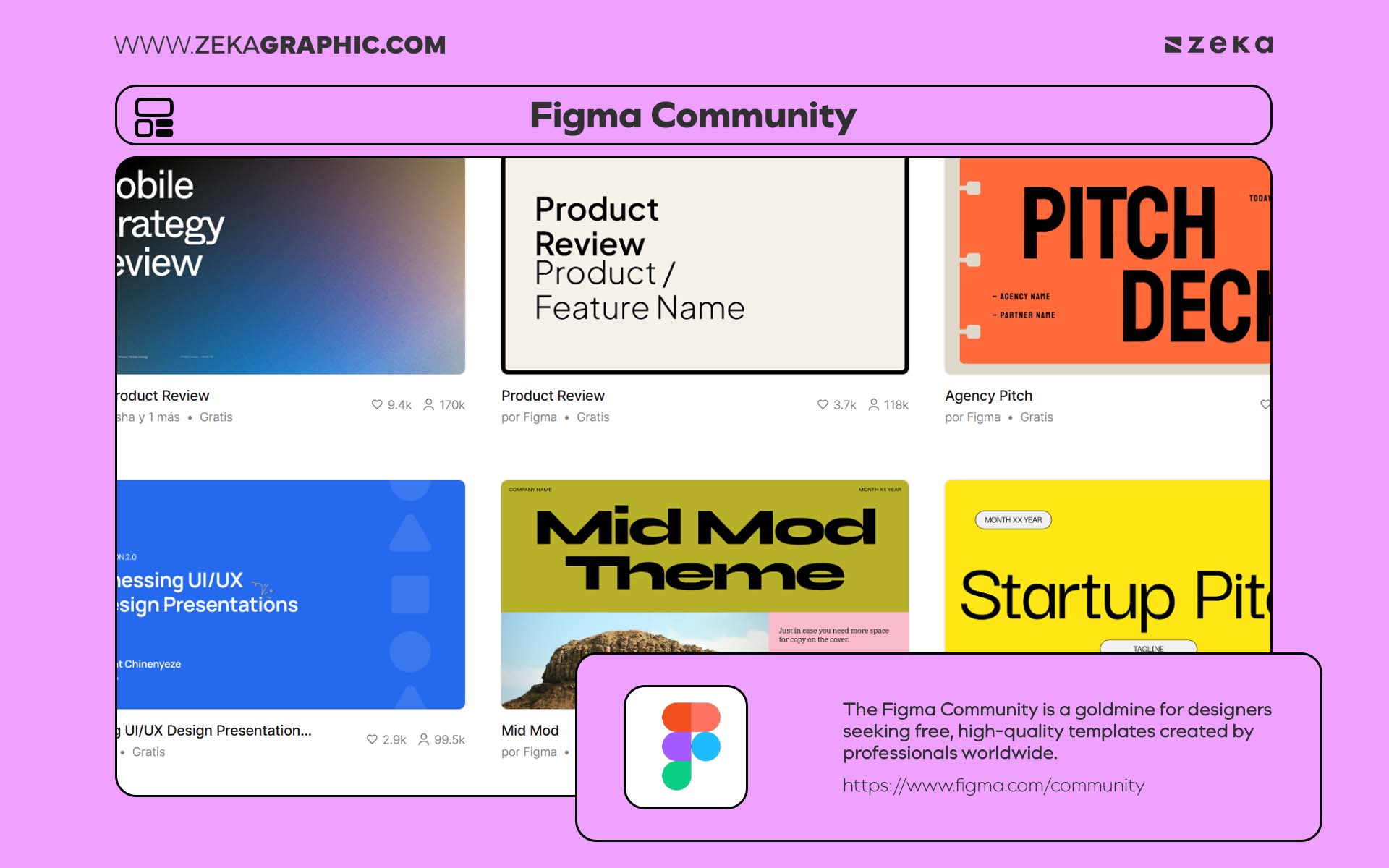
The Figma Community is a goldmine for designers seeking free, high-quality templates created by professionals worldwide. It’s not just a resource hub — it’s a collaborative ecosystem where designers share UI kits, dashboards, brand guides, and presentation decks.
Highlights:
Pro Tip: Look for verified creators or “Most Loved” badges in Figma Community — they often indicate high-quality templates that perform well in professional use.
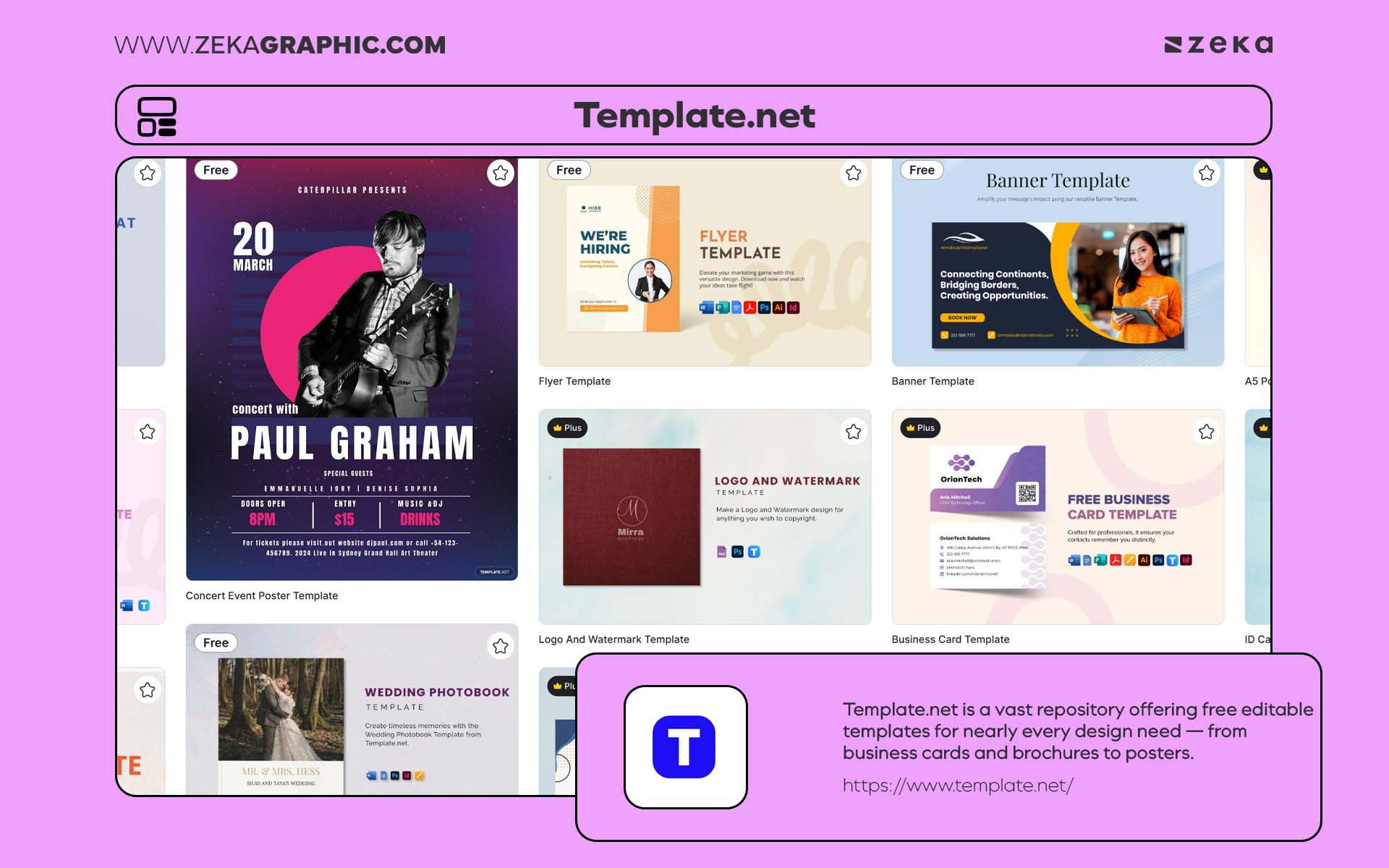
Template.net is a vast repository offering free editable templates for nearly every design need — from business cards and brochures to posters, social media posts, and infographics. Its advantage lies in flexibility: each template can be customized in Photoshop, Illustrator, or even Word, making it ideal for both designers and non-design professionals.
Highlights:
Designer Insight: Use Template.net for quick client mockups or fast-turnaround social media graphics — it’s a perfect fallback when you need professional results under time pressure.
Advertisment
Strong visuals bring depth and atmosphere to a design.
A photograph can anchor a layout. A texture can add character. A short video clip can bring a digital experience to life.
High-quality stock content makes it easier to build rich visual narratives without organizing a full photoshoot.
Many platforms now provide free stock photos, videos, and textures that feel natural and less generic than traditional stock libraries.
Below are some of the most reliable sources for visuals that blend well with modern branding, editorial layouts, and web design.
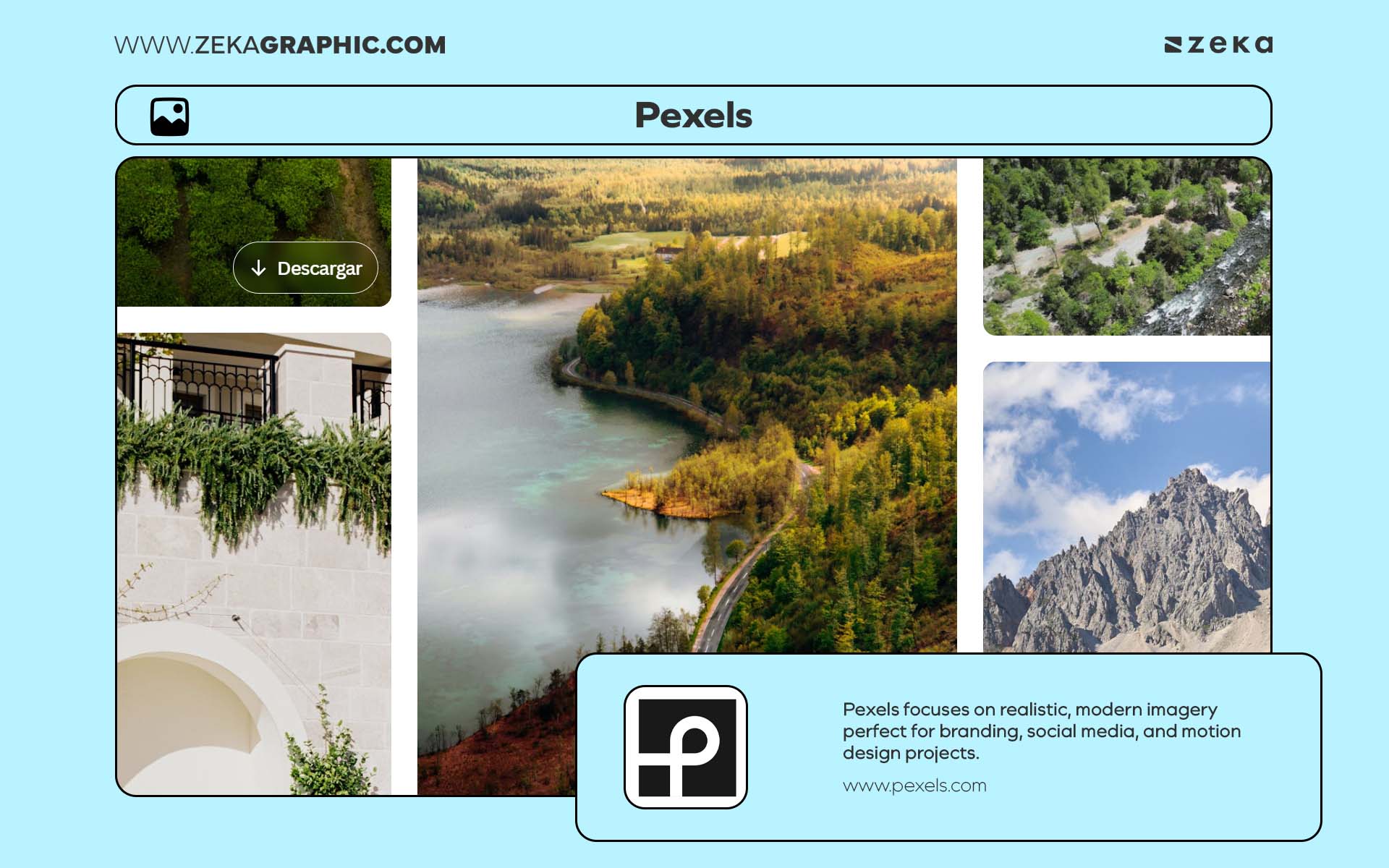
Pexels is a go-to resource for designers who value authentic, high-resolution photography. Unlike the overly staged visuals found on some stock sites, Pexels focuses on realistic, modern imagery perfect for branding, social media, and motion design projects. Its intuitive search engine, combined with curated collections, makes it incredibly easy to find the right visuals fast.
Highlights:
Designer Tip: Try combining Pexels’ lifestyle photos with your own typography and mockups to create authentic visual narratives for your portfolio or client pitches.
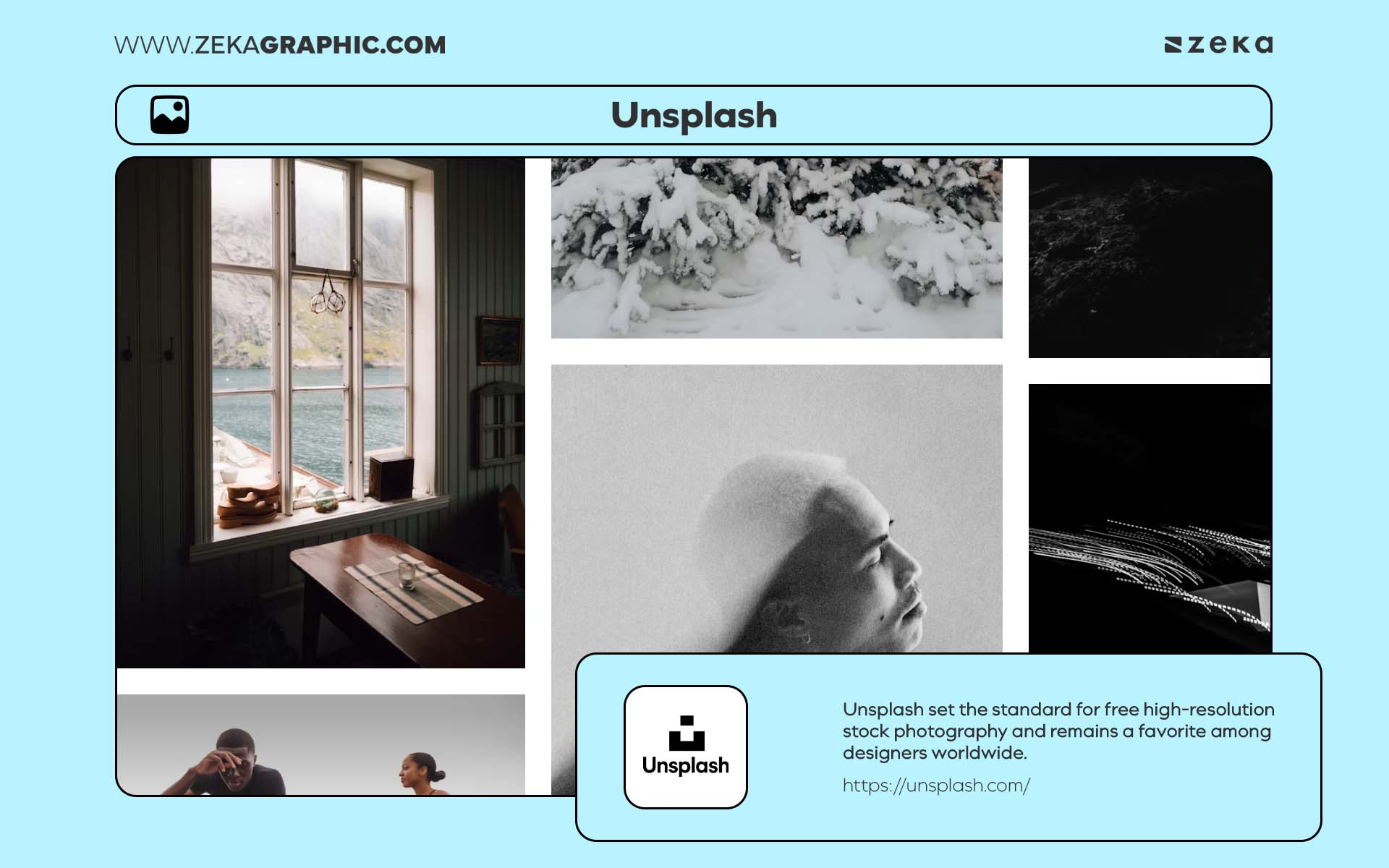
Unsplash set the standard for free high-resolution stock photography and remains a favorite among designers worldwide. Every image feels cinematic, natural, and thoughtfully composed — ideal for brand campaigns, hero banners, and mockup backgrounds. The platform’s community of photographers ensures fresh and artistic content that doesn’t feel like stock imagery.
Highlights:
Pro Tip: Unsplash’s curated collections (e.g., Textures & Patterns or Creative Spaces) are perfect for exploring visual storytelling concepts and experimenting with tone and mood.
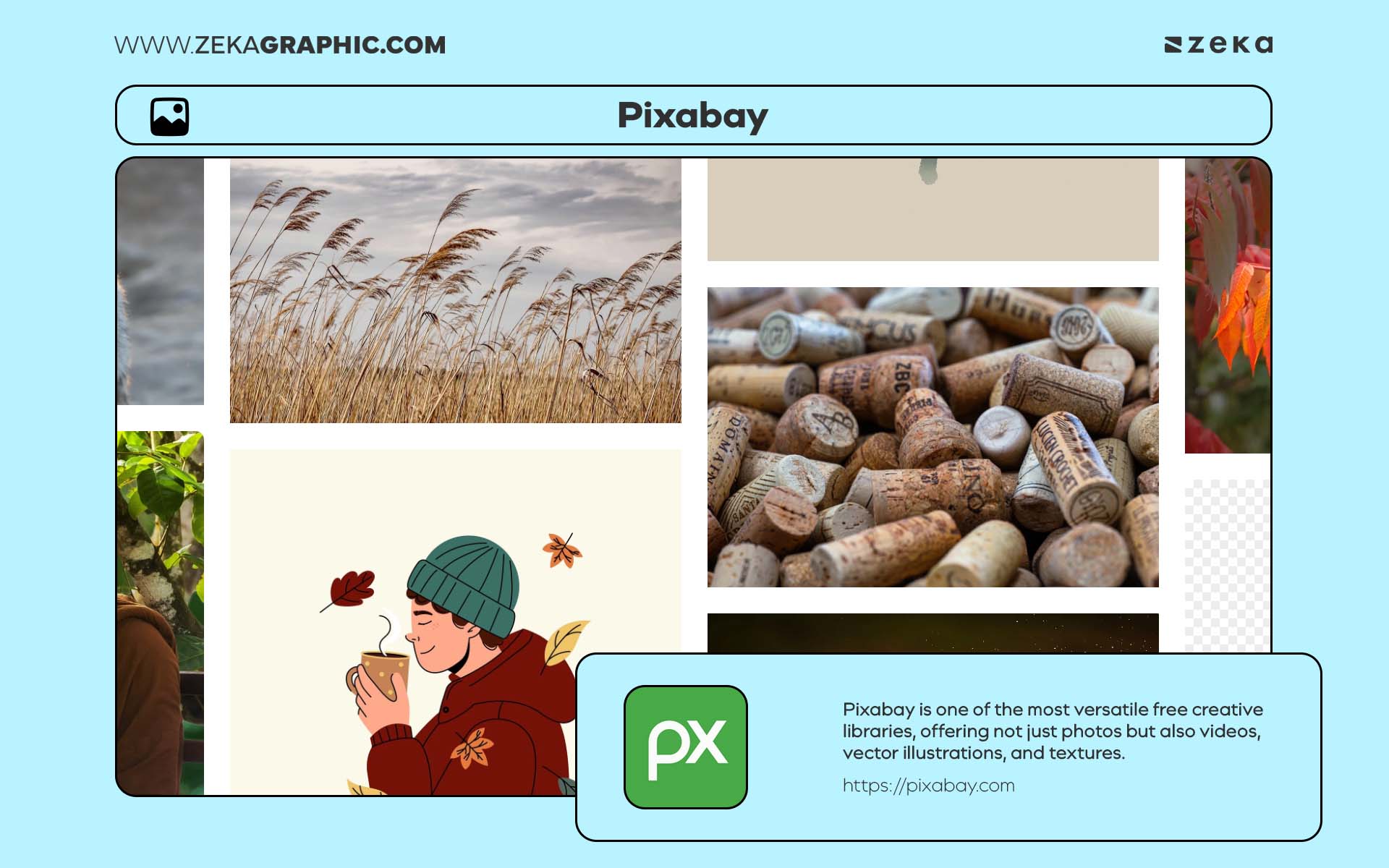
Pixabay is one of the most versatile free creative libraries, offering not just photos but also videos, vector illustrations, and textures. Its diverse content makes it a powerful all-in-one tool for designers working across print, web, and motion projects.
Highlights:
Designer Tip: Use Pixabay’s texture library (fabric, wood, paper, and metal) to add authentic tactile depth to posters and product mockups.
Advertisment
Color carries meaning long before any words appear on the page.
A palette can suggest calm, energy, elegance, or playfulness in a single glance. Because of this, exploring color combinations is often one of the most important steps in any design process.
Free color tools make this exploration much easier.
They allow designers to test palettes, generate variations, and refine color systems quickly—whether for brand identities, websites, or digital interfaces.
The tools below help make color exploration intuitive and fast, turning palette building into a creative process rather than guesswork.
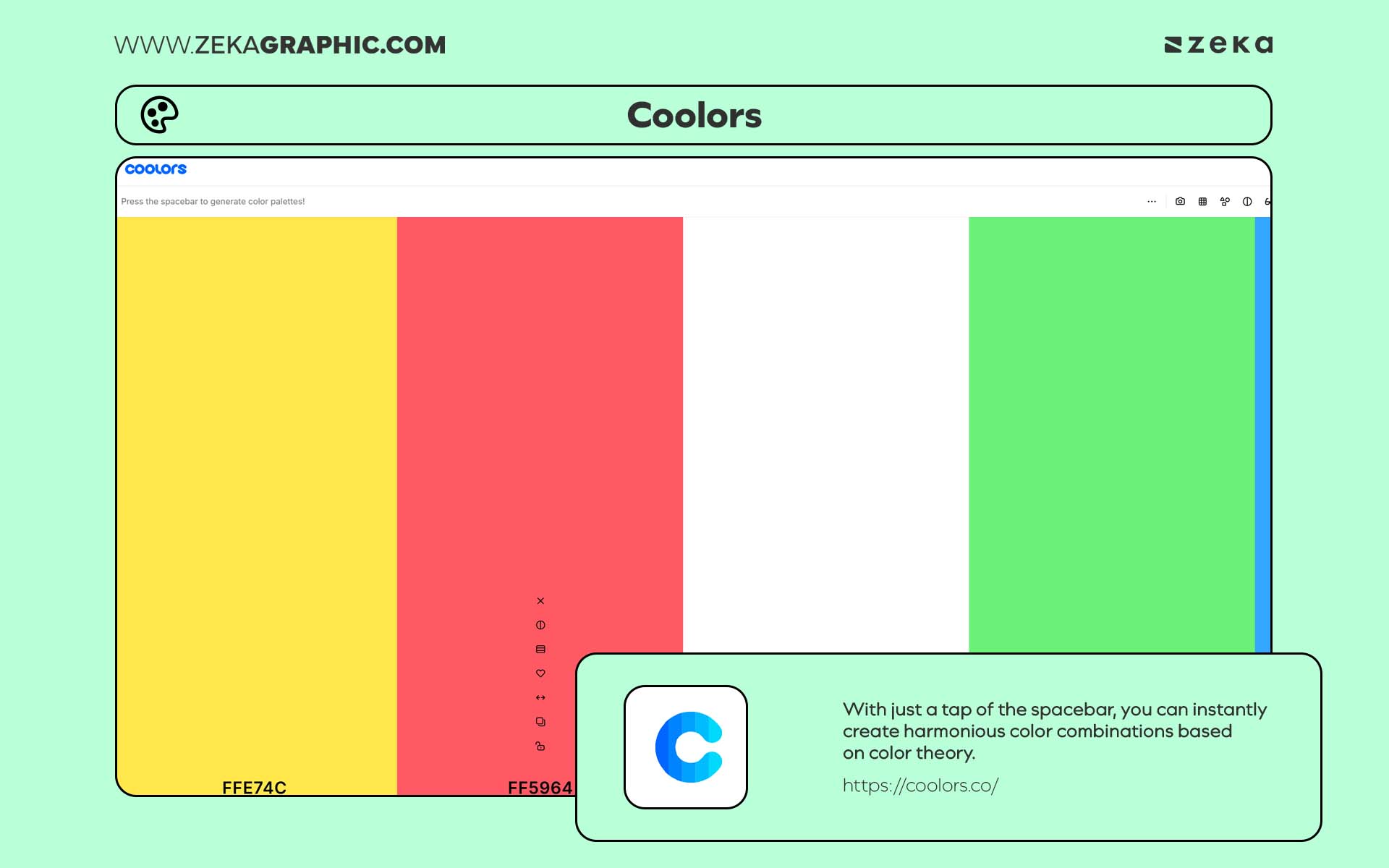
Coolors is one of the most popular and user-friendly color palette generators among designers. With just a tap of the spacebar, you can instantly create harmonious color combinations based on color theory. It’s an excellent resource for branding, packaging, and UI projects, offering export options for multiple formats (HEX, RGB, CMYK).
Highlights:
Pro Tip: Use Coolors to extract color palettes from images or artwork — perfect for maintaining visual cohesion across a brand’s assets.
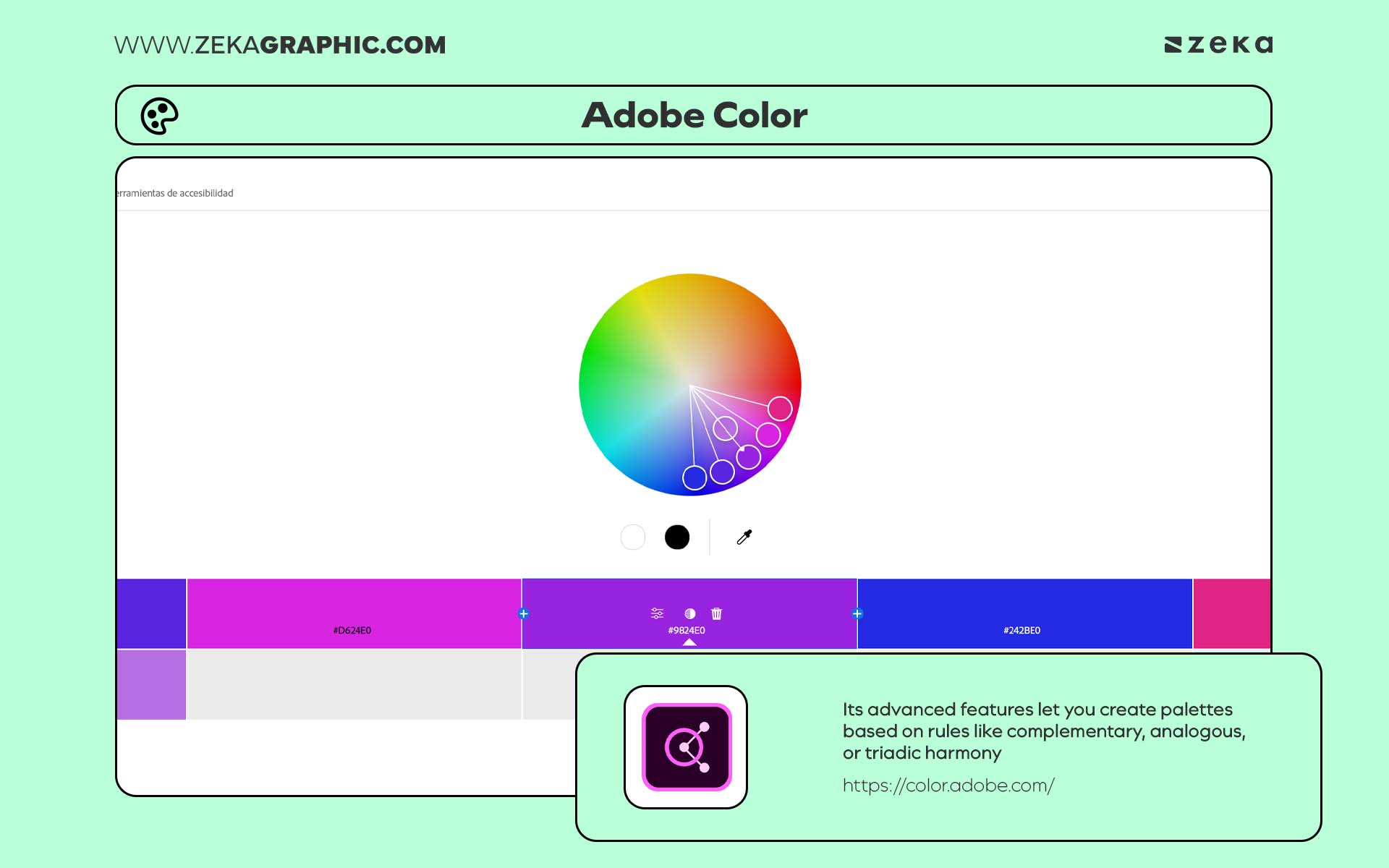
Adobe Color remains a timeless favorite for professional designers who want precision and control over their color choices. Its advanced features let you create palettes based on rules like complementary, analogous, or triadic harmony — and even check accessibility contrast ratios for digital designs.
Highlights:
Designer Insight: Adobe Color is perfect for building brand guidelines that need consistency across print, web, and motion — a must-have for any design studio.
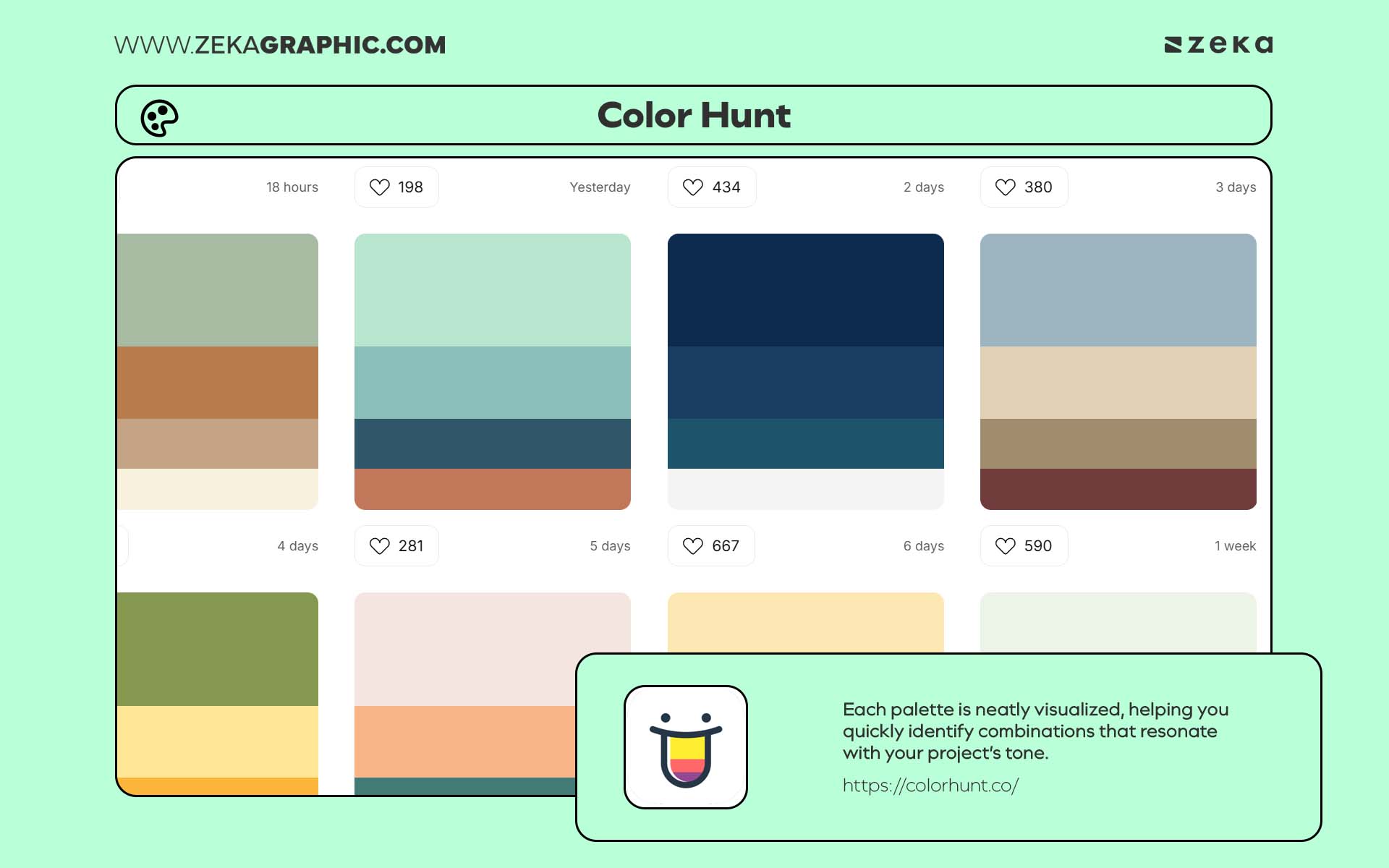
Color Hunt is a community-driven color palette gallery featuring thousands of curated combinations from designers around the world. Its clean interface and trending palettes make it a go-to for branding, social media, and UI inspiration. Each palette is neatly visualized, helping you quickly identify combinations that resonate with your project’s tone.
Highlights:
Pro Tip: Check the “Trending” and “New” tabs in Color Hunt for up-to-date design color trends that often align with what’s popular on Behance and Dribbble.
Advertisment
Professional design tools don’t always require expensive subscriptions.
Many open-source programs and web-based platforms offer powerful alternatives for common design tasks—from photo editing to vector illustration and interface design.
These tools can handle real production work while remaining accessible to students, freelancers, and independent creators.
Whether you’re editing images, building vector graphics, or prototyping layouts, the following platforms provide capable and reliable free design software worth exploring.
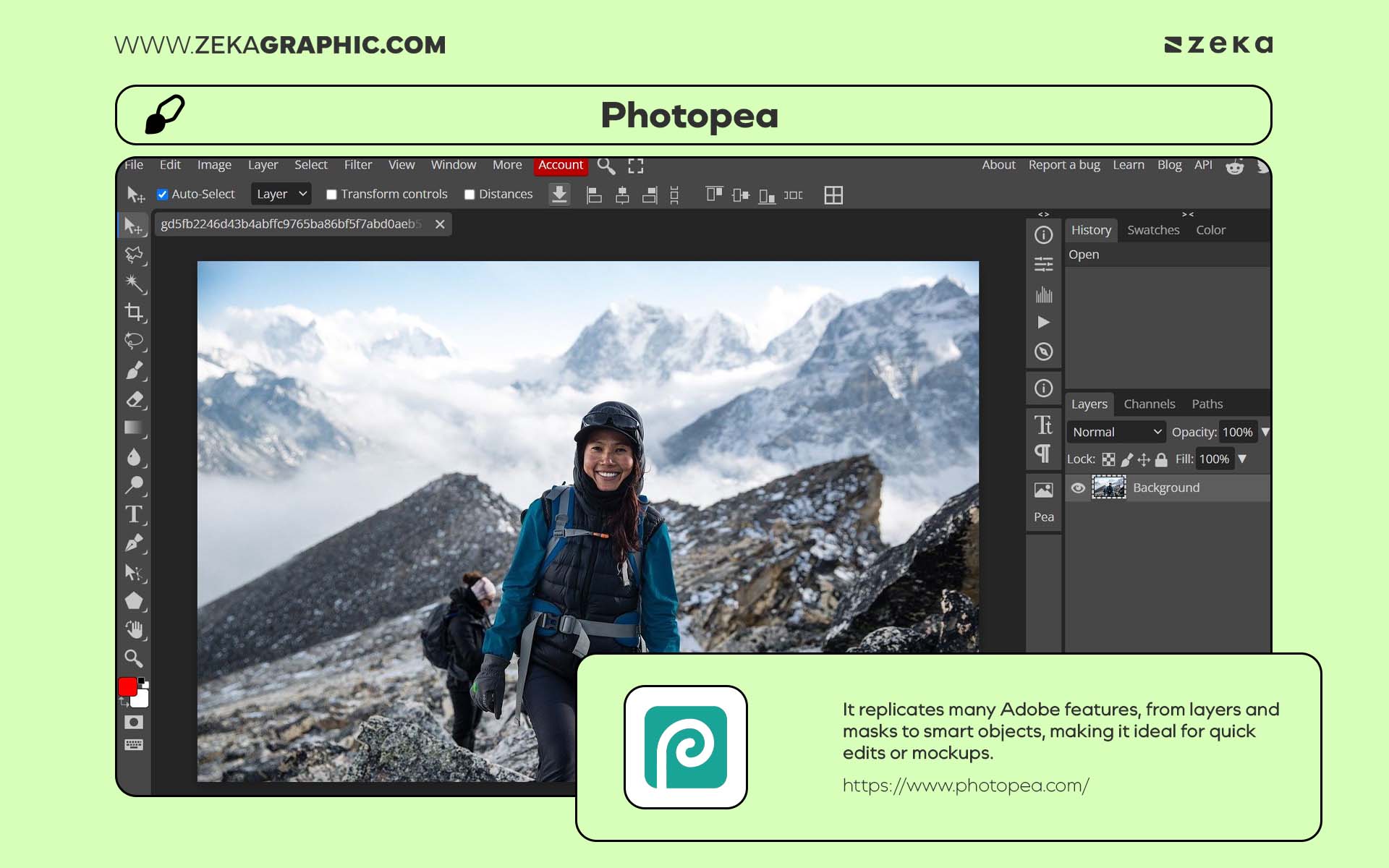
Photopea is a browser-based alternative to Photoshop that supports PSD, XD, and Sketch files. It replicates many Adobe features, from layers and masks to smart objects, making it ideal for quick edits or mockups. Because it runs entirely online, it’s accessible from any device — perfect for designers on the go.
Highlights:
Pro Tip: Use Photopea for quick client revisions when you don’t have access to Adobe — it’s compatible with nearly every format.
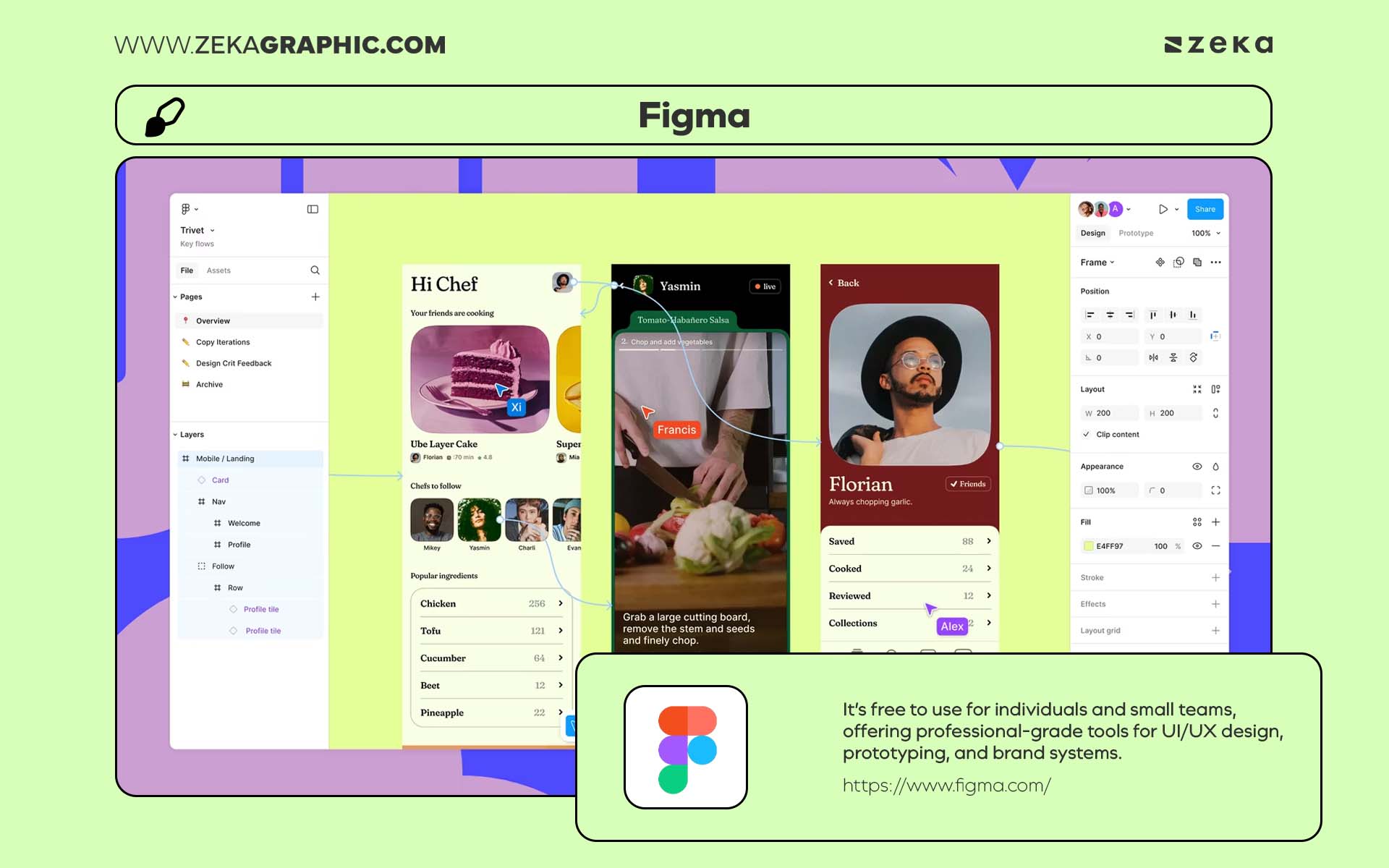
Figma has redefined collaborative design. It’s free to use for individuals and small teams, offering professional-grade tools for UI/UX design, prototyping, and brand systems. Its real-time collaboration makes it an essential tool for agencies and freelancers working remotely.
Highlights:
Designer Tip: Explore the Figma Shortcuts to speed up your workflow instantly.
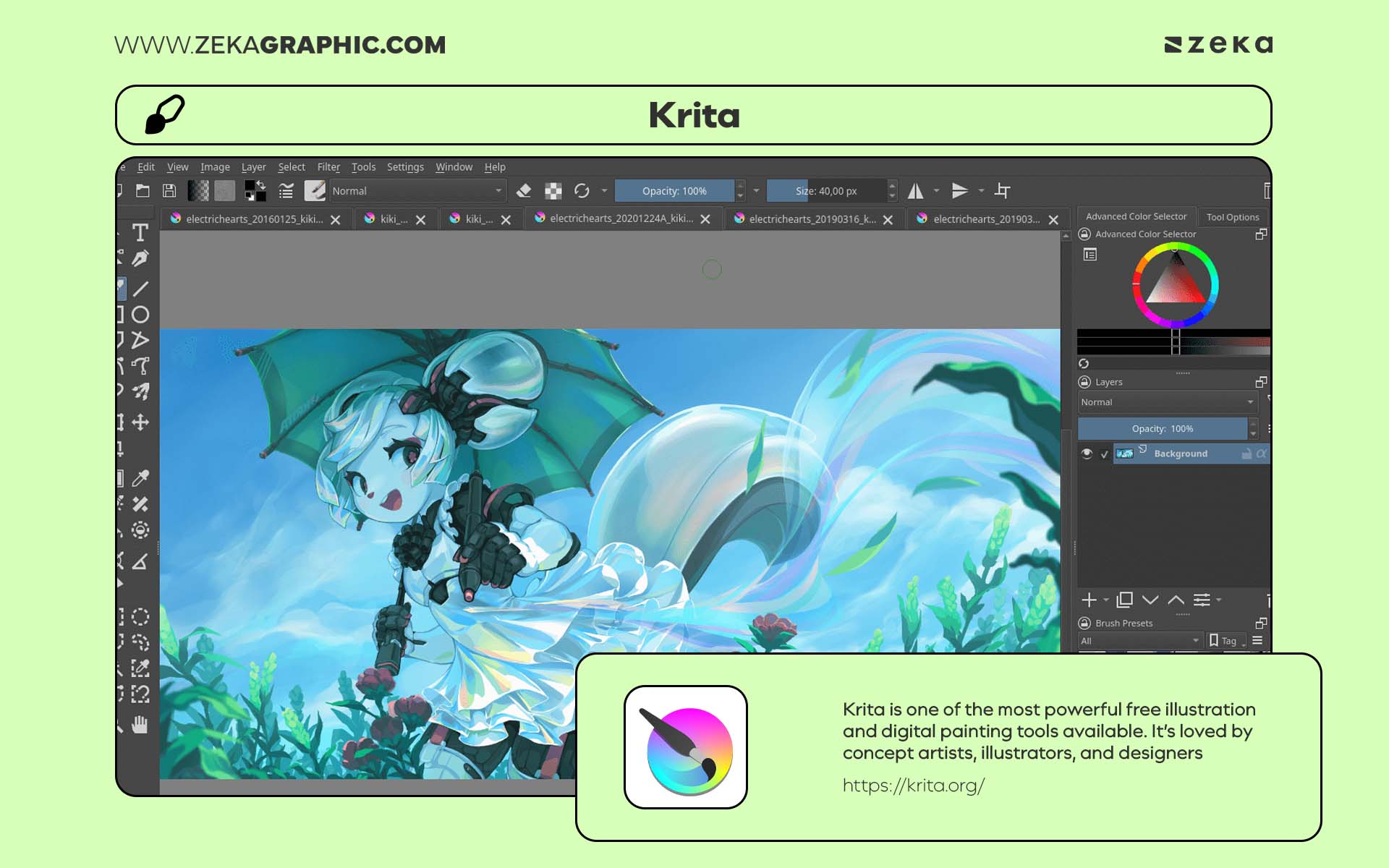
Krita is one of the most powerful free illustration and digital painting tools available. It’s loved by concept artists, illustrators, and designers who focus on expressive, hand-drawn visuals. Krita offers customizable brushes, advanced layer management, and pressure sensitivity for tablet users — all in a professional-grade package.
Highlights:
Pro Tip: Combine Krita with Photopea or Figma to create hybrid workflows — sketch in Krita, then import into Figma for digital layouts.
Advertisment
Design is a field that never stays still. Styles evolve, tools change, and visual communication continues to grow.
Learning is part of the process.
Fortunately, there are many free ways to learn graphic design with courses and tutorials available online. These resources cover both creative foundations and technical skills—from typography and color theory to branding and interface design.
Some platforms focus on structured lessons. Others offer practical tutorials and real-world design breakdowns.
Together, they provide a valuable way to strengthen skills and stay inspired without committing to expensive programs.
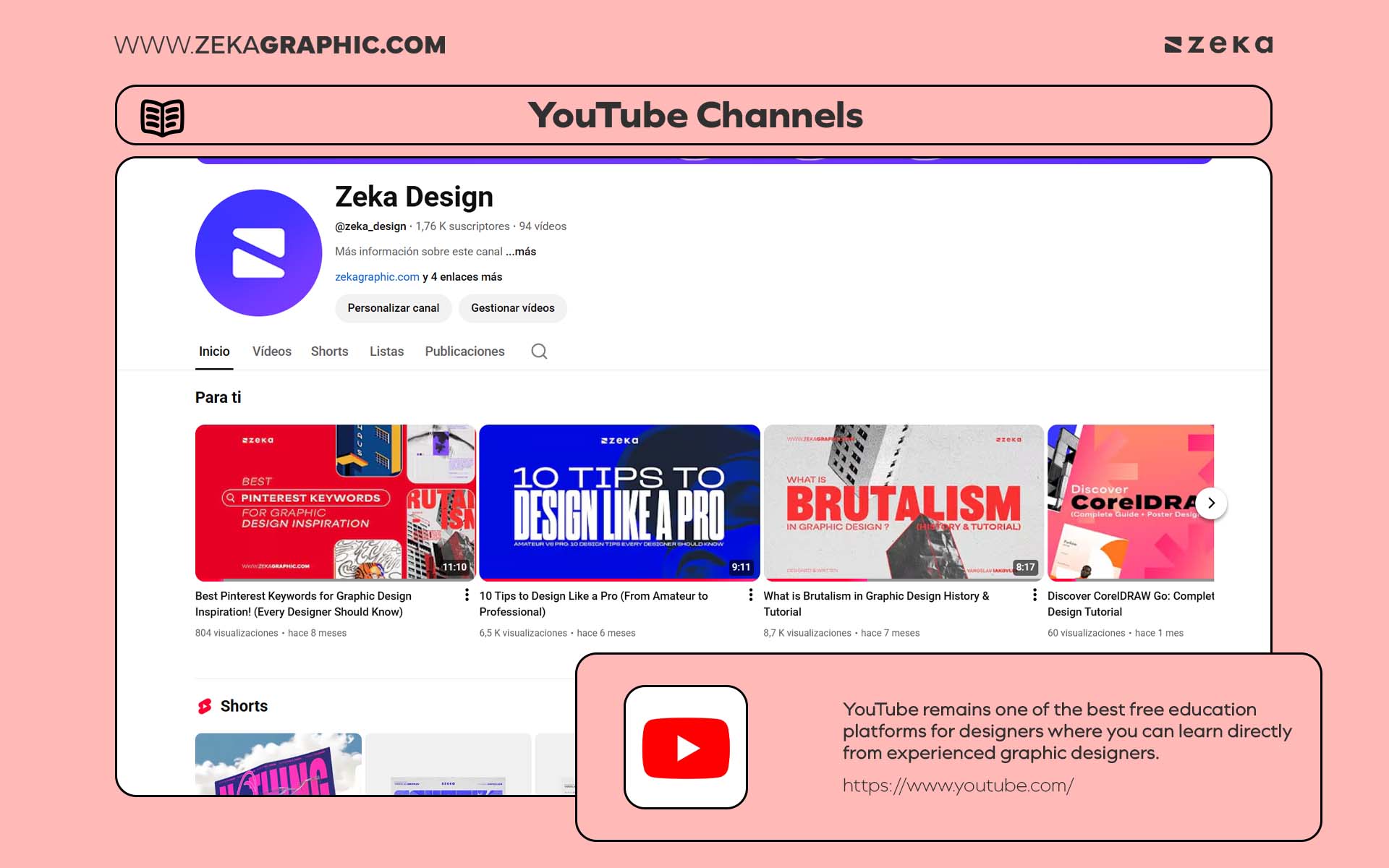
YouTube remains one of the best free education platforms for designers. Channels like The Futur, Envato Tuts+, or my own channel, Zeka Design offer professional-level lessons on design theory, logo creation, brand strategy, and portfolio building. The best part? You can learn directly from experienced designers through real projects and workflows. You can check my post about best YouTube channels for graphic designers here!
Highlights:
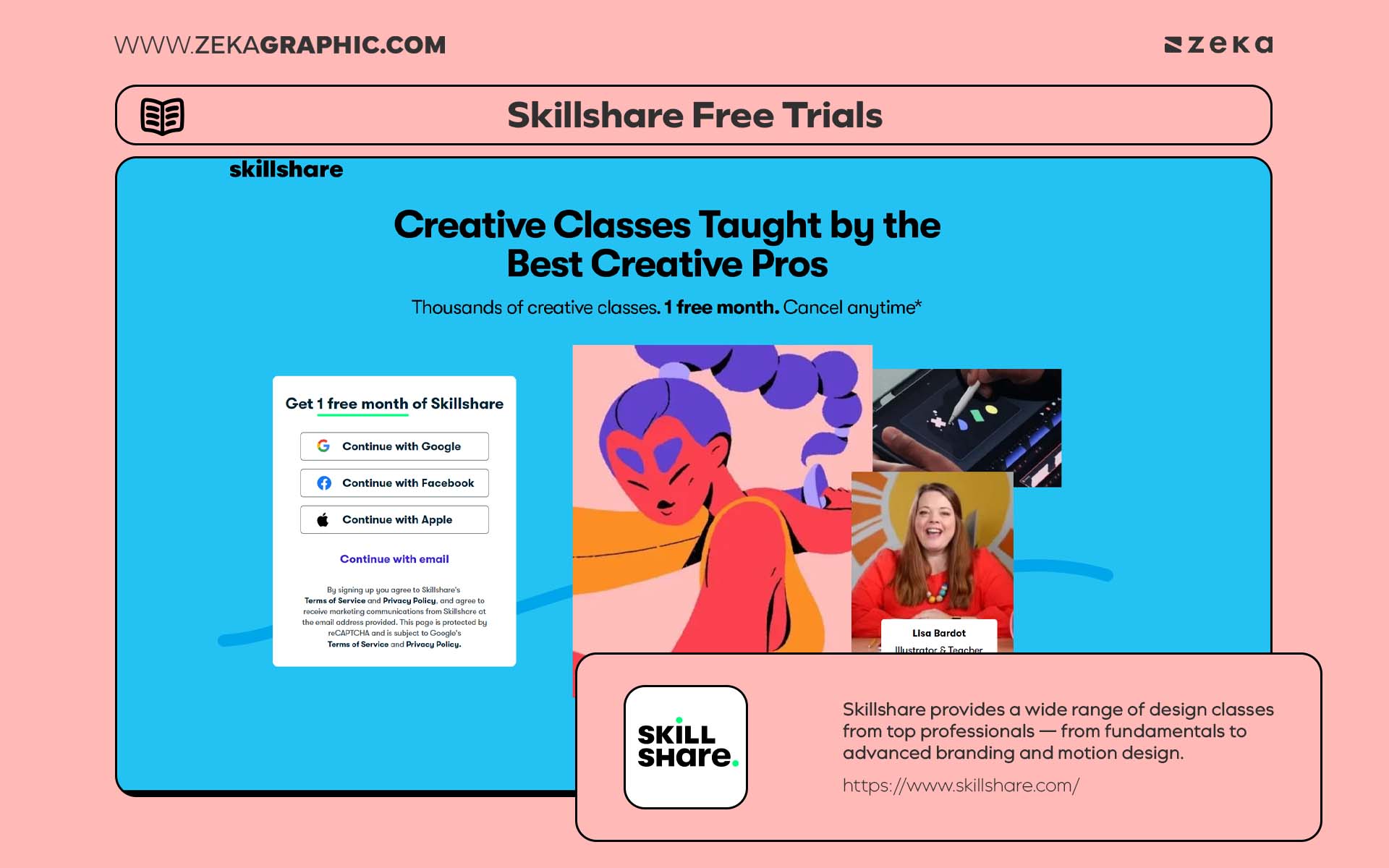
Skillshare provides a wide range of design classes from top professionals — from fundamentals to advanced branding and motion design. Even though it’s a paid platform, their free trial allows designers to complete multiple full-length courses.
Highlights:
Coursera partners with world-class universities and design schools to offer free certified courses in graphic design, color, and visual communication. It’s perfect for designers who want an academic approach or portfolio-worthy certificates.
Highlights:
Advertisment
A portfolio is more than a collection of projects—it tells the story of how a designer thinks and solves problems.
Strong presentation can make that story clearer.
Free branding resources help designers create polished identity visuals, portfolio layouts, and presentation materials without starting from zero. These assets are especially helpful when preparing case studies or building a personal brand.
From identity kits to portfolio templates and mockup sets, the resources below make it easier to present work in a clear and professional way.
Websites like BrandPacks offer editable logo kits, stationery mockups, and style guides that make branding projects faster and more cohesive.
Highlights:
Platforms such as Adobe Portfolio and Notion templates can help you showcase your work professionally online. Many free templates are optimized for creative portfolios, including layouts for case studies, contact pages, and about sections.
Highlights:
Sometimes the fastest way to find a useful asset is through curated collections.
Instead of searching across dozens of websites, these platforms gather fonts, icons, mockups, templates, and other design assets in one place.
They work like resource hubs—ideal for discovering new tools or quickly finding something specific for a project.
Below are some of the best curated websites designers use to explore high-quality free resources across multiple categories.
A long-time favorite among designers, GraphicBurger offers free PSDs, mockups, icons, and UI kits — all beautifully crafted.
Highlights:
Freepik is one of the largest repositories of free design resources. From illustrations to vector backgrounds, it covers every design category imaginable.
Highlights:
Before downloading any free resource, understanding licensing is essential. Many assets require attribution or restrict commercial use. This section breaks down how to use free resources legally and confidently, helping you protect both your projects and your reputation.
Key Points:
Advertisment
Free resources aren’t shortcuts — they’re stepping stones toward professional creativity. The best designers aren’t defined by expensive tools but by their ability to communicate visually and adapt. Whether you’re a student, freelancer, or creative director, using these free tools can unlock unlimited possibilities for experimentation and growth.
End your design journey today by exploring, learning, and creating fearlessly — because great design has no price tag.
If you found this post useful you might like to read these post about Graphic Design Inspiration.
Advertisment
Written by
If you like this post share it on your social media!
Advertisment

Advertisment