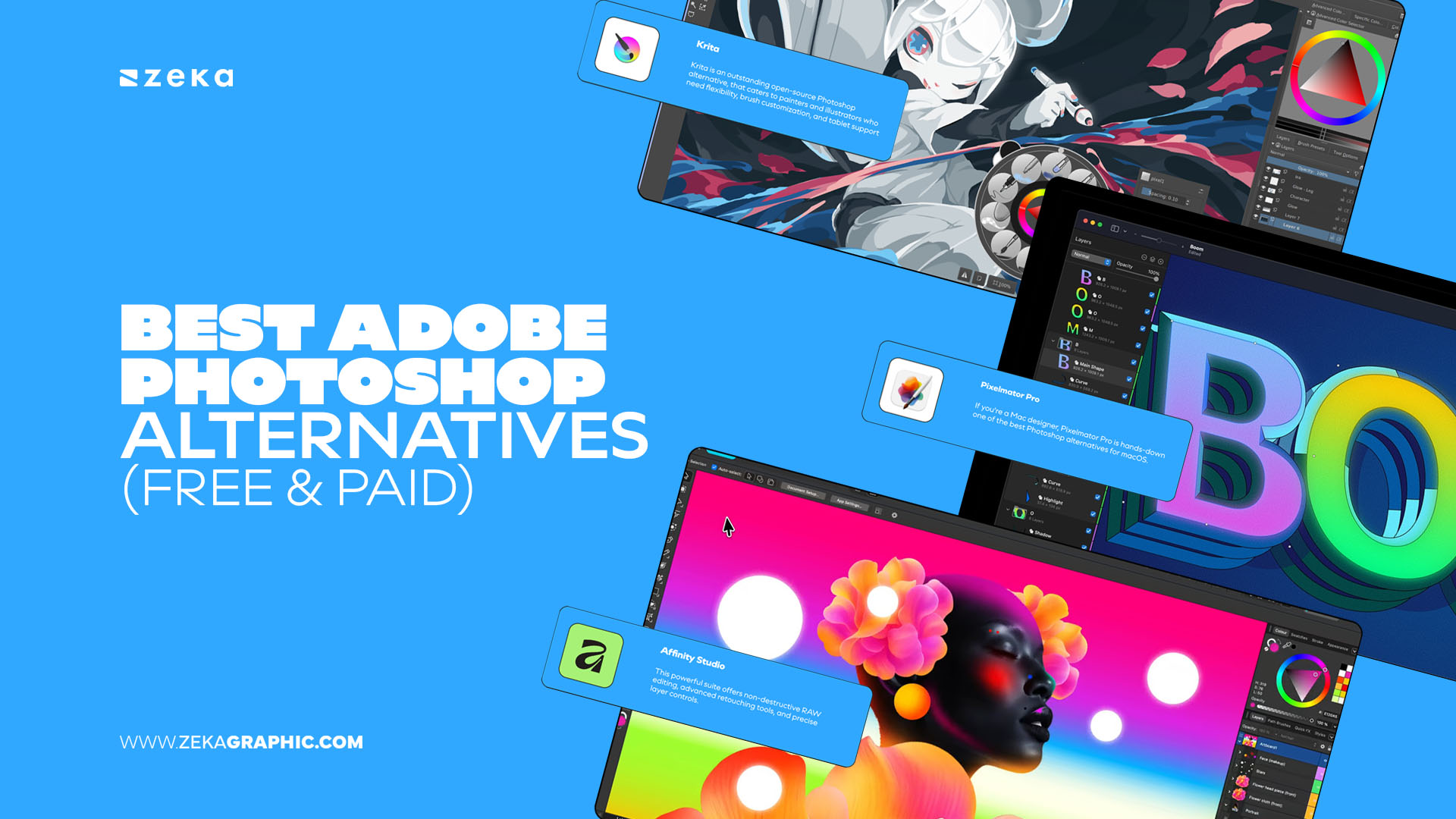
For years, Adobe Photoshop has been the undisputed king of design and image editing — but times are changing. As subscription costs rise and creative workflows diversify, designers everywhere are seeking Adobe Photoshop alternatives that balance power, flexibility, and affordability.
As a graphic designer, I’ve seen the shift firsthand. Today’s creative ecosystem offers incredible free and paid Photoshop replacements that rival Adobe in performance and usability. Whether you’re a digital artist, photographer, or brand designer, there are tools that fit your exact workflow — from browser-based editors to professional-grade apps that support PSDs natively.
In this guide, I’ll share the most capable and designer-approved Photoshop alternatives of 2025.
Advertisment
If you’re just starting out or want to escape the subscription cycle, there’s never been a better time to explore free Photoshop alternatives. These tools now deliver impressive capabilities for image editing, compositing, and illustration — without costing a cent.
The following options are ideal for students, freelancers, and digital creatives on a budget who still need professional-grade results. Many even offer full PSD compatibility and non-destructive workflows.
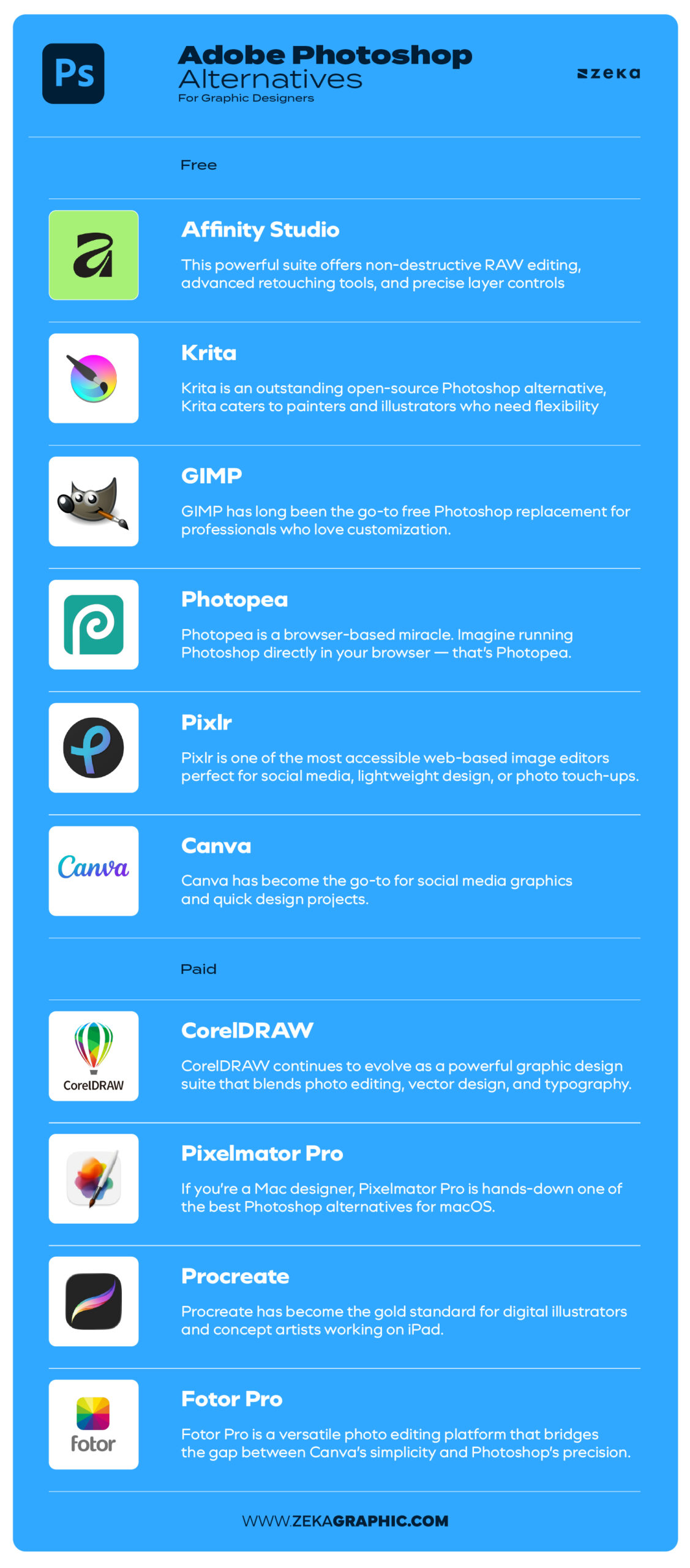
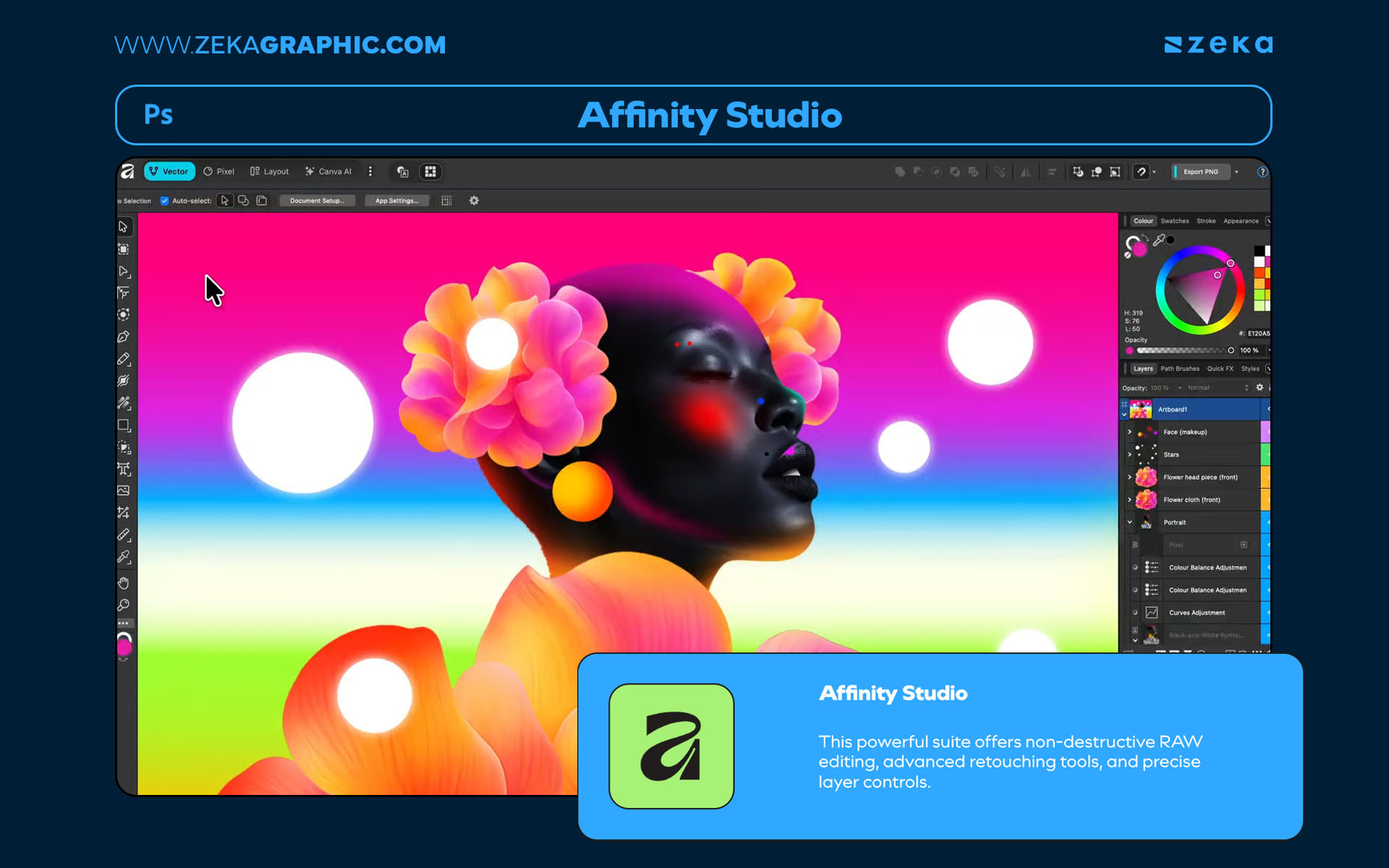
Since being acquired by Canva, Affinity Studio has become completely free — making it one of the most powerful professional alternatives to Photoshop available today.
Affinity Studio combines Affinity Photo, Designer, and Publisher into a single creative ecosystem. Its non-destructive editing, real-time performance, and support for RAW, PSD, and vector files make it ideal for photographers, illustrators, and designers alike. And you can elevate your workflow integrating it’s shortcuts to make task much faster and easier.
Pros:
Cons:
Advertisment
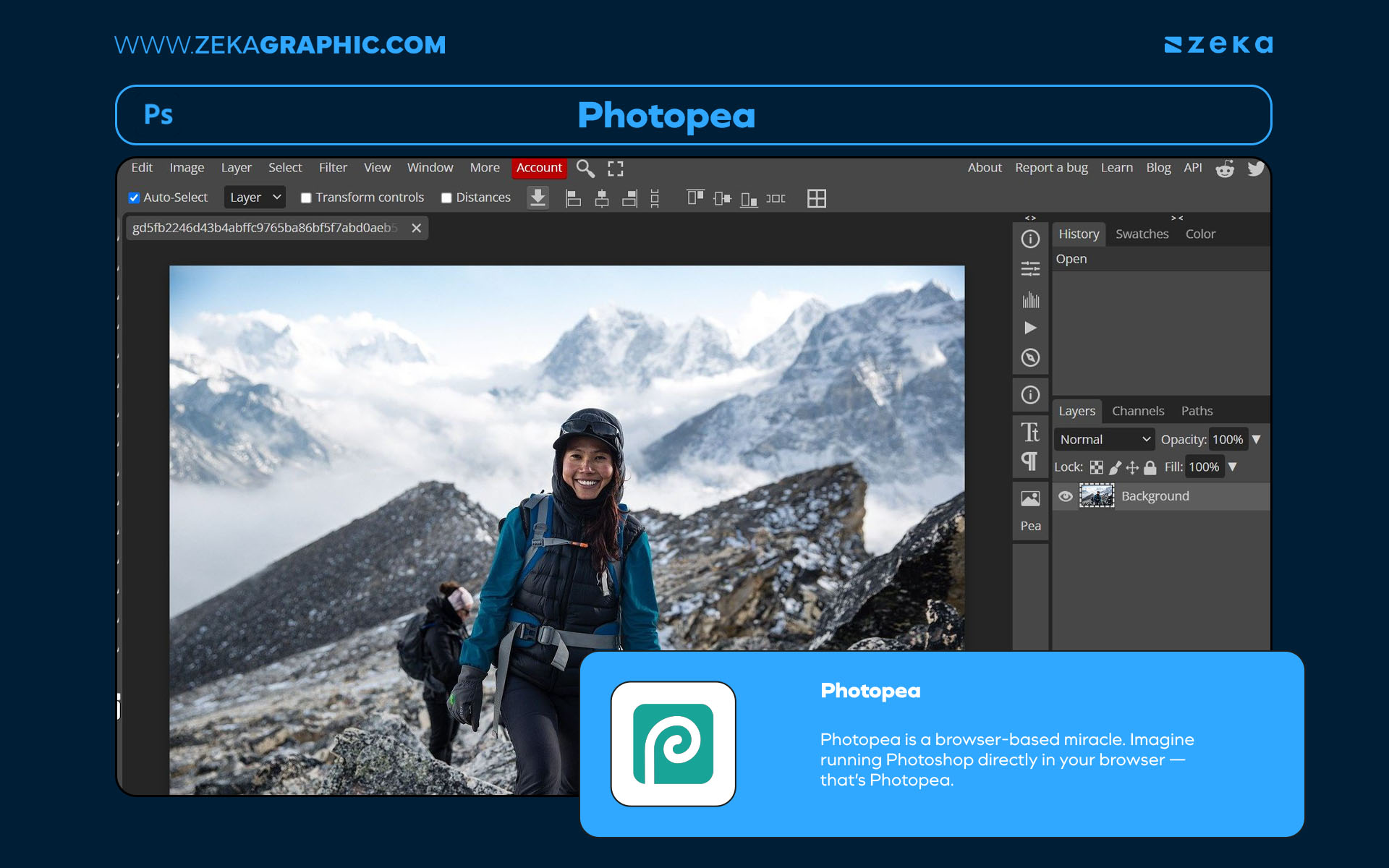
Photopea is the go-to browser-based Photoshop clone — no installation, no subscription, and full PSD compatibility. It replicates the familiar Photoshop interface, supporting PSD, AI, XD, and even Sketch files directly in your browser.
It’s perfect for quick edits, cross-device use, and collaborative workflows where you can’t install heavy software.
Pros:
Cons:
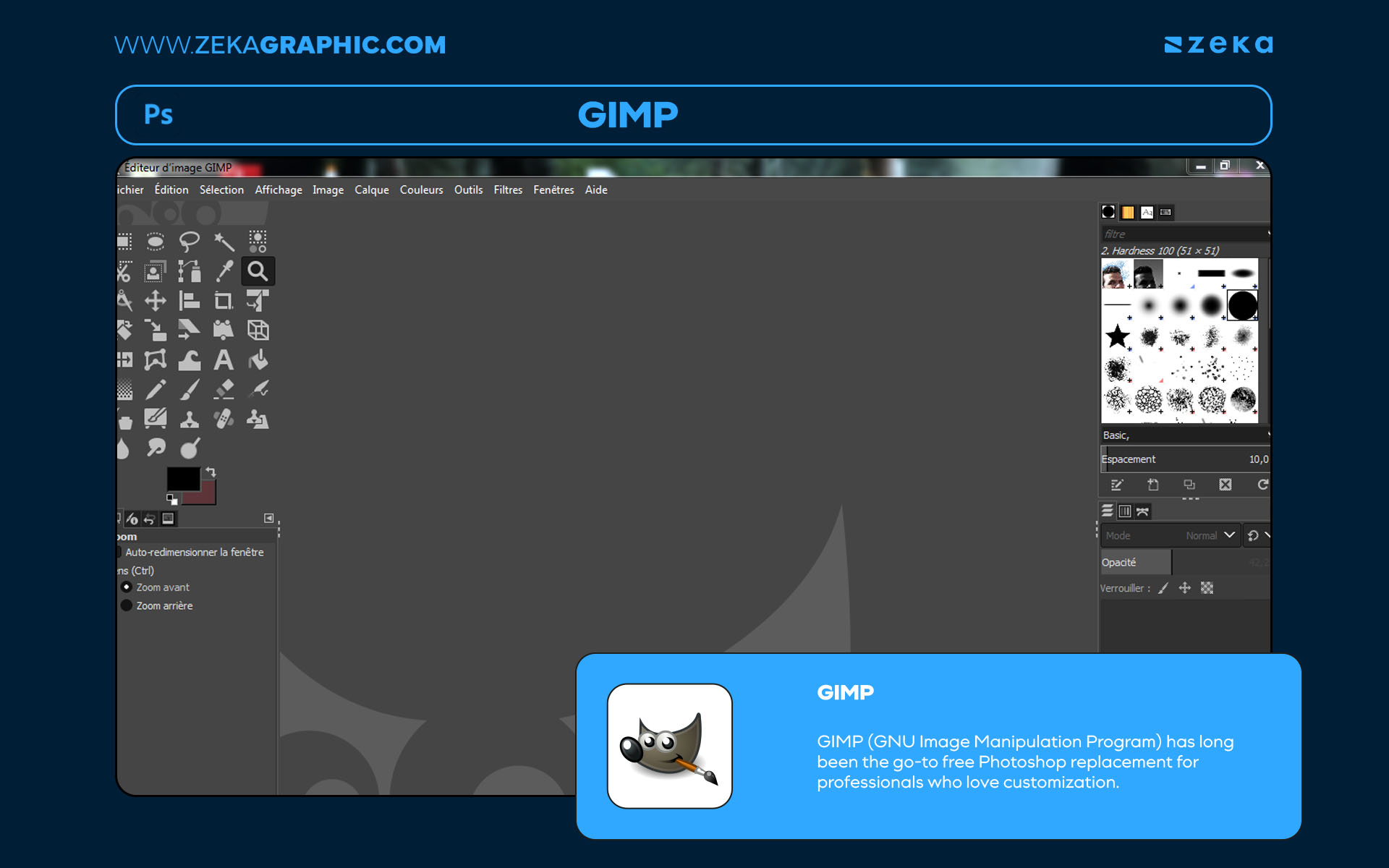
GIMP remains the most trusted open-source Photoshop alternative. It offers advanced photo retouching, compositing, and digital painting features with extensive plugin support.
Although its interface feels more “developer-made” than designer-friendly, its functionality is exceptional — especially for those who value full creative control.
Pros:
Cons:
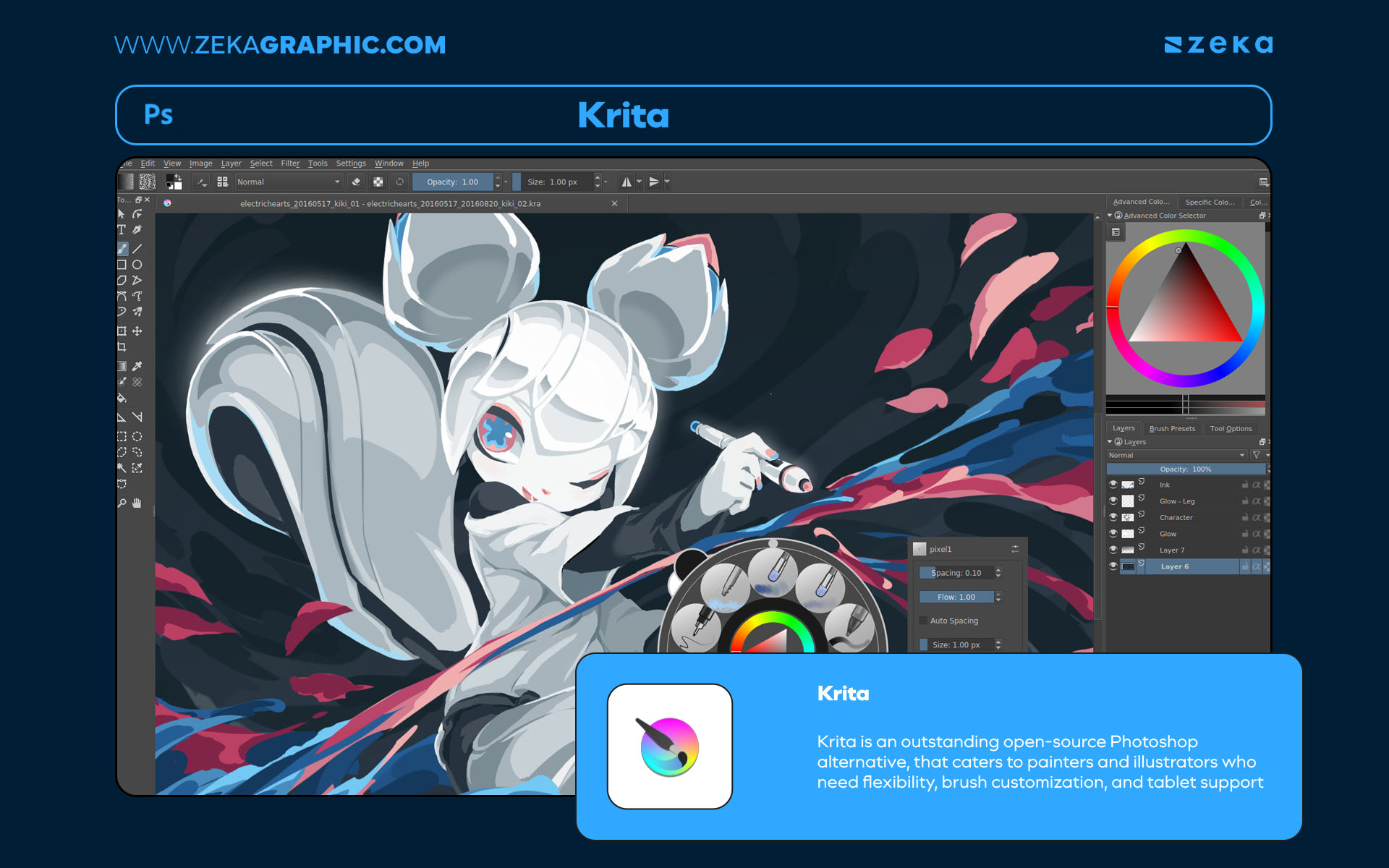
If your work leans toward digital illustration or concept art, Krita is an outstanding Photoshop alternative. Designed by artists, for artists, it offers some of the most expressive brush engines and color blending tools available today.
Its tablet responsiveness and customizable workspace make it a dream for stylus-based workflows.
Pros:
Cons:
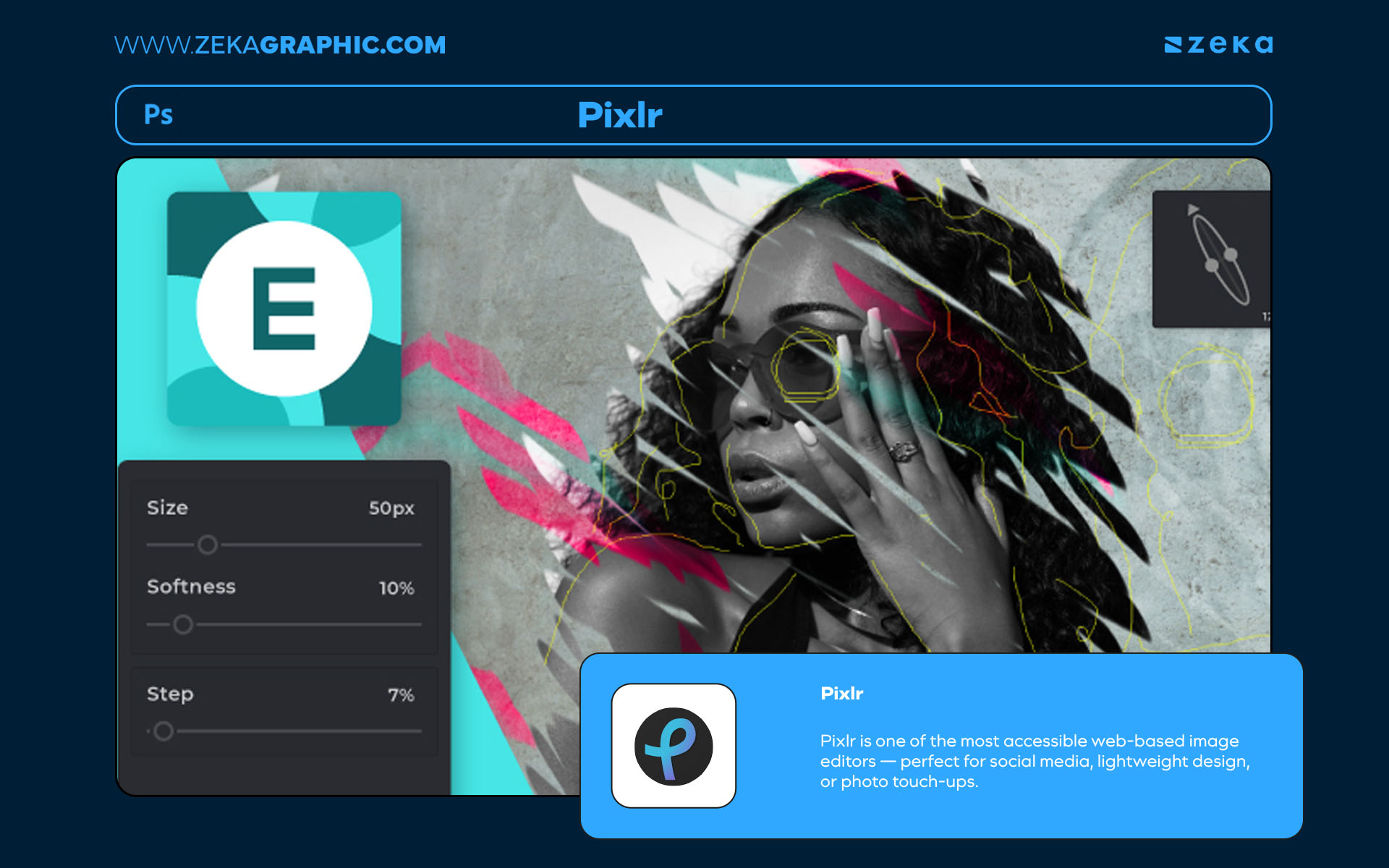
Pixlr is one of the most accessible web-based image editors — perfect for social media, lightweight design, or photo touch-ups. It features AI-powered background removal, filters, and templates that help create content in minutes.
Pros:
Cons:
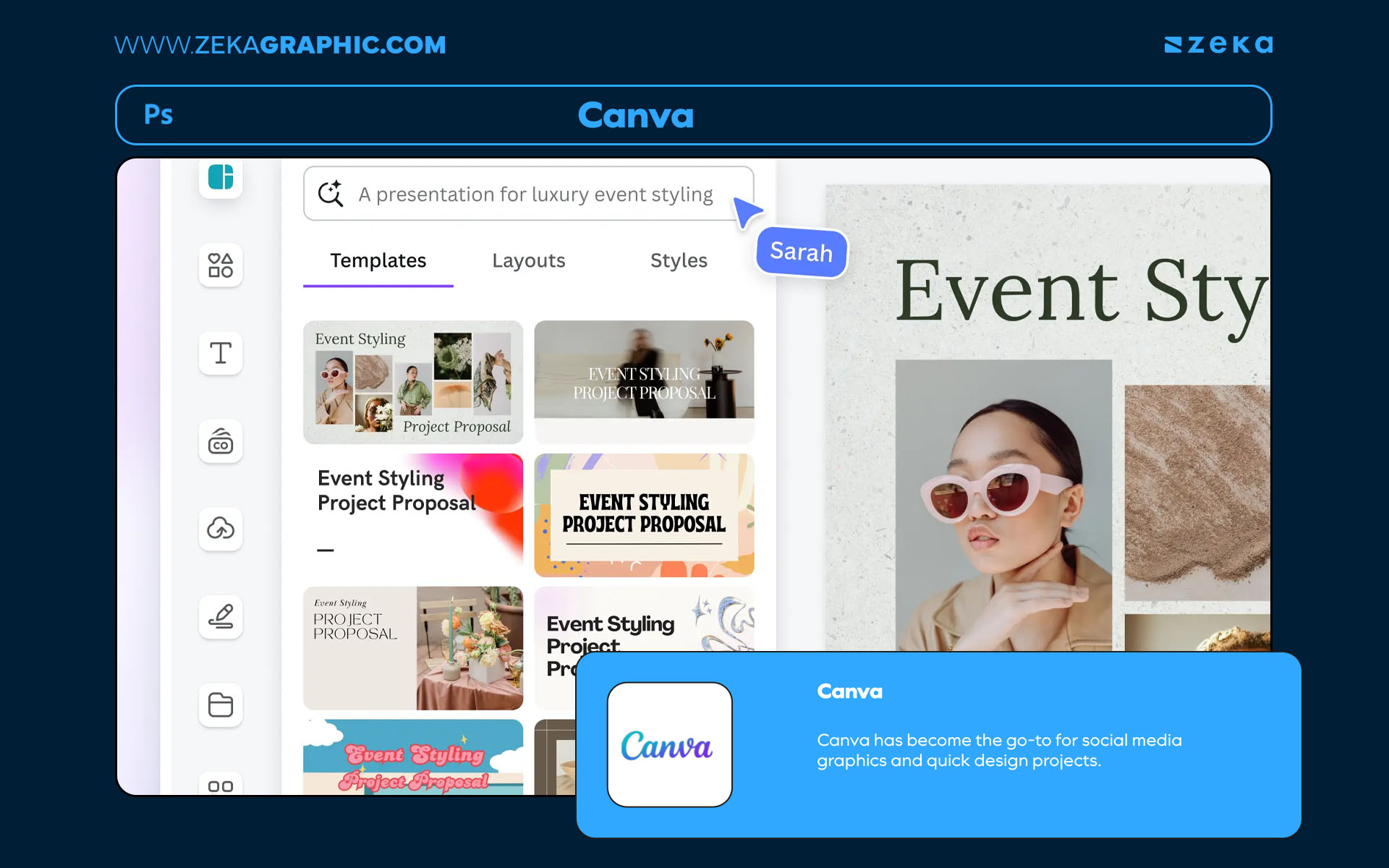
While Canva isn’t a Photoshop replica, its photo editing, template design, and AI-powered tools make it an indispensable option for quick visual content creation.
With Canva’s integration of Affinity tools, its editing power has multiplied — bridging the gap between layout design and photo editing.
Pros:
Cons:
Advertisment
Not every designer wants to rely on free tools — especially when workflow speed, client deadlines, and advanced features come into play.
For many professionals, paid Photoshop alternatives offer the perfect middle ground: top-tier performance, advanced compositing tools, and either a one-time license or a low annual cost.
These solutions are built for agencies, freelancers, and independent studios that value ownership and creative control. Whether you’re editing product photography, illustrating concept art, or designing full campaigns, these programs can replace Photoshop without locking you into a subscription model.
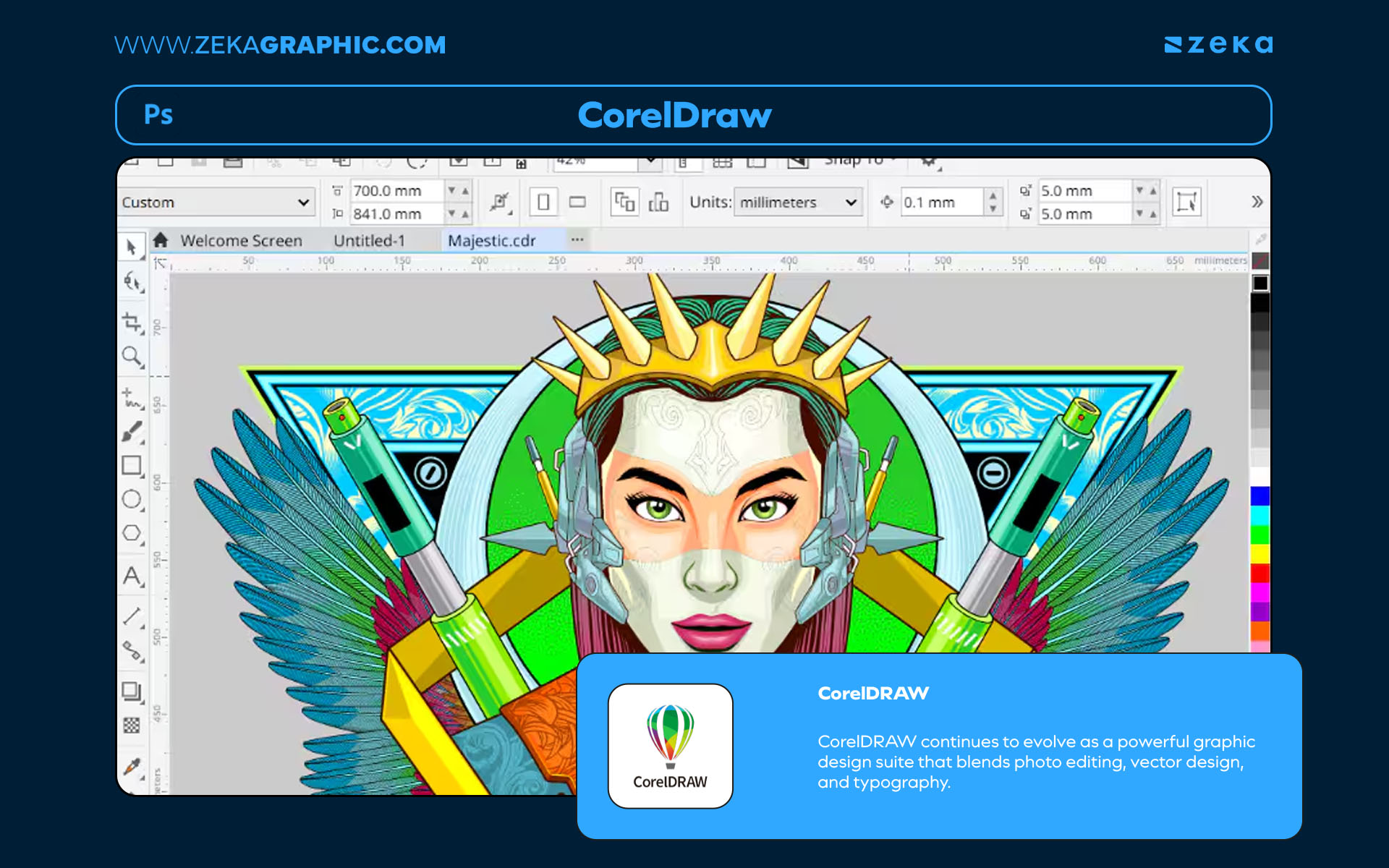
CorelDRAW stands as one of the most trusted professional design suites and a powerful alternative to Adobe Photoshop — especially for designers who work across both vector illustration and raster editing. With its combination of CorelDRAW (for vector graphics) and Photo-Paint (for photo manipulation), it offers a versatile all-in-one workspace ideal for branding, layout, and digital illustration projects.
Unlike Adobe’s subscription model, CorelDRAW can be purchased as a one-time license, making it a long-term investment for freelance designers and studios seeking ownership and flexibility. The latest version introduces AI-powered tracing, advanced typography controls, and enhanced collaboration tools that make it suitable for both print and digital workflows.
CorelDRAW also excels in color management and professional print output, making it a go-to choice for logo design, packaging, and large-format projects. Its intuitive interface and deep toolset make it an excellent option for creatives who want full control without being tied to Adobe’s ecosystem.
Pros:
Cons:
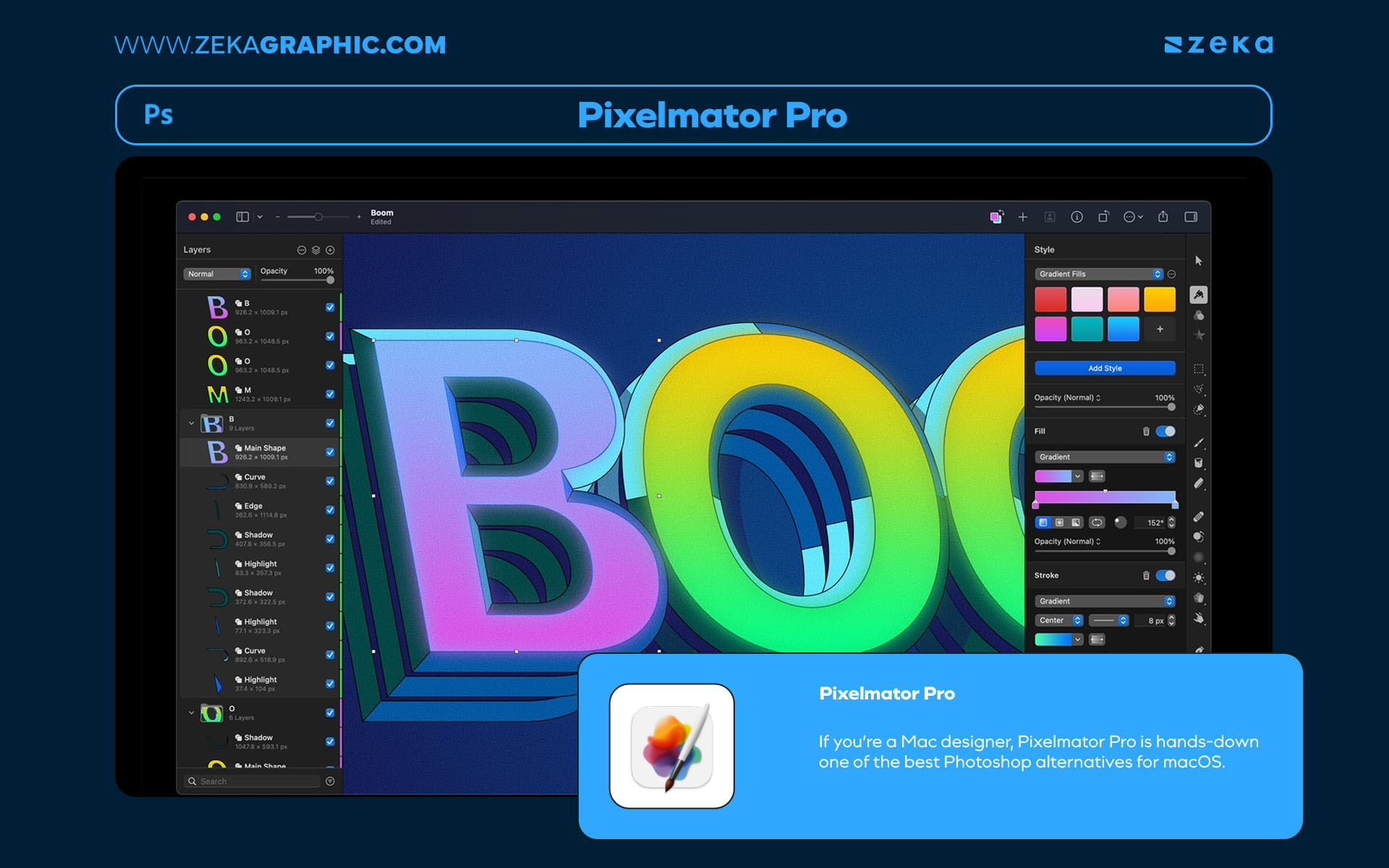
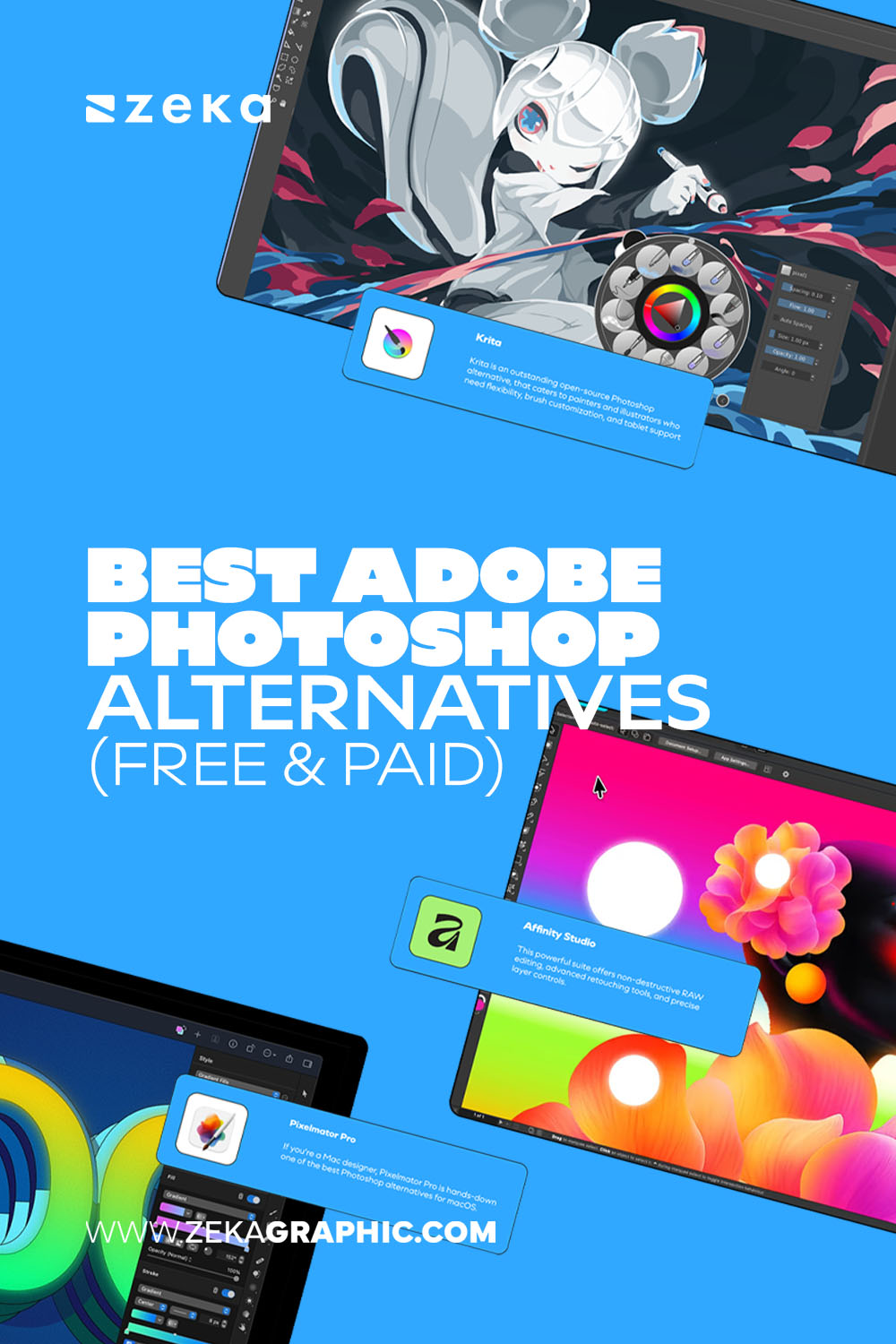
If you’re a Mac designer, Pixelmator Pro is hands-down one of the best Photoshop alternatives for macOS. Built specifically for Apple’s hardware and Metal graphics engine, it offers real-time editing, deep color management, and AI-based image repair with remarkable speed and elegance.
Its clean, minimal interface feels instantly intuitive, yet it’s powerful enough for professional-grade work — including retouching, compositing, and design mockups. The integration with iCloud, iPad, and Shortcuts makes it a seamless part of any Apple-based creative workflow.
Pros:
Cons:
Advertisment
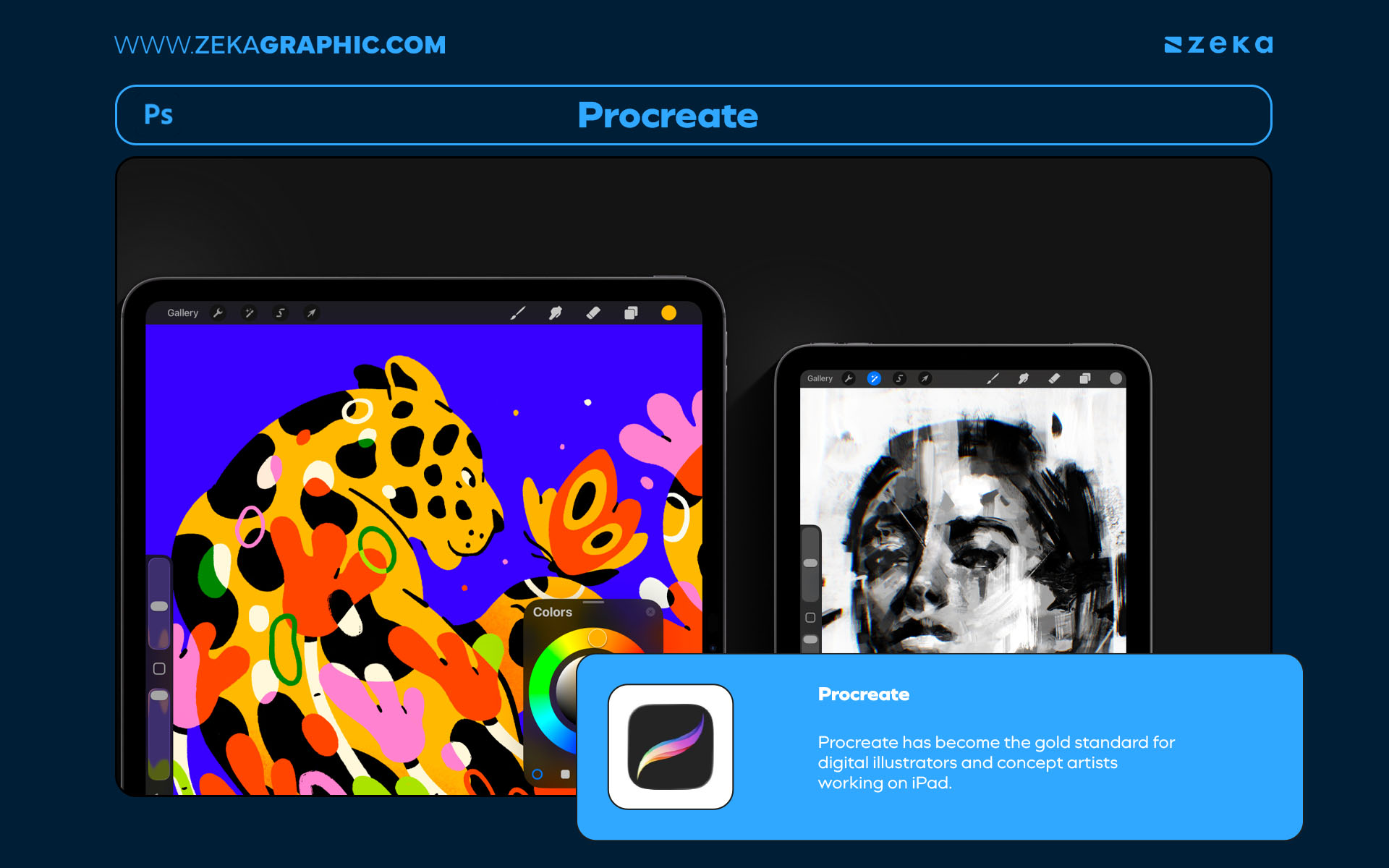
Procreate has become the gold standard for digital illustrators and concept artists working on iPad. Its tactile, responsive brush engine and natural drawing experience make it one of the most creatively liberating tools on the market.
Unlike Photoshop, which often feels technical, Procreate feels intuitive and fluid — allowing artists to focus entirely on flow and expression. Features like QuickShape, Animation Assist, and Time-lapse recording make it ideal for both personal projects and professional commissions.
Pros:
Cons:
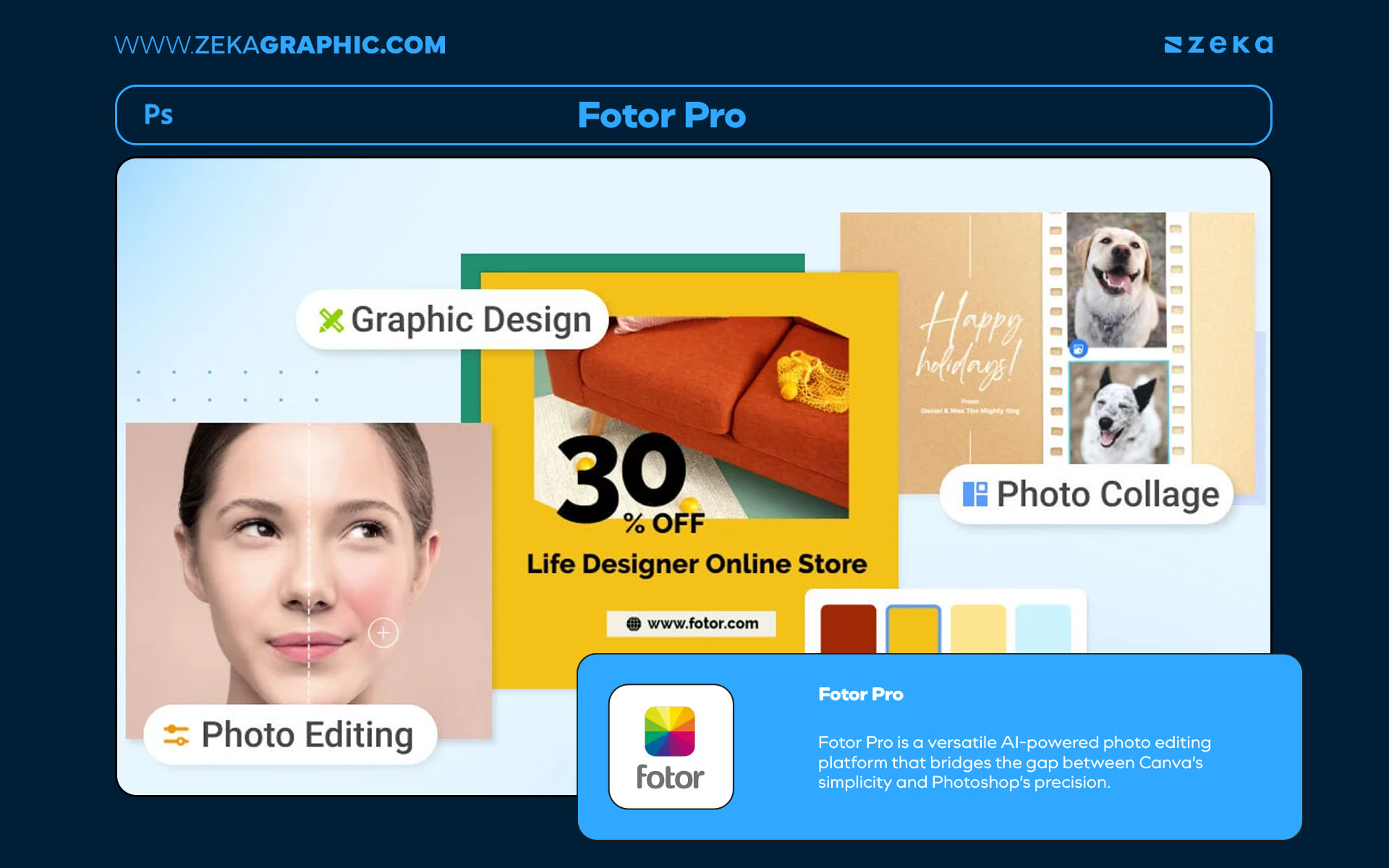
Fotor Pro is a versatile AI-powered photo editing platform that bridges the gap between Canva’s simplicity and Photoshop’s precision. Perfect for content creators, marketers, and freelancers, it offers automatic enhancements, background removals, and batch retouching features that save hours of manual work.
Its clean interface and cloud integration make it ideal for quick edits on the go — no installation required. For those who need to create polished visuals fast, Fotor’s one-click adjustments and AI-driven tools are an incredible productivity boost.
Pros:
Cons:
To help you visualize the best options, here’s a quick comparison of the top free and paid Photoshop alternatives available in 2025:
Software | Type | Platform | Notable Features | Pricing Model | Best For |
Affinity Studio | Free | Windows / macOS | Non-destructive editing, PSD support | Free | Professional designers |
Photopea | Free | Browser | PSD & AI support, Photoshop-like UI | Free | Quick edits, freelancers |
GIMP | Free | Windows / macOS / Linux | Open-source, plugins | Free | Developers, illustrators |
Krita | Free | Windows / macOS / Linux | Painting & brushes | Free | Illustrators & artists |
Pixlr | Free | Browser | AI background removal | Free / Pro | Social media content |
Canva | Free | Browser / App | Templates, AI design tools | Free / Pro | Beginners, marketers |
Corel PaintShop Pro | Paid | Windows | AI tools, RAW editing | One-time | Photographers |
Pixelmator Pro | Paid | macOS | AI editing, Apple integration | One-time | Mac designers |
Procreate | Paid | iPad | Brushes, animation, time-lapse | One-time | Illustrators |
Fotor Pro | Paid | Browser | AI enhancements, batch editing | Subscription | Content creators |
Advertisment
The creative landscape in 2025 gives designers something we’ve long deserved — freedom of choice. No longer confined to a single platform, we can now shape our workflows with tools that align with our creative values, budgets, and styles.
Whether you prefer free browser-based solutions like Photopea and GIMP, or professional-grade apps like Affinity Studio and Pixelmator Pro, there’s a perfect Photoshop alternative for every type of designer. These tools are more than just replacements — they represent a cultural shift toward creative independence and innovation.
The key takeaway? Don’t chase the “one right tool.” Instead, experiment. Build your own toolkit — one that inspires you to create with freedom, precision, and joy. Because the best design software isn’t the one with the biggest logo — it’s the one that makes you feel limitless.
If you found this post useful you might like to read these post about Graphic Design Inspiration.
Advertisment
Written by
If you like this post share it on your social media!
Advertisment

Advertisment