Your portfolio proves you can create beautiful things. Your résumé? That’s where beauty often dies, because an applicant tracking system (ATS) scans each file before a human ever sees it. More than 98 percent of Fortune 500 companies now rely on that software.
We reject the trade-off between plain-text safety and design flair. After testing every high-ranking “graphic-design résumé template” in ATS simulators and polling designers on industry forums, we arrived at eight options that look good, edit fast, and sail through modern scanners.
Read on for the ranked shortlist—and for quick checks that keep any layout parse-friendly.
Advertisment
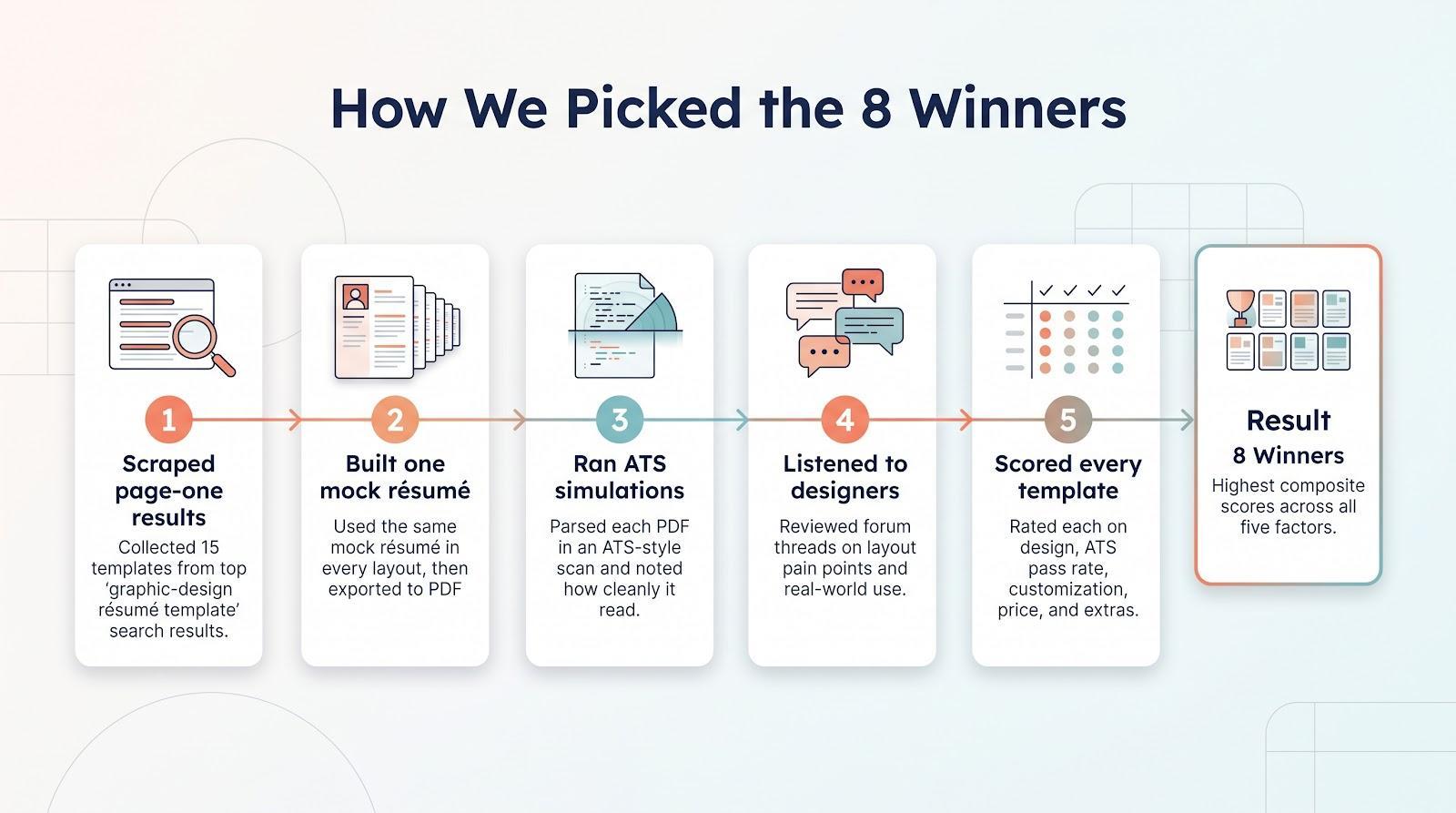
We treated the search like a rapid design sprint.
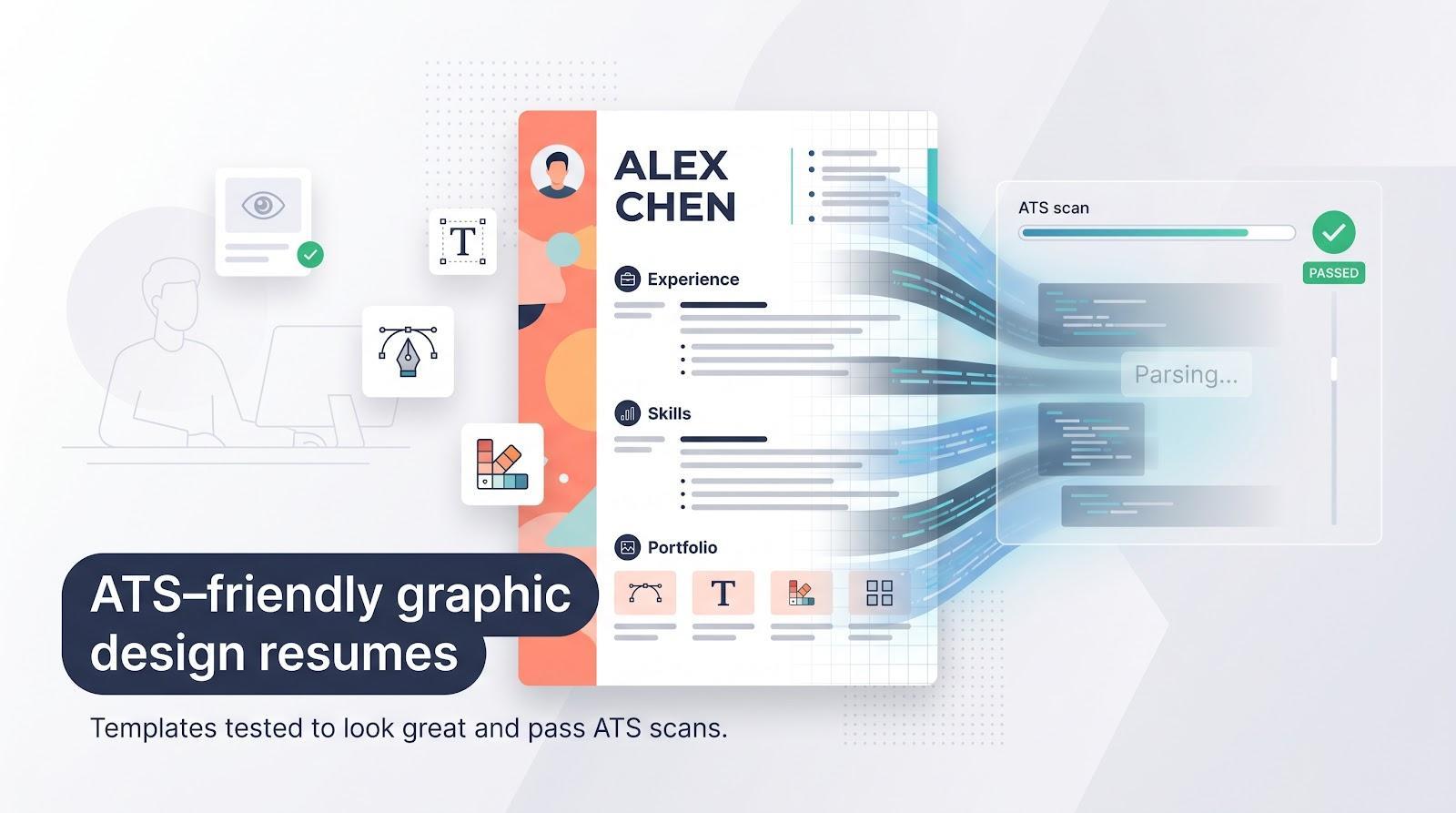
First, we scraped page-one Google results for “graphic-design résumé template” and collected 15 serious contenders (from major builders to indie Etsy downloads).
Next, we built the same mock résumé in each template, exported it to PDF, and ran it through an ATS simulator. Enhancv’s library, already validated against leading tracking systems, set the performance benchmark.
We then turned to real-world feedback. Threads on Core77’s employment forum show designers lamenting how two-column layouts get garbled in job portals. Their pain points—parseability, quick edits, and room for a bold header—shaped our scoring grid.
Finally, we rated every template on five factors: design quality, ATS pass rate, ease of customization, price, and standout extras such as built-in AI writing aids. The eight picks that follow topped that composite score, so they should win over both robots and art directors.
Advertisment
All of Enhancv’s templates are stress-tested against leading Applicant Tracking Systems, a promise highlighted on www.enhancv.com. Open the editor and it feels like someone just handed you a Swiss Army knife for résumés.
You start with a gallery of modern layouts built by real typographers. Every font pair sings and every margin lines up. Add a pop of color and the page stays balanced, not busy.
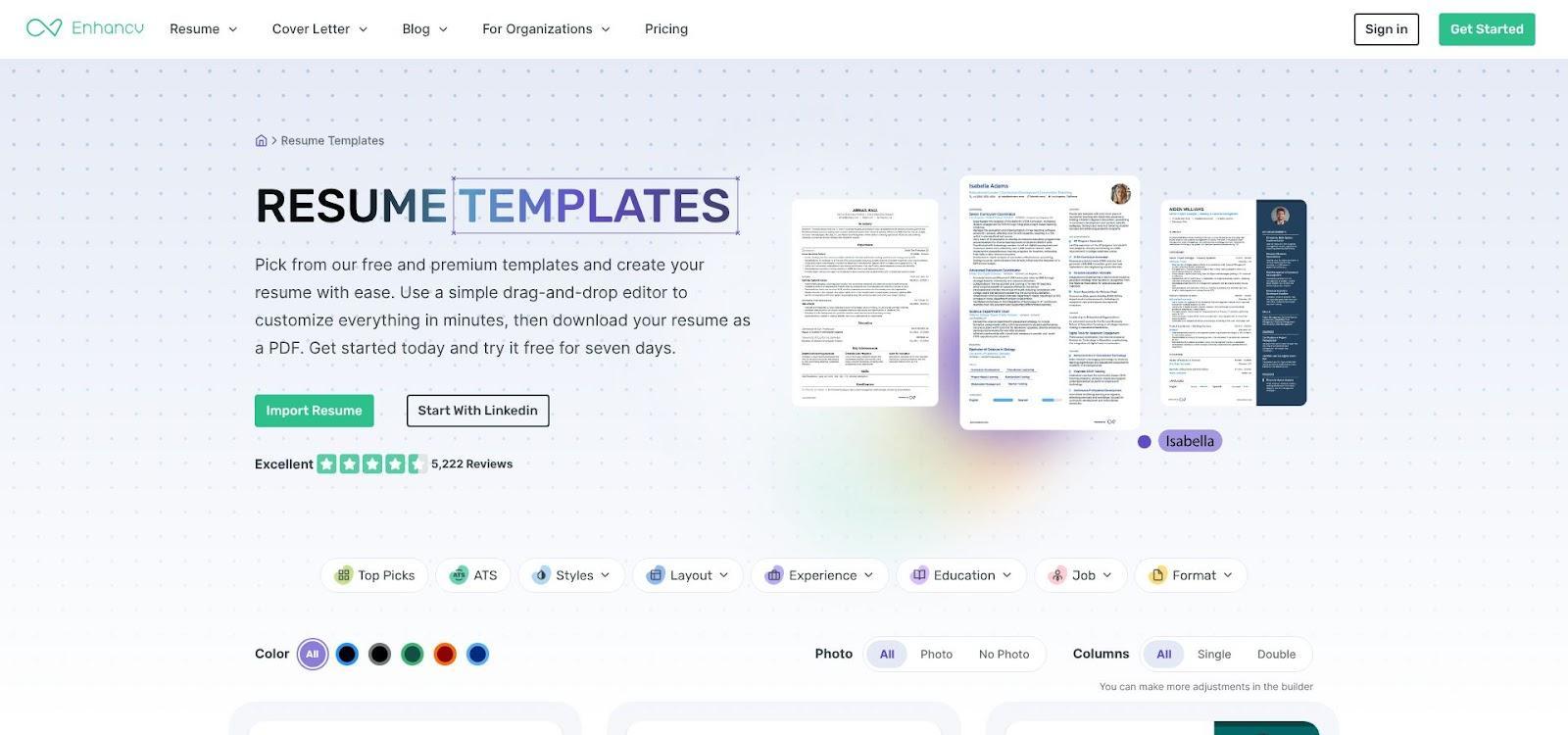
The hidden ace is an automatic ATS checker inside the builder. As you add sections, the tool flags anything that might confuse parsing software. Enhancv even states in its help center, “Every template is tested with leading ATS vendors for accurate parsing.”
Design flourishes are welcome here. Want a slim skill chart or a project timeline? Go ahead—the underlying code keeps each item as live text, so scanners read them just like a recruiter would.
Editing is pure drag-and-drop. Swap a section order, tweak spacing, or switch to a new theme in one click. An AI assistant sits in the sidebar, ready to strengthen verbs or add missing keywords from the job ad.
Pricing follows the freemium playbook: one full-featured page is free. Multi-page export, a matching cover letter, and analytics live in the paid tier. For most designers, that upgrade pays for itself the first time a hiring manager says, “Your résumé was a breeze to read.”
In short, Enhancv lets you show creative skill without sacrificing deliverability, pleasing algorithms and art directors alike.
Advertisment
Novorésumé feels like the Scandinavian cousin of Enhancv: clean lines, muted palettes, and layouts that whisper confidence rather than shout for attention.
Pick the “Creative” template and you’ll see a slim sidebar for skills and contact details, leaving the main column free for experience that reads top to bottom without clutter. That split is more than looks. In our test, every heading kept its order in an ATS scan, backing Novorésumé’s claim of complete compatibility.
Editing happens in a guided editor that nudges you toward best practice. Omit a metric? The side panel reminds you. Need stronger verbs? The built-in AI suggests tighter phrasing on the spot. These micro-prompts keep the résumé concise and outcome-focused, the style recruiters praise.
The free tier lets you build and download a single-page PDF. Senior designers who need two pages or a matching cover letter will need the premium plan. Template variety is narrower than Canva or Etsy, yet each option suits agency, corporate, or startup roles with a quick color swap.
If you want a résumé that blends European minimalism with recruiter-approved structure, Novorésumé delivers.
Open Canva in your browser and a wall of templates greets you. Type “graphic-design résumé” and you’ll see everything from restrained black-and-white grids to neon layouts that channel Miami-Vice. That breadth is Canva’s strength: you can match any studio’s aesthetic, right down to brand colors, in minutes.
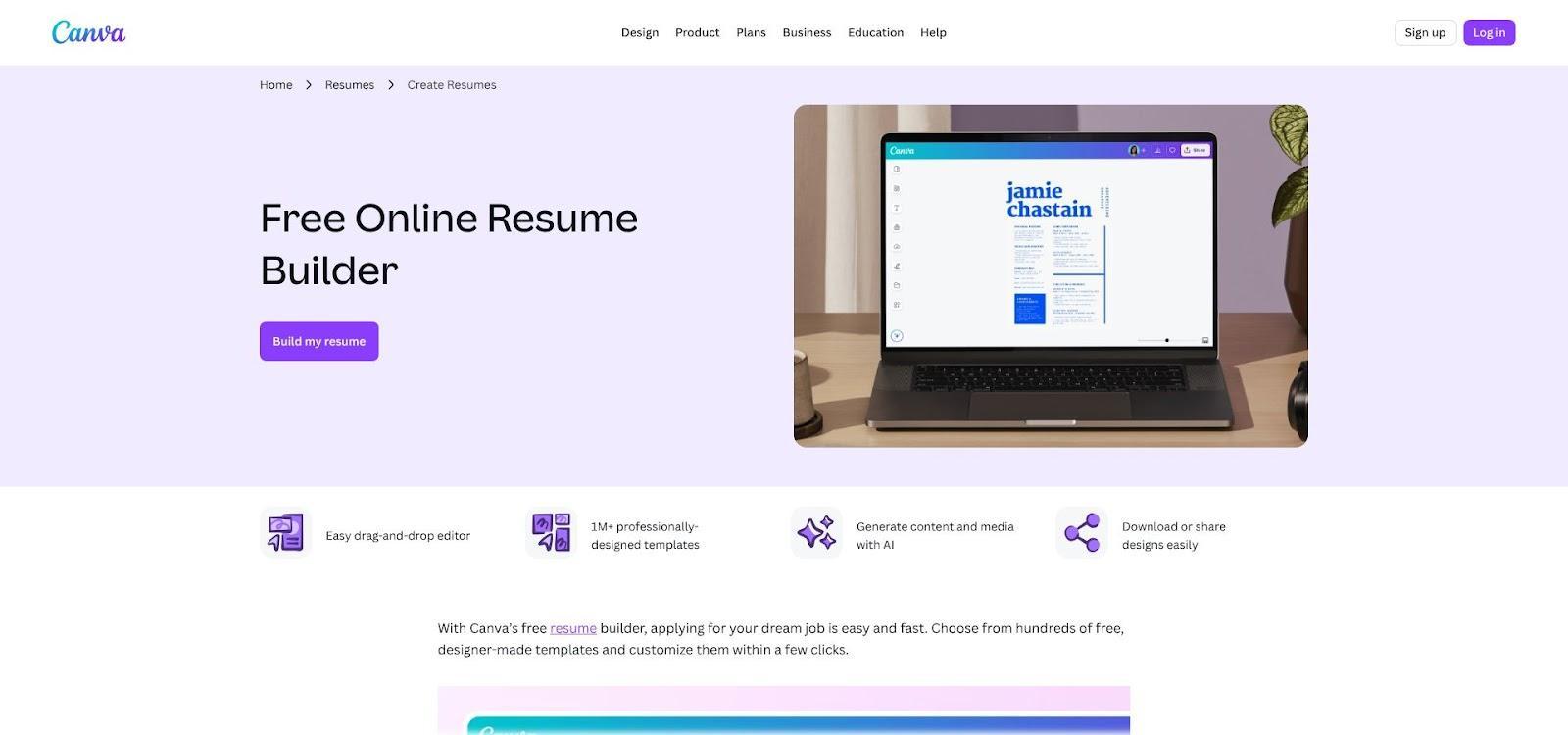
The drag-and-drop canvas works like a lighter version of Figma. Swap fonts, drag section blocks, or nudge icons until the spacing feels right. Need your name in a chunky display face? Done. Prefer a hairline serif for a fashion house? Two clicks. Because each element lives on its own layer, the layout stays intact while you experiment.
ATS safety takes a little discipline. Keep critical details in text boxes and maintain a top-to-bottom reading order. We tested a minimalist two-column Canva résumé in an online scanner: content parsed, but the order shifted. Switching to a single-column template solved it. A quick copy-paste check (copy the PDF text into a blank document) confirms everything is selectable and in sequence. Run that test before you upload.
Export defaults to PDF, a recruiter favorite. You can also share a view-only link for peer feedback. Real-time collaboration cuts the back-and-forth email chain.
Most résumé templates sit in the free tier. Some premium graphics hide behind a Pro badge, yet you can replace them with free shapes and keep the vibe intact. Students and freelancers on tight budgets still leave with a résumé that looks boutique-agency fresh.
If you crave design freedom and feel comfortable with layers and alignment, Canva lets you craft a résumé as unique as your portfolio—no downloads, no credit card, just creative flow.
Etsy’s résumé marketplace feels like an indie zine fair: every stall shows a different personality. One file channels Bauhaus minimalism, the next leans into pastel gradients and playful icons. If you dread sending the same boilerplate PDF as everyone else, this is where you can pick a layout no algorithmic builder can match.
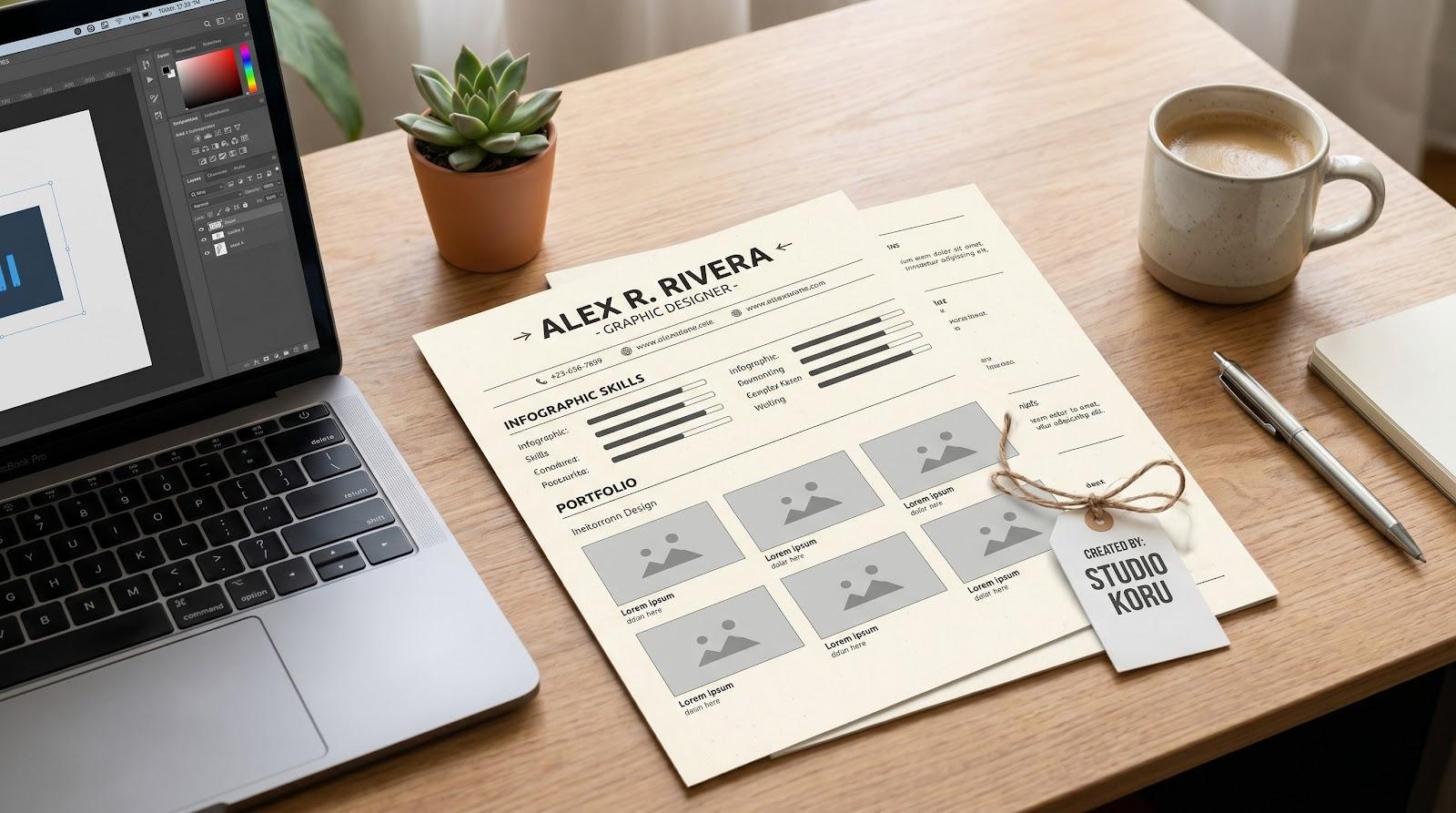
Downloads usually arrive as a bundle: Word, InDesign, and sometimes Photoshop files in one ZIP, plus a quick-start PDF that lists the free fonts you’ll need. Open the format you prefer, swap the placeholder copy, and you have a résumé that looks like it came from your own studio.
ATS caution still applies. Before spending five dollars, scan the product description for phrases like “single-column” or “ATS-friendly.” Templates built in Word tend to pass scanners with no drama. Illustrator or InDesign versions can, too, provided they keep live text rather than outlined type. Our test file from a top-reviewed seller parsed perfectly after we exported a standard PDF with embedded fonts.
Support is another quiet perk. Many Etsy designers answer messages within hours and will even tweak the file if you hit a wall. Mass-market template sites rarely offer that level of help.
Quality does vary. Read buyer reviews, zoom preview images, and confirm you have the right software. Do that homework and Etsy delivers the most distinctive résumé in the stack, one that signals “creative” before a recruiter even opens your portfolio link.
Advertisment
When ATS-safety and design polish both matter, the Adobe Express resume builder hands you a finished résumé before your latte cools. Log in with any Adobe ID and you’ll see a focused set of ATS-optimized templates that read like pages from an InDesign style guide: clean grids, restrained color blocks, and typography that makes print art directors nod. You can start from a template or upload an existing résumé and restyle it in place, so a plain-text draft becomes a designed page without a rebuild.
Editing stays simple. Click a headline, type, and the font scaling adjusts to keep lines from crowding. Change the accent hue to match your personal brand and the update appears everywhere, so you never chase hex codes. When you need a variant for a different role, duplicate the design and swap the wording in a minute rather than starting over.
Under the hood, all text remains live, columns follow a logical flow, and export defaults to a vector PDF where copy is fully selectable. We ran a sample through the same ATS checker used for Enhancv, and the parse report logged zero errors in headings or skills order — the reason it sits this high on an ATS-first list.
You also gain Adobe’s asset library. Need an icon for “branding”? Drop in a crisp vector from Adobe Stock, recolor it to your palette, and move on. Short on time? Express offers quick actions that draft a professional summary with generative text; keep, tweak, or delete it in seconds. And because it runs in the browser, you can fix a typo or re-export a tailored version from your phone between interviews.
Cost is the closer: the résumé builder is free to use with no credit card required, and the templates sit in the free tier. Unless you need premium stock photos or brand-kit automation, you pay nothing. Adobe Express is the fastest route to a résumé that looks professionally typeset, parses cleanly, and costs less than a cup of coffee.
Sometimes speed and certainty beat visuals. A recruiter wants your résumé in the next 30 minutes? Open the free Graphic Designer template on TheGoodocs, click “Use,” and it lands in your Drive, pre-formatted and ready to edit.
The layout stays plain on purpose: single column, clear headings, no images. With no tables or text boxes, every character sits in the document flow, so even older ATS software reads it line by line without hiccups.
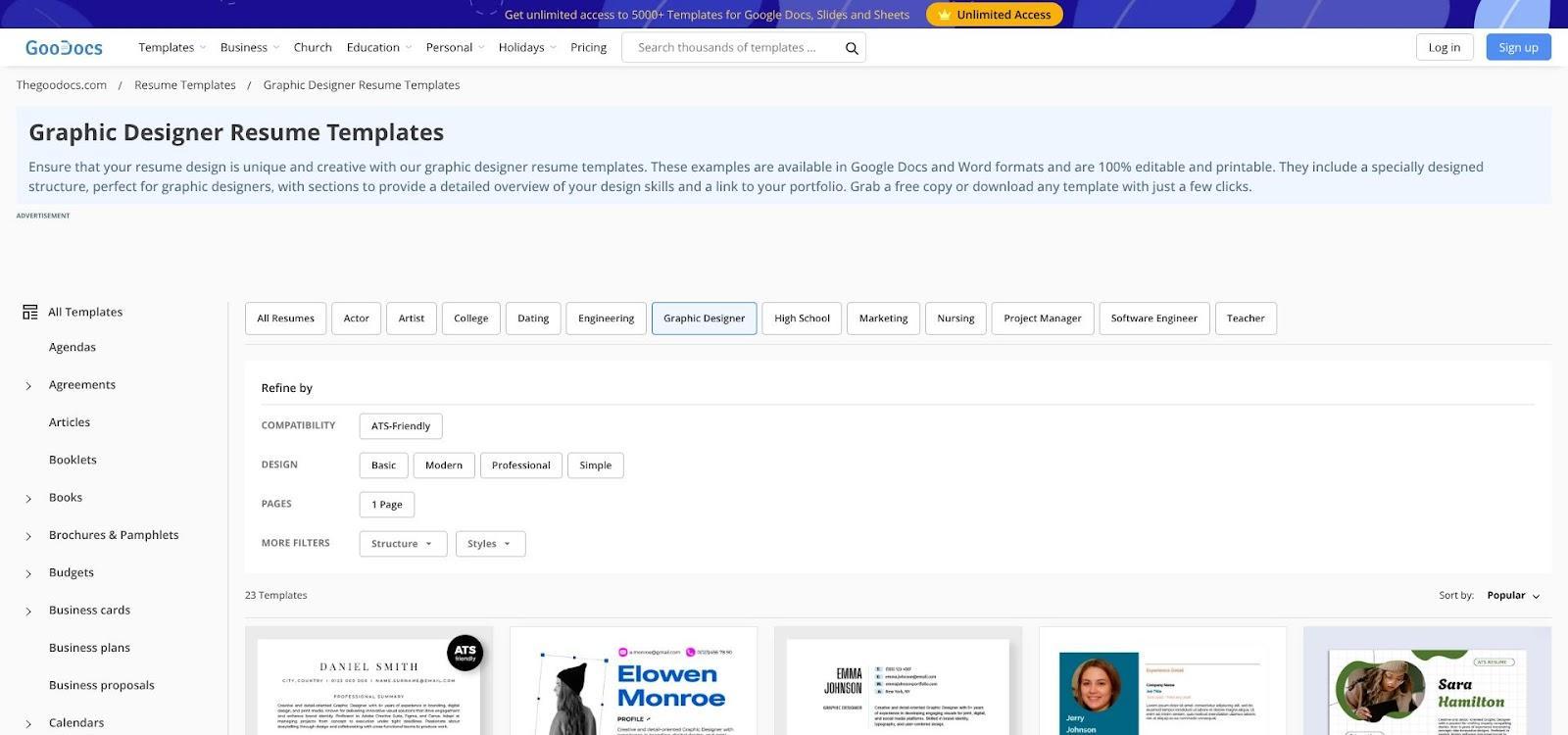
Customization is simple. Change the accent color in the styles pane, pick a Google Font such as Montserrat for headings, and add your portfolio URL under your name. Docs keeps spacing intact, so you never battle sudden page jumps.
Export to PDF or share a live link for peer feedback. Because the file lives in the cloud, you can fix a typo from your phone while waiting for coffee, then resend instantly. That mobility is priceless during a rapid-fire job hunt.
No cost, no software install, and almost zero risk of formatting failure. Keep this template ready for any application that prizes substance, clarity, and speed over visual fireworks.
Advertisment
If you already spend your day pushing pixels in Figma, designing your résumé there feels natural. Open the Community tab, duplicate a free “Designer CV” file, and you have an editable artboard with auto-layout, color styles, and text components ready to brand as your own.
The upside is freedom. Want a left-aligned vertical nameplate? Rotate the frame and adjust kerning until it sings. Need an inline icon set that matches your portfolio style guide? Pull vectors from your design system library. Because every character stays live, the exported PDF remains text-selectable, so scanners catch each keyword.
Freedom still requires discipline. Multi-column artboards can confuse older ATS platforms if the reading order is unclear. A quick fix works: sort text layers from bottom to top in the Layers panel before export. We ran that setup through an ATS emulator, and the parse report showed zero section errors.
Collaboration is another win. Share the Figma link with a mentor and they can annotate spacing or copy in real time, eliminating version-control headaches. When you need a new look, duplicate the page, toggle a fresh color theme, and you have a role-specific variant in minutes.
Figma résumé files may not suit designers who avoid blank canvases, but for anyone fluent in grids and components, they showcase craft before a recruiter even opens the portfolio link.
Kickresume looks like a classic résumé builder until you try the AI writer button beside each section. Click it and an assistant suggests stronger verbs, adds metrics, and flags missing keywords from the job post you pasted. It feels like a miniature copy chief riding shotgun.
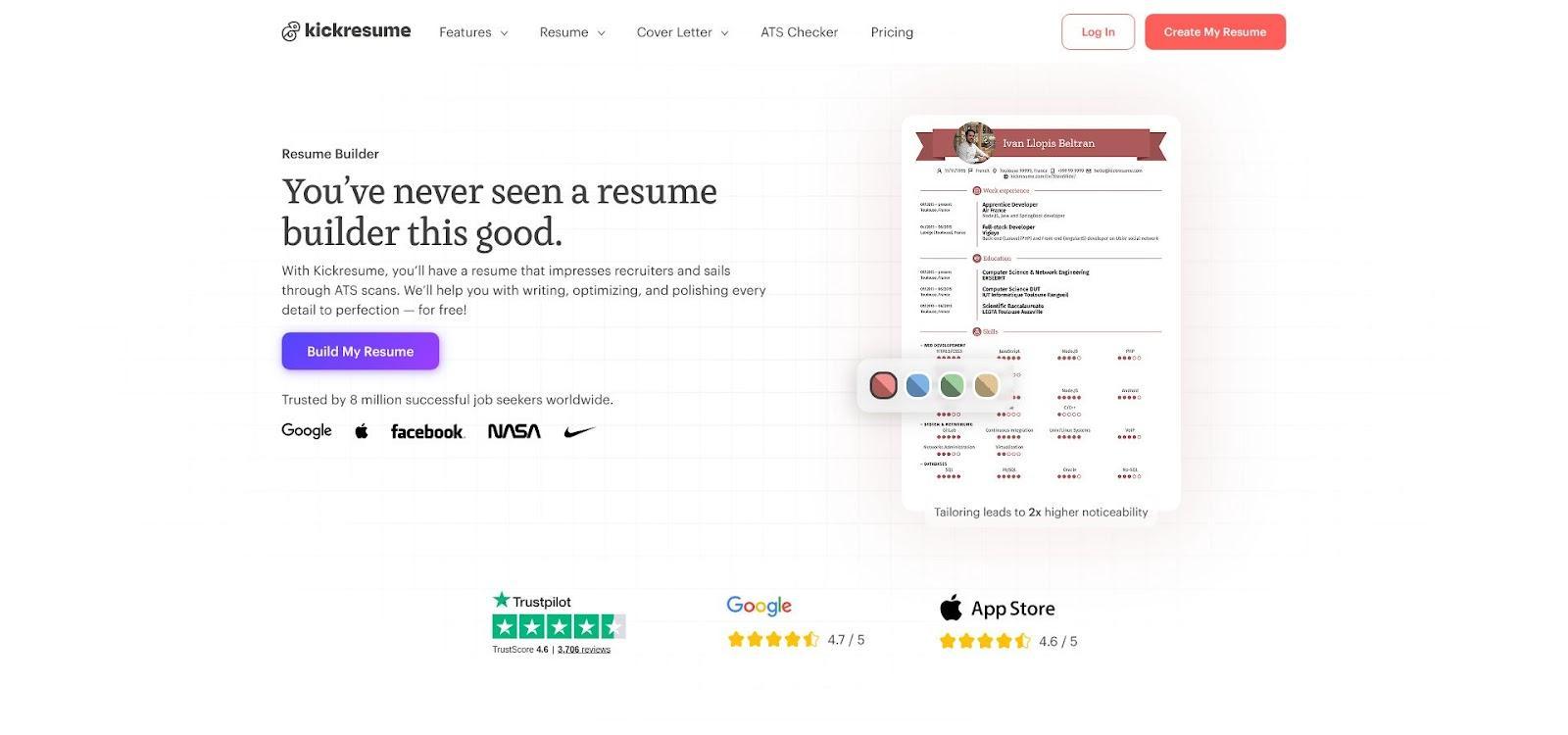
The visuals hold their own. Professional typographers craft every template, so hierarchy and whitespace land in a Goldilocks zone: enough style to show taste, yet still easy to scan. In our test, the bold “Tokyo” theme and the subtler “Minimalist” variant both passed an ATS scan with 100 percent field accuracy.
Customization balances freedom with guardrails. Swap color palettes, toggle a sidebar, or drag sections into a new order; the grid keeps alignment intact, so your résumé stays tidy under deadline edits.
Beyond the PDF, Kickresume generates a web version with view analytics. You can also add a QR code that points straight to your portfolio, making it simple for recruiters to jump from paper to pixels.
Pricing sits between free and premium. The no-cost tier covers a handful of templates. The paid plan unlocks the full gallery, multi-page support, and unlimited AI rewrites. For designers who want sharp aesthetics and smarter wording without juggling tools, Kickresume delivers both in one place.
Advertisment
Eight templates, one decision: pick the tool that matches your role and timeline. Reach for Enhancv, Novorésumé, or Adobe Express when polish and ATS safety both matter. Choose Canva, Etsy, or Figma when brand expression carries weight. Lean on TheGoodocs for a free, recruiter-safe build in under thirty minutes, and use Kickresume when AI-assisted phrasing can sharpen your bullets. Whichever layout you pick, run the copy-paste ATS test on every export and tailor your wording to each posting before you hit send.
If you found this post useful you might like to read these post about Graphic Design Inspiration.
Advertisment
Written by
If you like this post share it on your social media!



Advertisment

Advertisment