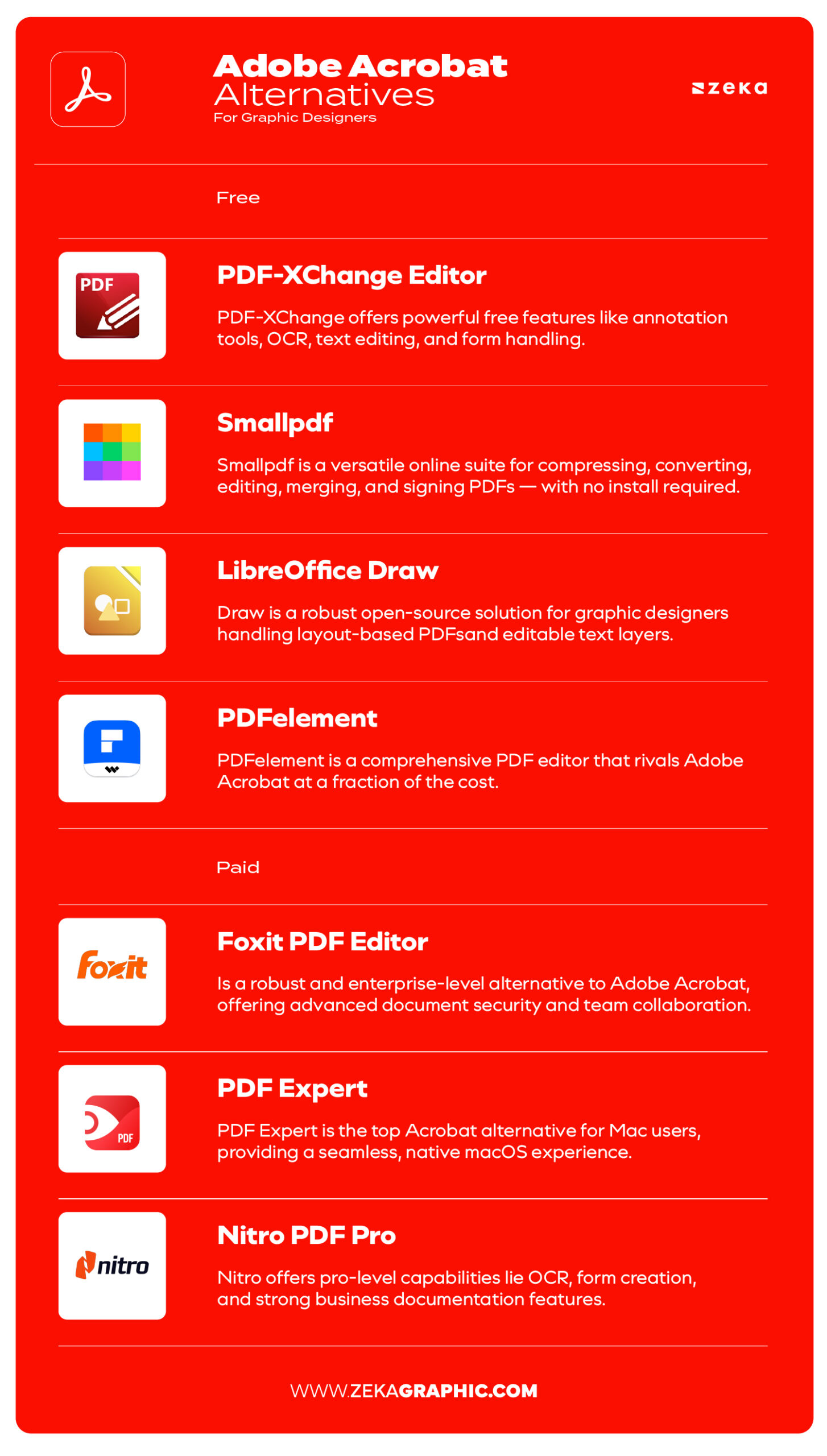
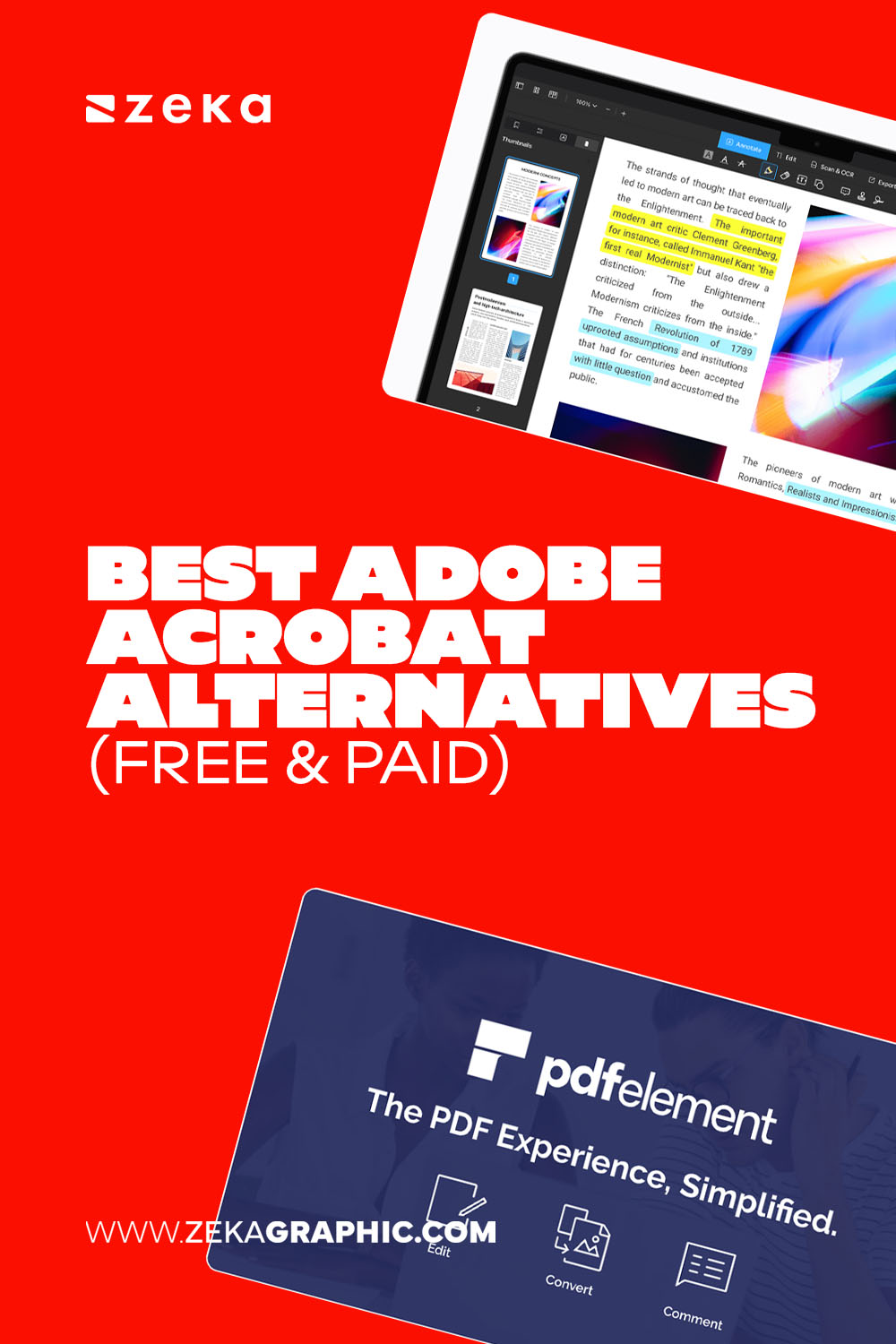
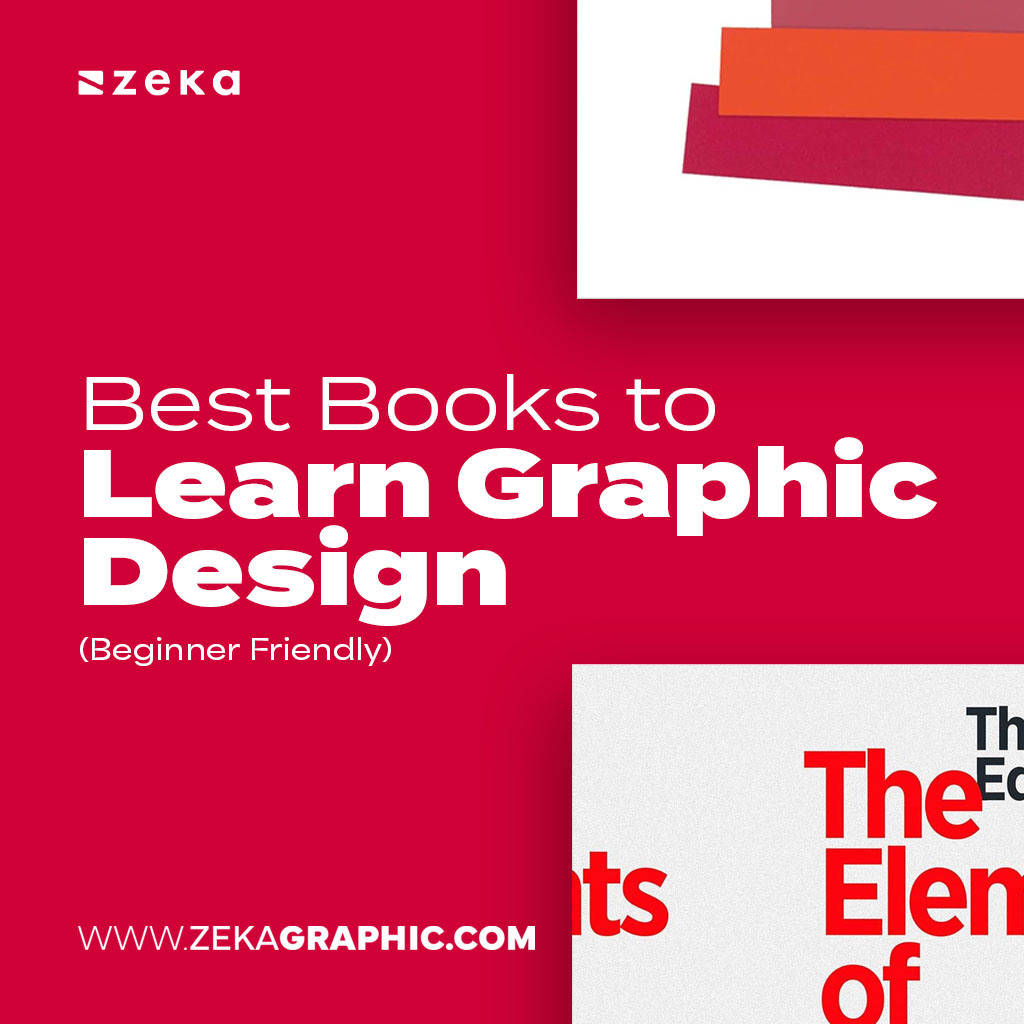
Finding good Adobe Acrobat alternatives is easier than ever. Many graphic designers are moving away from Acrobat because they want faster workflows, cleaner interfaces, lighter software, and lower costs.
Not every creative needs a massive PDF ecosystem just to edit documents, annotate client files, compress portfolios, or export presentations. Today, there are plenty of powerful PDF editors for designers — from lightweight browser tools to professional PDF suites with OCR, batch processing, and advanced editing features.
In this guide, you’ll discover the best free and paid Adobe Acrobat alternatives for graphic designers, including tools focused on speed, usability, collaboration, and modern creative workflows.

Advertisment
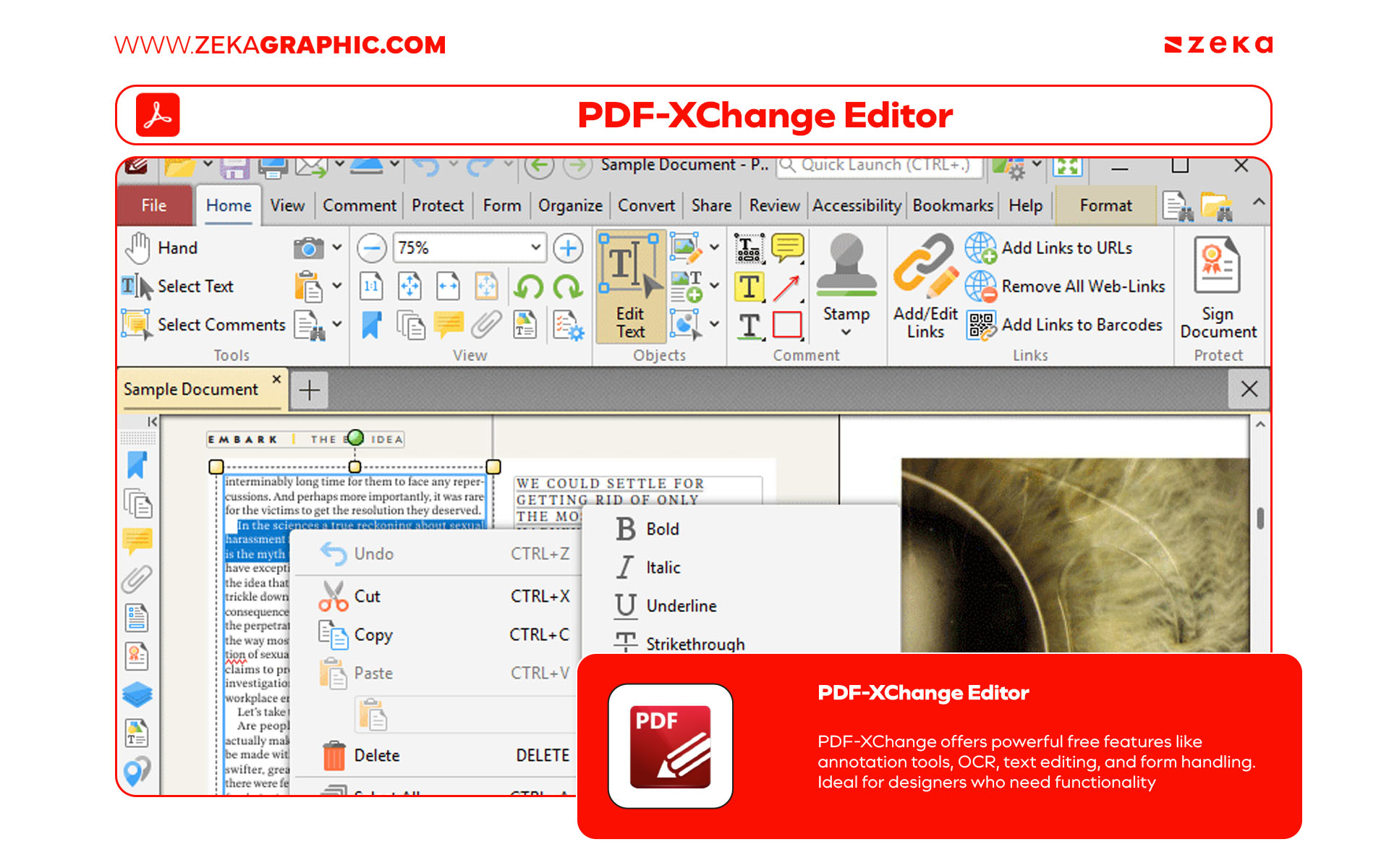
If you want a genuinely powerful free PDF editor, PDF-XChange Editor is one of the best options available. It’s lightweight, fast, and surprisingly advanced for a free tool.
For graphic designers, it works especially well for reviewing client PDFs, editing text, adding comments, signing contracts, or handling markup-heavy documents without slowing down your computer.
One of its biggest strengths is efficiency. Unlike Acrobat, the interface feels compact and responsive while still offering OCR, annotations, form editing, and object manipulation. For Windows users, it’s one of the strongest non-Adobe PDF tools available today.
Key Features

Advertisment
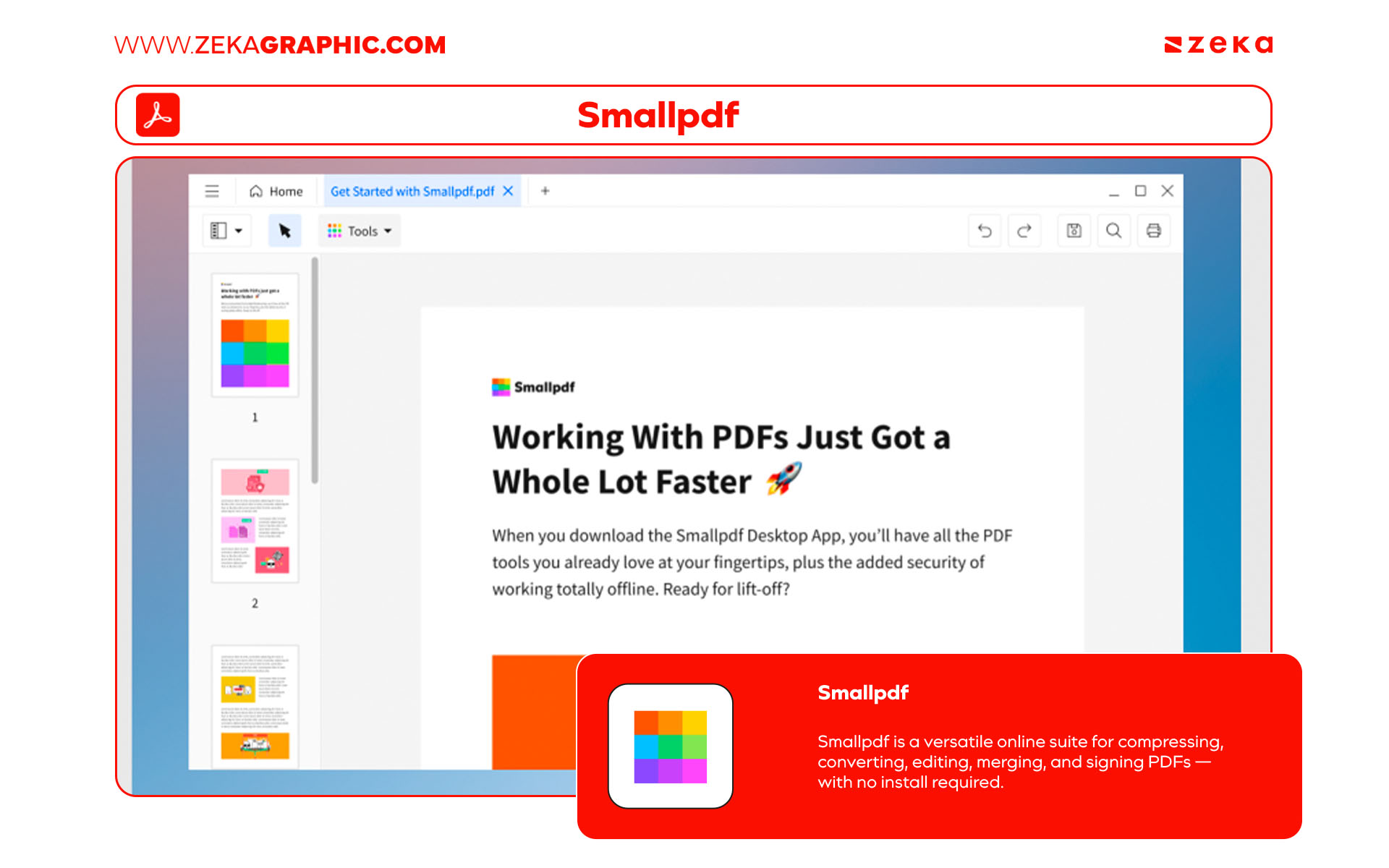
Smallpdf is ideal for designers who want something simple, fast, and cloud-based.
Instead of installing heavy software, everything runs directly in the browser. That makes it perfect for freelancers, remote teams, or creatives constantly sharing files through Google Drive or Dropbox.
It’s especially useful for quick tasks like compressing portfolios, merging PDFs, converting files, or preparing client previews. The interface is clean, minimal, and extremely beginner-friendly.
Key Features

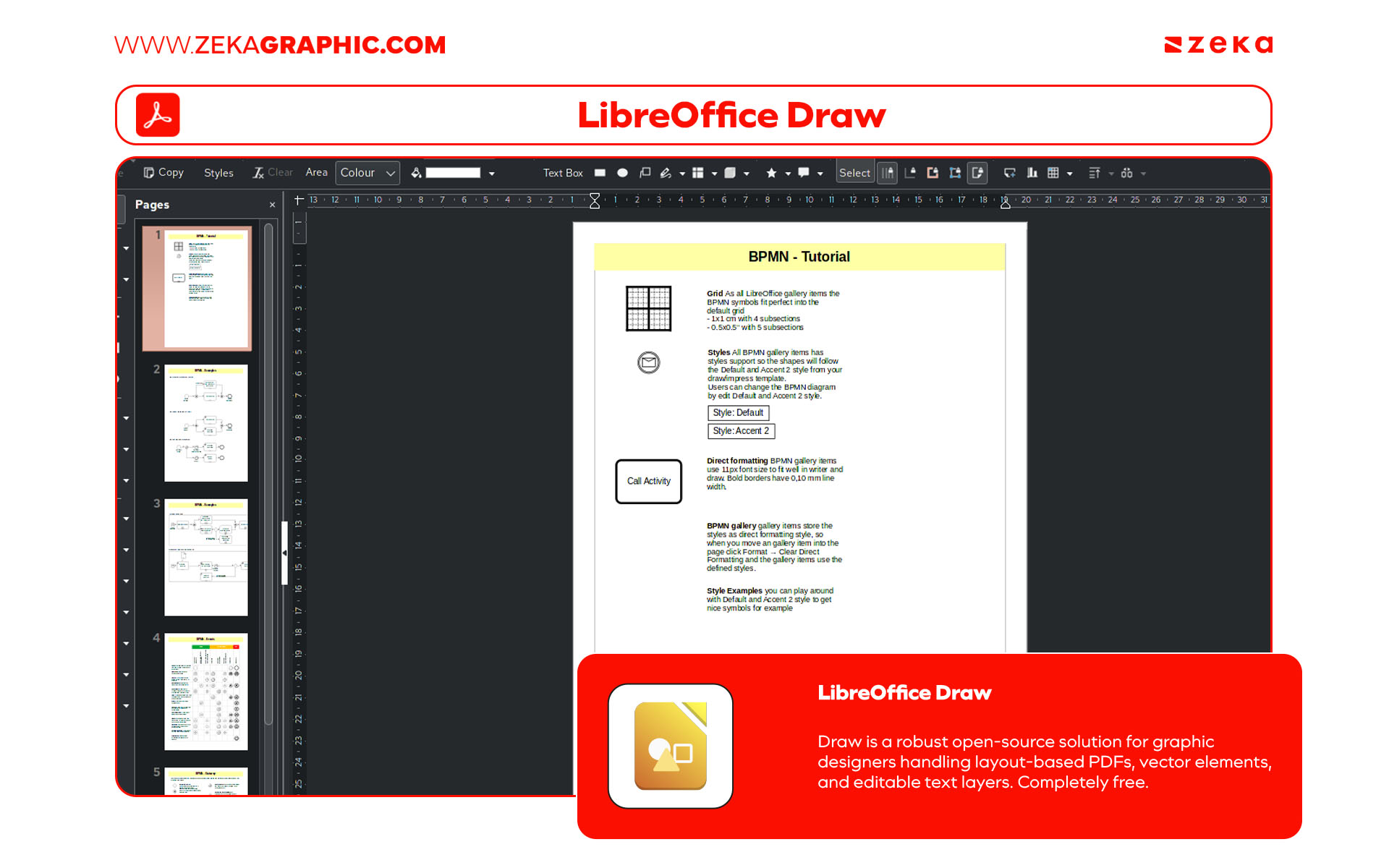
LibreOffice Draw is one of the strongest open-source Acrobat alternatives, especially for designers working with vector-heavy PDFs.
Unlike most PDF editors, Draw lets you manipulate objects, shapes, layouts, and vector elements almost like a design program. That makes it useful for packaging edits, diagrams, presentations, or restructuring visual PDFs.
For designers trying to avoid subscriptions entirely, it offers impressive flexibility at zero cost.
Key Features

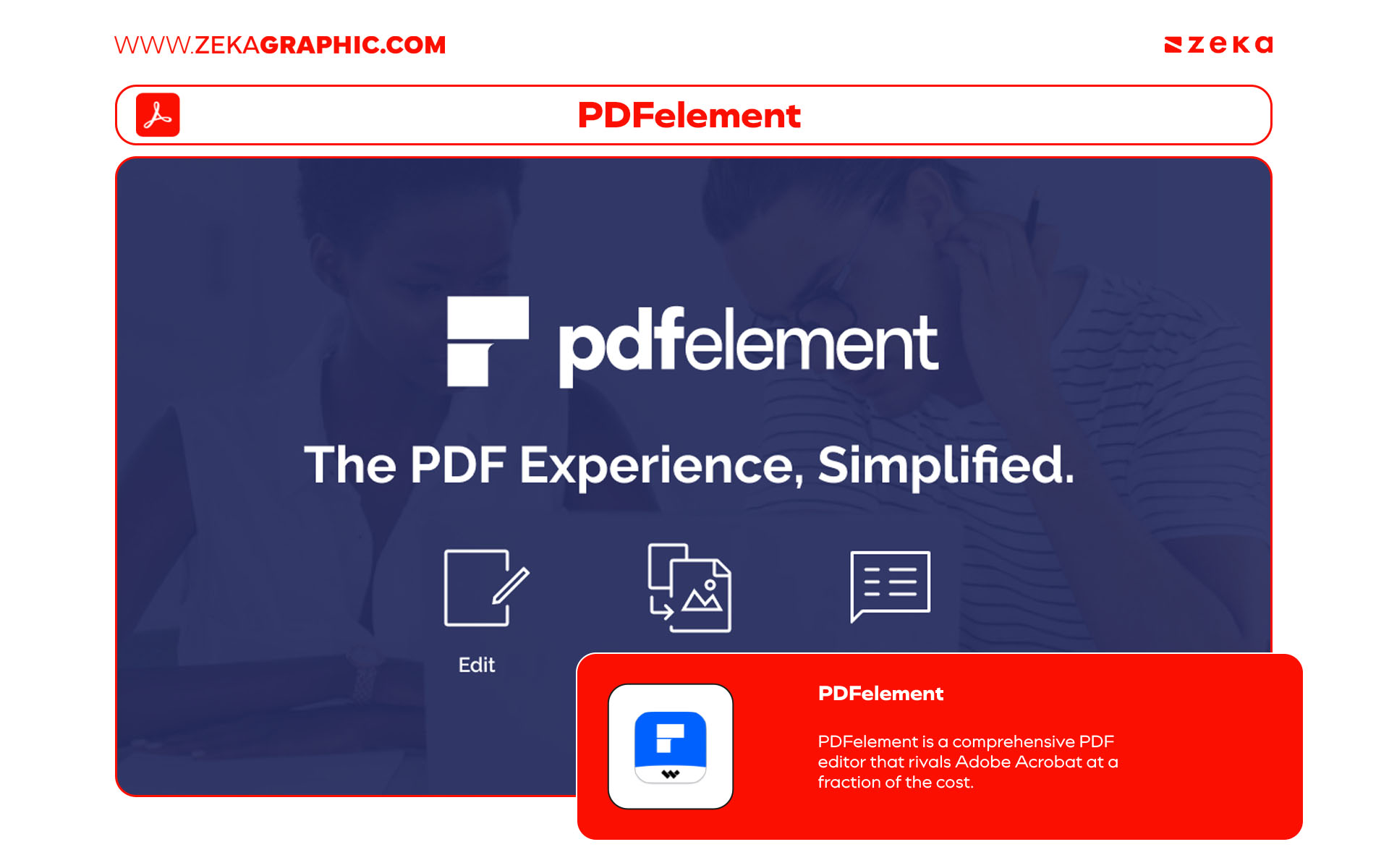
PDFelement sits in the sweet spot between affordability and professional features.
It includes OCR, form creation, annotations, signatures, batch processing, and full PDF editing, while keeping the interface much cleaner and less overwhelming than Acrobat.
For graphic designers, it’s excellent for client revisions, editorial workflows, branded documents, and image-heavy PDFs. It feels modern, fast, and practical for everyday use.
Key Features

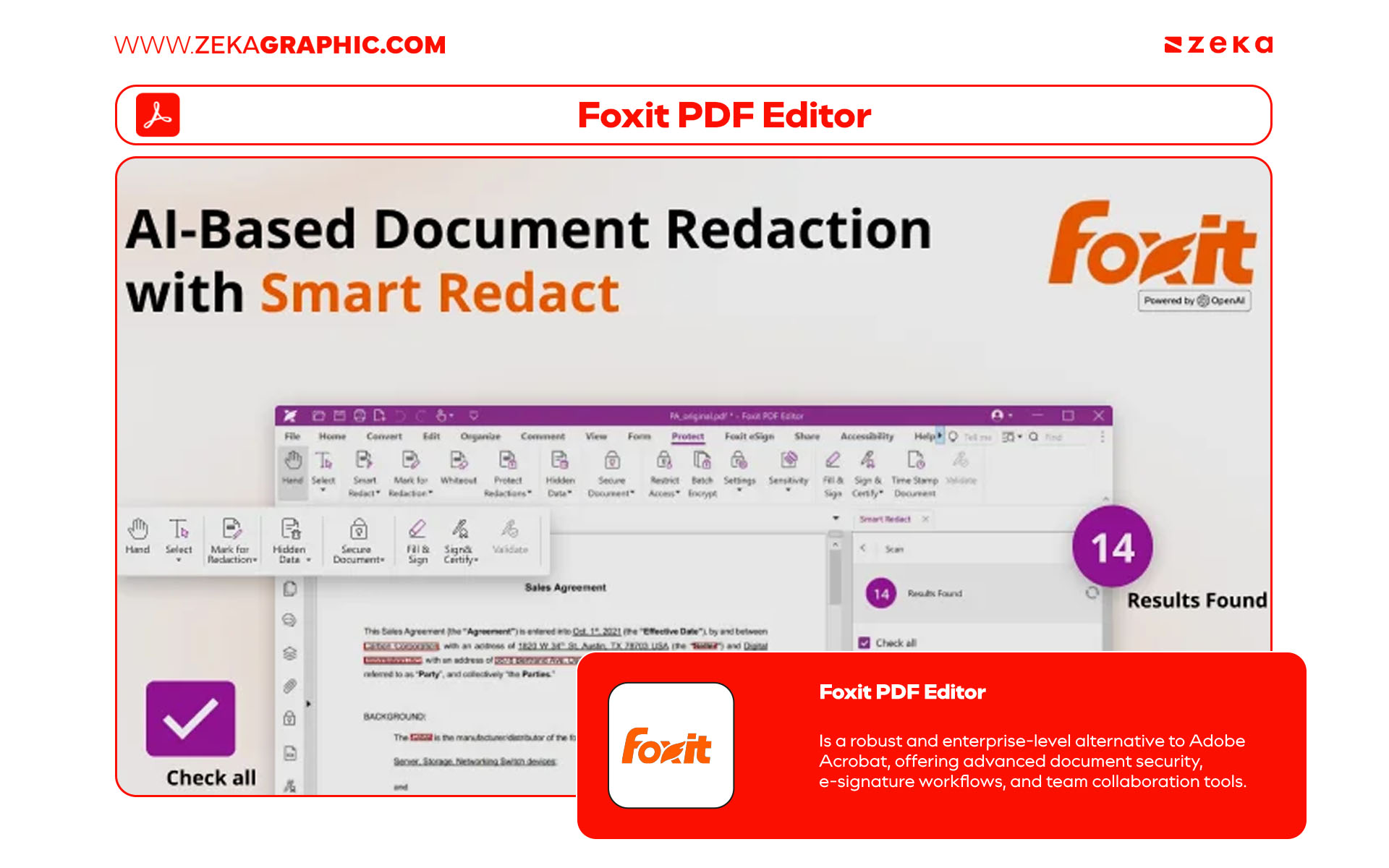
Foxit PDF Editor is one of the strongest professional Acrobat competitors available right now.
It’s significantly lighter and faster than Acrobat while still offering advanced tools like OCR, redaction, form building, collaboration features, document protection, and cloud integration.
For designers working with large portfolios, brand guidelines, contracts, or multi-page documents, Foxit feels efficient without sacrificing professional functionality.
Why Designers Choose Foxit

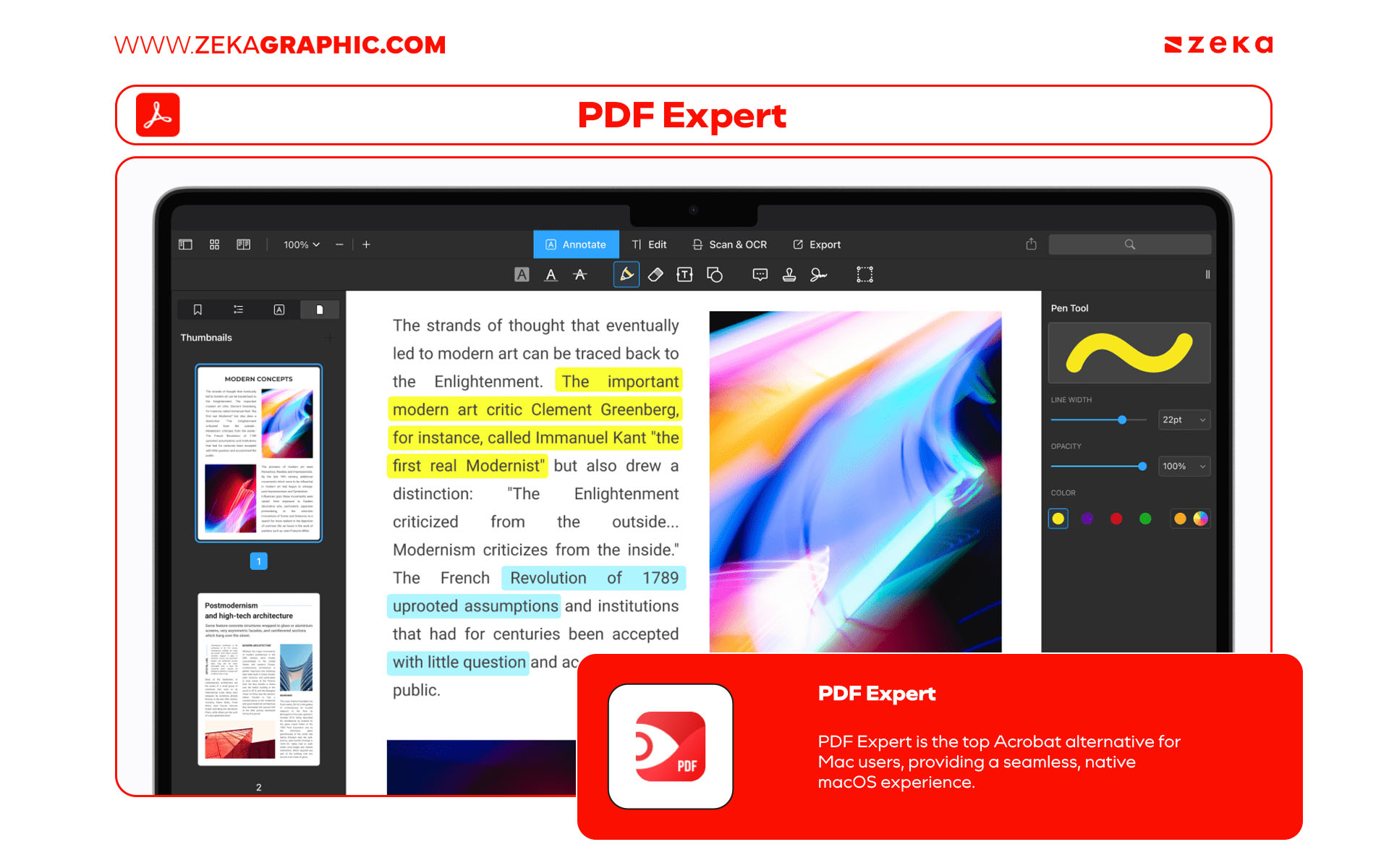
If you work inside the Apple ecosystem, PDF Expert is one of the smoothest PDF editors you can use.
The interface feels incredibly polished, responsive, and minimal — very aligned with macOS itself. It loads documents quickly and makes editing, annotating, reorganizing, and signing PDFs feel effortless.
For Mac-based graphic designers, it’s one of the cleanest Acrobat replacements available.
Why Designers Choose PDF Expert

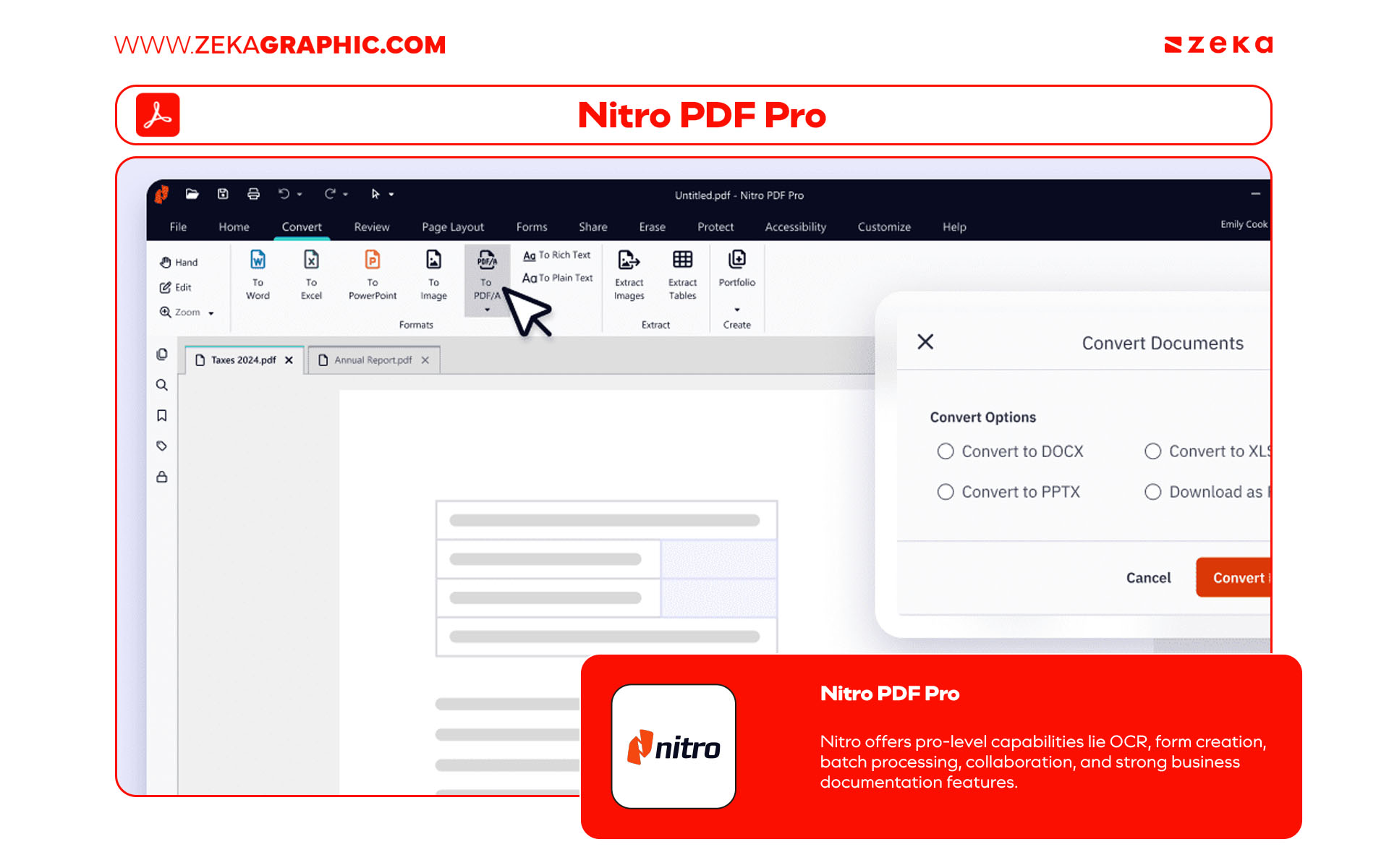
Nitro PDF Pro is built for high-volume workflows.
It’s especially useful for studios, agencies, or freelancers handling contracts, presentations, business proposals, forms, or large document systems regularly.
Nitro focuses heavily on productivity. Features like batch processing, collaboration tools, OCR, digital signatures, and workflow automation make repetitive PDF tasks much faster.
Why Designers Choose Nitro PDF Pro

Advertisment
The best Adobe Acrobat alternative depends entirely on your workflow.
Some designers need lightweight PDF tools for quick edits and client previews. Others need advanced OCR, batch processing, collaboration tools, or full document editing for studio-level projects.
Tools like PDF-XChange and Smallpdf are perfect for speed and simplicity, while PDFelement, Foxit, and Nitro PDF Pro offer more advanced professional features. For Mac users, PDF Expert remains one of the cleanest and fastest PDF editors available.
The good news: you no longer need Adobe Acrobat to have a professional PDF workflow. Faster interfaces, better pricing, cleaner UX, and flexible editing tools have made modern Acrobat alternatives more practical than ever for graphic designers.

If you found this post useful you might like to read these post about Graphic Design Inspiration.
Advertisment
Written by
If you like this post share it on your social media!
Advertisment
Advertisment